
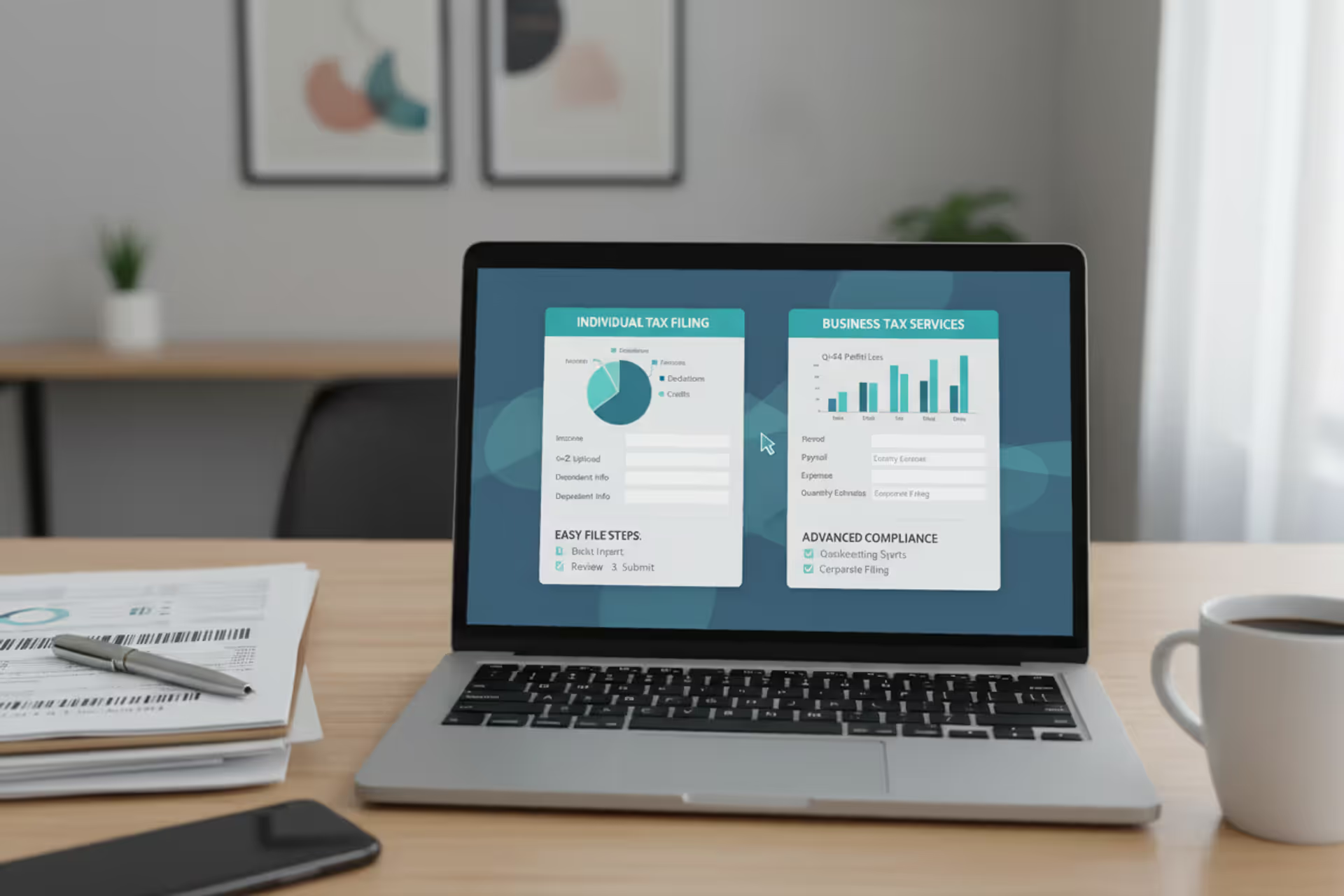
Tax preparation software interface on laptop with tax documents on desk
Types of Tax Software for US Taxpayers

Choosing the right tax preparation software can save you hours of frustration and potentially hundreds of dollars. The US tax software market offers dozens of products, each designed for different filing scenarios, technical preferences, and budgets. Understanding how these products differ helps you avoid paying for features you won't use or selecting a platform that can't handle your specific tax situation.
How Tax Software Categories Are Organized
Tax software categories follow several classification systems that often overlap. The most common way to organize these products is by user type—whether you're an individual filer, self-employed person, or tax professional. Another classification looks at complexity levels, ranging from simple W-2 returns to multi-state filings with investment income and rental properties.

Author: Benjamin Carte;
Source: atiservicesoftampa.com
Price tier represents another major dividing line. Products typically fall into free, budget (under $60), mid-tier ($60-$120), and premium (over $120) categories for federal returns, with state returns adding $30-$60 per state. Filing method—whether you download software to your computer or work entirely online—creates yet another distinction.
The IRS itself maintains a classification system through its Free File program, which partners with software companies to offer free filing for taxpayers earning below specific income thresholds. For the 2026 tax year, this threshold stands at $79,000 in adjusted gross income.
Tax software types explained through these multiple lenses help consumers narrow their search. A self-employed graphic designer earning $65,000 might qualify for IRS Free File but need software robust enough to handle Schedule C business expenses—a combination that eliminates most basic free options but opens up specific Free File Alliance products designed for self-employment.
Free vs. Paid Tax Software Options
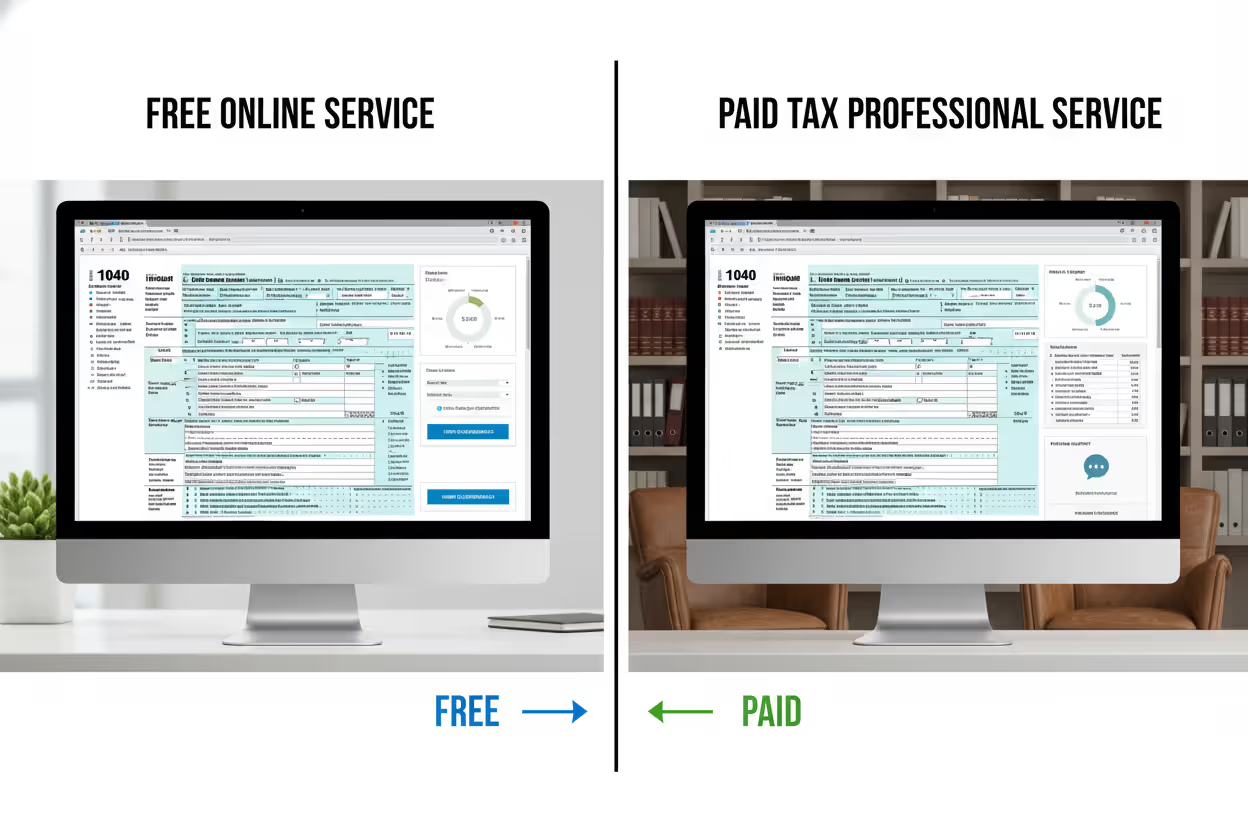
Free tax software falls into three distinct categories, each with different limitations. IRS Free File Alliance products offer genuinely free federal and sometimes state filing for those meeting income requirements. These aren't stripped-down versions—they include the full range of forms and schedules. The catch is strict income limits and sometimes age requirements.
Freemium models represent the second category. Companies like TurboTax and H&R Block advertise "free" filing but limit it to the simplest returns: single W-2, standard deduction, no dependents, no credits beyond the Earned Income Tax Credit. The moment you need to report freelance income, stock sales, or rental property, the software prompts an upgrade to a paid tier. State returns almost always cost extra in freemium models.
The third category includes truly free software like IRS Free Fillable Forms, which essentially replicates paper forms in digital format. You receive no guidance, no calculations beyond basic arithmetic, and no error checking. Tax professionals sometimes use these for straightforward returns when they want complete control without software "help."
Paid tax software options range from $40 budget versions handling most common situations to $200+ packages that include audit defense, live CPA consultations, and priority support. The kinds of tax software in paid tiers differ mainly in included features rather than form availability. A $50 product can usually handle the same forms as a $150 product, but the expensive version might offer side-by-side return comparison for married couples, rental property calculators, or unlimited amended returns.
One common mistake: assuming free means limited accuracy. IRS Free File products use the same calculation engines as paid versions. The difference lies in income eligibility and occasionally in customer support quality, not in mathematical precision.
Author: Benjamin Carte;
Source: atiservicesoftampa.com
Desktop vs. Online Tax Software
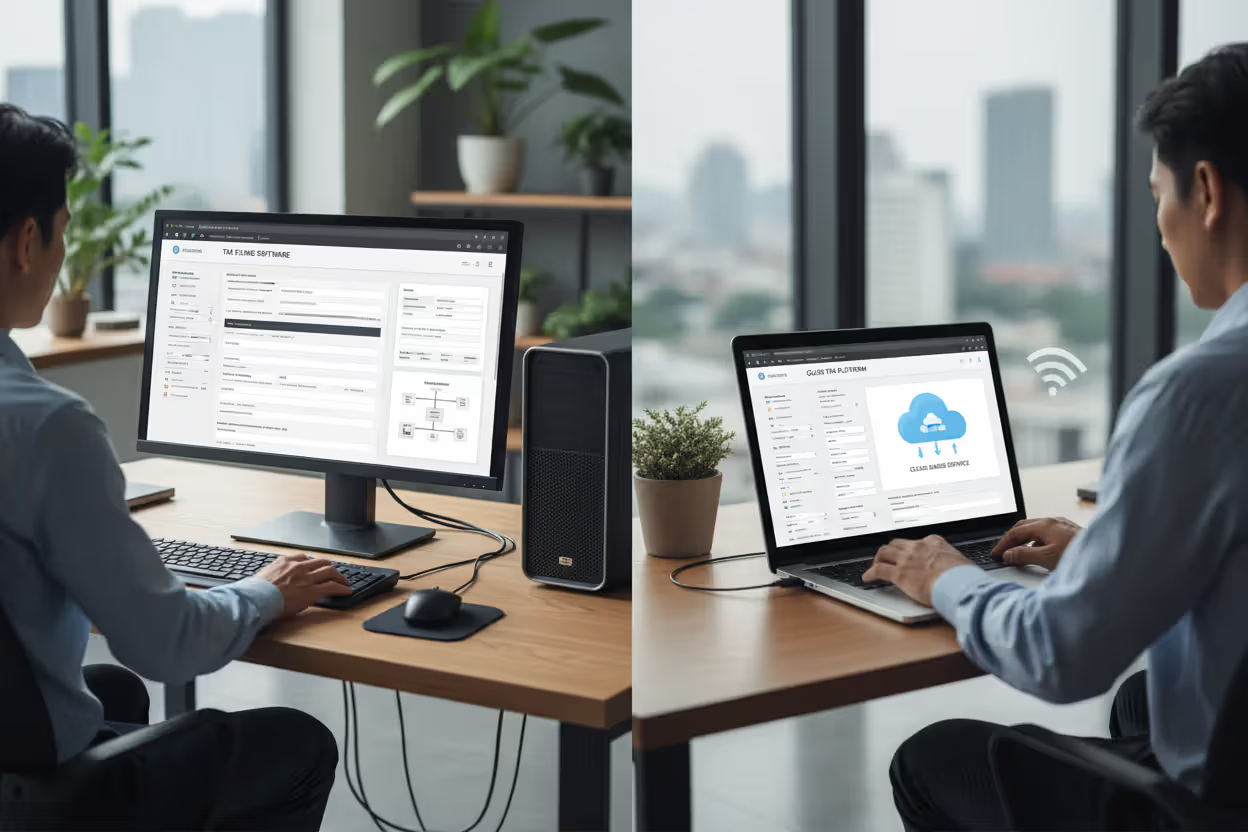
Desktop tax software requires downloading and installing a program on your Windows or Mac computer. You work entirely on your local machine, with internet access needed only for e-filing and updates. Online platforms run in your web browser, storing your return data on the company's servers.
Desktop versions offer several advantages. Your tax data stays on your computer until you choose to transmit it. You can work without internet connectivity—helpful if you're reviewing documents at a vacation home with spotty Wi-Fi. Desktop software often costs less per year since you're not paying for cloud storage and server access. Programs like H&R Block Desktop and TaxAct Desktop typically run $20-$40 cheaper than their online equivalents.
The downsides matter too. Desktop software ties you to one computer unless you manually transfer files. Updates require downloads rather than automatic background refreshes. If your hard drive fails without backups, your return disappears. Desktop products also require minimum system specifications—older computers sometimes struggle with current-year software.
Online tax software eliminates installation hassles and works on any device with a browser. You can start your return on a work computer during lunch, continue on your tablet that evening, and finish on your phone while waiting at the dentist. Data syncs automatically across devices. Companies maintain backups, so you won't lose your return to hardware failure.
The trade-off involves data control and subscription models. Your sensitive financial information lives on corporate servers, subject to their security practices. Most online platforms operate on pure subscription models—you pay each year regardless of whether the software meaningfully changed. Desktop products sometimes allow you to use last year's version for simple returns, though tax law changes make this risky.
Internet speed affects online software performance. Uploading multiple PDF documents for audit trails or working through complex schedules can feel sluggish on slower connections. Desktop software handles large documents more smoothly once installed.
Author: Benjamin Carte;
Source: atiservicesoftampa.com
Tax Software for Different Filing Situations
Software for Simple Returns (W-2 filers, standard deduction)
Simple return software targets single or married filers with W-2 income, standard deduction, and common credits like the Child Tax Credit or Earned Income Tax Credit. These products emphasize speed and simplicity over comprehensiveness.
Most major providers offer a simple-return tier, often free or under $40 for federal filing. The interface asks basic questions in plain English, automatically fills forms, and completes returns in 30-60 minutes. Features like import-from-last-year and automatic W-2 import via employer identification reduce data entry.
The limitation hits when your situation changes. Got married mid-year? Sold some stock your grandmother gifted you? Contributed to an HSA? Each addition might push you into a higher software tier. A list of tax software for simple returns includes Cash App Taxes (completely free regardless of complexity), TaxSlayer Simply Free, and FreeTaxUSA Basic.
Software for Self-Employed and Small Business Owners
Self-employment adds Schedule C, quarterly estimated tax calculations, home office deductions, and vehicle expense tracking. Software for this category costs $80-$150 for federal returns and includes features specifically for business owners.
Quality products offer expense categorization guidance, mileage tracking integration, and Section 179 depreciation calculators. Some connect directly to accounting software like QuickBooks or FreshBooks, importing income and expense data automatically. This integration prevents the error-prone process of manually transferring hundreds of transactions.
TurboTax Self-Employed and H&R Block Premium & Business include quarterly tax estimate calculators that project your tax liability based on year-to-date income. This helps avoid underpayment penalties. They also flag commonly missed deductions—the home office deduction, business use of phone, professional development courses.
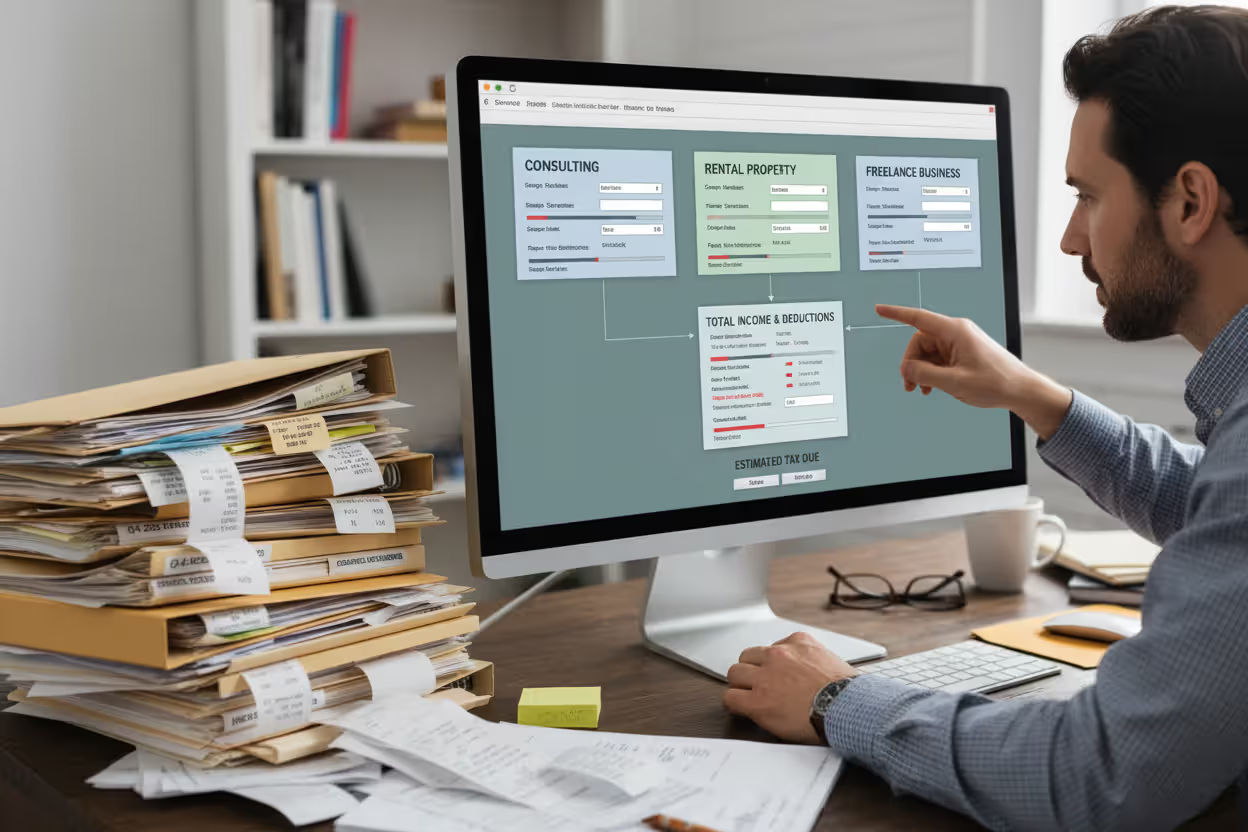
A significant consideration: does the software handle multiple businesses? If you run both a consulting practice and a rental property business, some products require separate Schedule C entries with distinct expense tracking. Others blend everything together, creating reconciliation headaches.
Author: Benjamin Carte;
Source: atiservicesoftampa.com
Software for Investors and Rental Property Owners
Investment income and rental properties introduce capital gains calculations, depreciation schedules, passive activity loss limitations, and wash sale tracking. Tax software categories for investors range from basic (handling simple stock sales) to advanced (managing complex options strategies and cryptocurrency transactions).
Premium tiers from major providers include these features, but specialist products sometimes handle investment complexity better. TurboTax Premier and H&R Block Premium both import brokerage data from major firms, automatically categorizing short-term versus long-term gains and calculating cost basis using methods like FIFO or specific identification.
Rental property features should include depreciation calculators that track basis adjustments over multiple years, passive loss carryforward tracking, and separate accounting for multiple properties. If you own rental properties across state lines, the software must handle nonresident state returns—a feature not universal even in expensive packages.
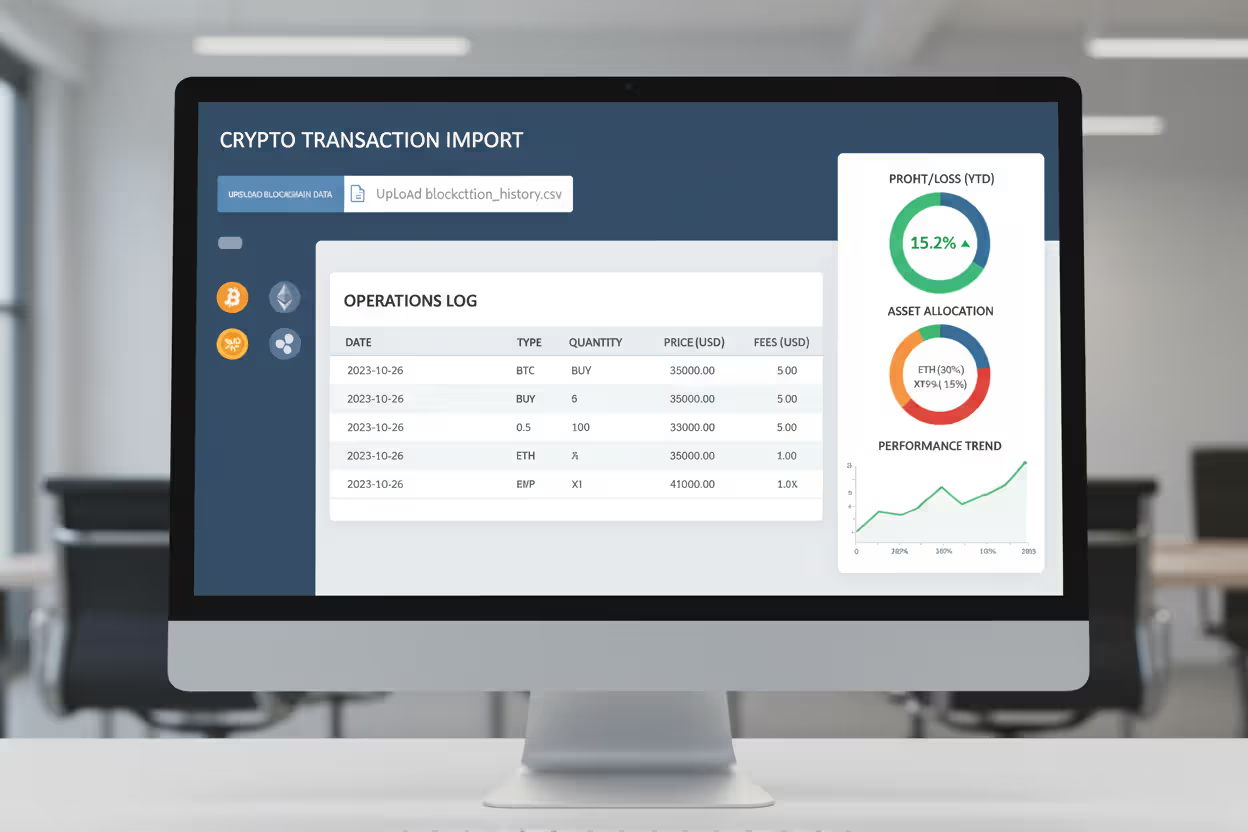
Cryptocurrency transactions create unique challenges. You need software that imports transaction data from exchanges, calculates gain/loss for each trade (potentially thousands per year for active traders), and properly categorizes hard forks and airdrops. Products like CoinTracker or CryptoTrader.Tax specialize in crypto but require integration with your main tax software.
Author: Benjamin Carte;
Source: atiservicesoftampa.com
Software for Complex Tax Situations
Complex situations include multiple states, foreign income, estate and trust returns, alternative minimum tax calculations, or specialized credits like the Foreign Tax Credit. These returns often span 50+ pages and involve circular calculations where one form's output affects another's input.
Premium software versions ($120-$200) handle most complex individual situations. They include all forms and schedules, step-by-step guidance for unusual situations, and audit support. However, they still target individual filers rather than tax professionals.
The real question for complex returns: when does DIY software stop making sense? If you're spending 15+ hours preparing your return, making estimated tax payment errors that trigger penalties, or feeling uncertain whether you've optimized your tax situation, the $300-$600 cost of a CPA might deliver better value than $150 software plus your time.
Some complexity indicators that push toward professional help: foreign bank account reporting (FBAR), controlled foreign corporations, installment sales spanning multiple years, or net operating loss carryforwards. Software handles the forms, but the strategic decisions—like whether to elect out of installment sale treatment—benefit from professional judgment.
Professional Tax Software vs. Consumer Versions
Professional tax software serves CPAs, enrolled agents, and paid preparers who file returns for multiple clients. These products cost $1,000-$5,000+ annually and include practice management features, unlimited returns, multi-user access, and direct communication with the IRS Practitioner Priority Service.
The kinds of tax software in the professional category include Drake Tax, Lacerte, ProSeries, and UltraTax CS. They offer capabilities consumer software lacks: batch e-filing for dozens of returns simultaneously, detailed audit trail reports showing every change made to a return, and integration with client management systems.
Professional software assumes tax knowledge. It won't guide you through whether you qualify for a deduction—it expects you to know and simply provides the forms. The interface prioritizes speed for experienced preparers over hand-holding for novices. You can jump directly to any form, override calculated fields, and work in multiple returns simultaneously.
Consumer software, by contrast, uses interview-style question flows. It asks about your life situation in plain language, then determines which forms you need behind the scenes. Error checking is more aggressive, blocking obviously incorrect entries. The software assumes you're learning as you go.
One gray area: some professional products offer scaled-down versions for individuals who prepare only their own return. These cost $100-$200 and provide professional-grade features without practice management tools. Tax professionals sometimes use these for personal returns to avoid conflicts with their firm's professional software license.
The tax software types explained in professional versus consumer terms ultimately reflect different users. Professionals value efficiency, flexibility, and batch processing. Consumers prioritize guidance, error prevention, and reasonable pricing for a single annual use.
Mobile Tax Apps vs. Full-Featured Platforms
The biggest mistake taxpayers make is choosing tax software based solely on advertising or price.Your tax situation should drive the decision. A self-employed person using free software designed for W-2 filers will miss deductions and potentially trigger errors. Conversely, someone with a simple return doesn't need $150 software with features they'll never touch. Match the tool to the job, and don't be afraid to upgrade if your situation becomes more complex
— Jennifer Martinez
Mobile-first tax apps let you complete and file returns entirely on a smartphone. Products like TurboTax Mobile, H&R Block Mobile, and Cash App Taxes offer iOS and Android apps with photo-based W-2 import, simplified interview flows, and touch-optimized interfaces.
These apps work well for straightforward returns. You photograph your W-2, answer questions about dependents and deductions, review your refund amount, and e-file—all in 20-30 minutes. The convenience of filing during your commute or while waiting for an appointment appeals to many taxpayers.
Limitations emerge with complexity. Entering dozens of stock transactions on a phone keyboard becomes tedious. Reviewing multi-page forms on a 6-inch screen causes eye strain. Mobile apps often lack advanced features present in desktop/web versions—detailed audit trails, side-by-side comparison of filing status options, or comprehensive tax planning tools.
Full-featured platforms accessible via desktop browser or installed software provide larger screens, easier data entry, and complete feature sets. You can open multiple windows to compare last year's return while preparing this year's, import large CSV files of investment transactions, and print detailed worksheets showing calculation methodology.
The practical approach for many taxpayers: use mobile apps for simple returns or initial data entry, then switch to desktop/web for complex situations or final review. Most providers sync data across platforms, so you can start on your phone and finish on your computer.
One caution: "mobile app" doesn't always mean full functionality. Some apps are companions to desktop software, offering document upload or refund tracking but not complete return preparation. Read carefully whether the app handles your entire filing or just supplements a web-based platform.
Comparison of Major Tax Software Types
| Software Type | Best For | Price Range | Key Features | IRS Free File Eligible |
| Free online | AGI under $79,000, simple to moderate complexity | $0 federal, $0-$20 state | Full form access, basic support, e-filing | Yes, through Free File Alliance |
| Freemium | W-2 only, standard deduction, no dependents | $0 federal, $30-$40 state | Limited forms, upsell prompts, basic guidance | No |
| Premium online | Self-employed, investors, rental property, complex situations | $80-$200 federal, $40-$60 per state | All forms, live support, audit defense, prior-year access | No |
| Desktop | Privacy-focused users, multiple returns, offline work | $60-$150 federal, $30-$50 per state | One-time purchase, local storage, no internet required for prep | No |
| Professional | Tax preparers, CPAs, enrolled agents with multiple clients | $1,000-$5,000+ annually | Unlimited returns, batch processing, practice management | No |
| Mobile-only | Simple W-2 returns, tech-comfortable users, on-the-go filing | $0-$60 federal, $30-$40 state | Photo import, simplified interface, limited features | Sometimes |
Frequently Asked Questions About Tax Software Types
Selecting among tax software options requires matching your filing complexity, technical comfort, and budget to product capabilities. Start by assessing your tax situation: count your income sources, list your deductions and credits, and note any unusual circumstances like multi-state filing or foreign accounts.
Next, determine your comfort level with tax concepts. If terms like "adjusted gross income" and "itemized deduction" feel foreign, prioritize software with extensive guidance and plain-language explanations. Experienced filers who understand tax principles might prefer faster, less hand-holding interfaces.
Price matters, but don't default to the cheapest option. Paying $80 for software that handles your rental property correctly beats using $40 software that miscalculates depreciation, triggering a $500 tax bill correction later. Conversely, don't overpay for features you won't use—a $200 package with audit defense makes little sense if your straightforward W-2 return carries minimal audit risk.
Consider the ecosystem beyond tax season. Some software providers offer year-round tax planning tools, quarterly estimated tax reminders, and integration with financial planning platforms. If you're self-employed, software that tracks expenses throughout the year and feeds directly into your tax return saves enormous time compared to December shoebox accounting.
The tax software landscape will continue evolving, with artificial intelligence improving error detection, mobile capabilities expanding, and pricing models shifting. Regardless of these changes, the fundamental principle remains: the best tax software is the one that accurately handles your specific situation at a price that reflects the value you receive. Review your needs each year rather than defaulting to last year's choice, and you'll consistently find the right balance of features, ease of use, and cost.
Related Stories

Read more

Read more



The content on this website is provided for general informational and educational purposes only. It is intended to explain concepts related to tax filing, tax software, IRS forms, deadlines, and general tax preparation processes.
All information on this website, including articles, guides, and examples, is presented for general educational purposes. Tax filing requirements may vary depending on individual circumstances, income sources, residency status, and applicable laws.
This website does not provide tax, legal, or financial advice, and the information presented should not be used as a substitute for consultation with a qualified tax professional or advisor.
The website and its authors are not responsible for any errors or omissions, or for any outcomes resulting from decisions made based on the information provided on this website.