
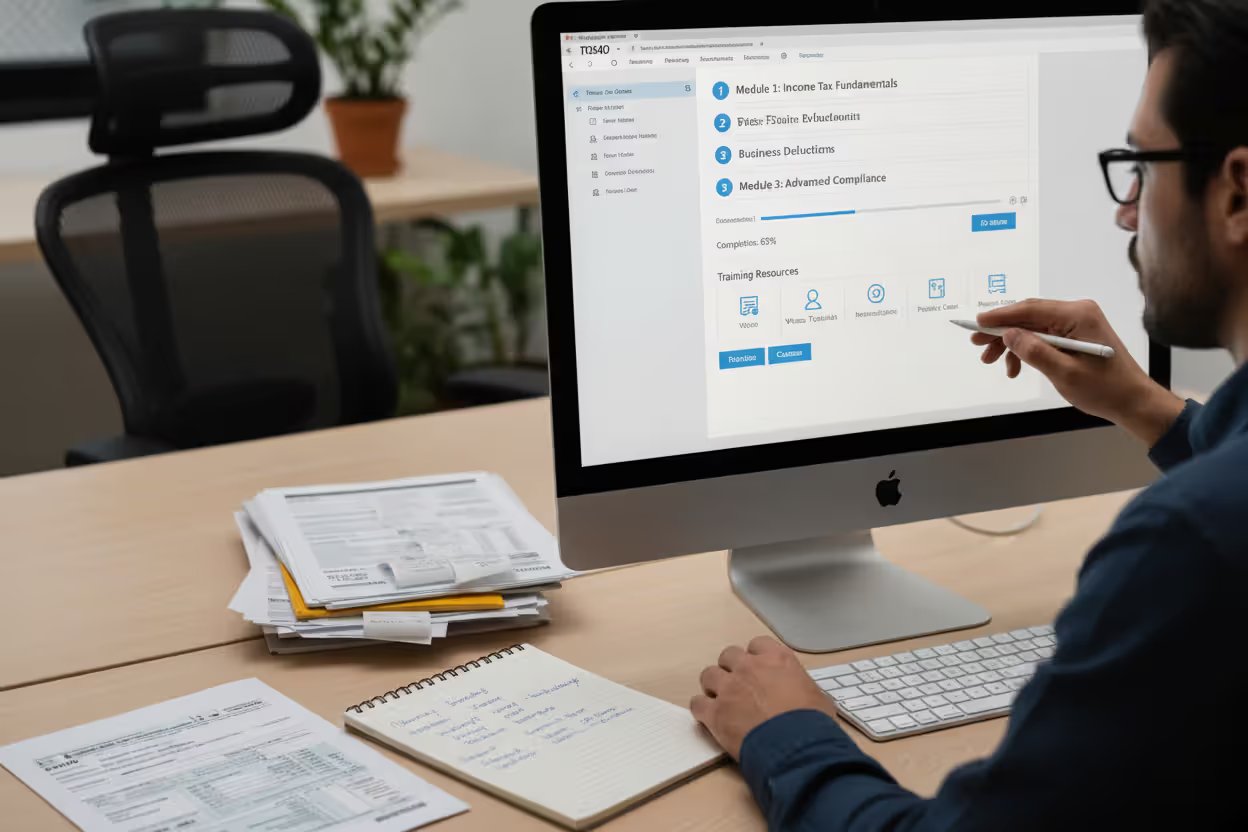
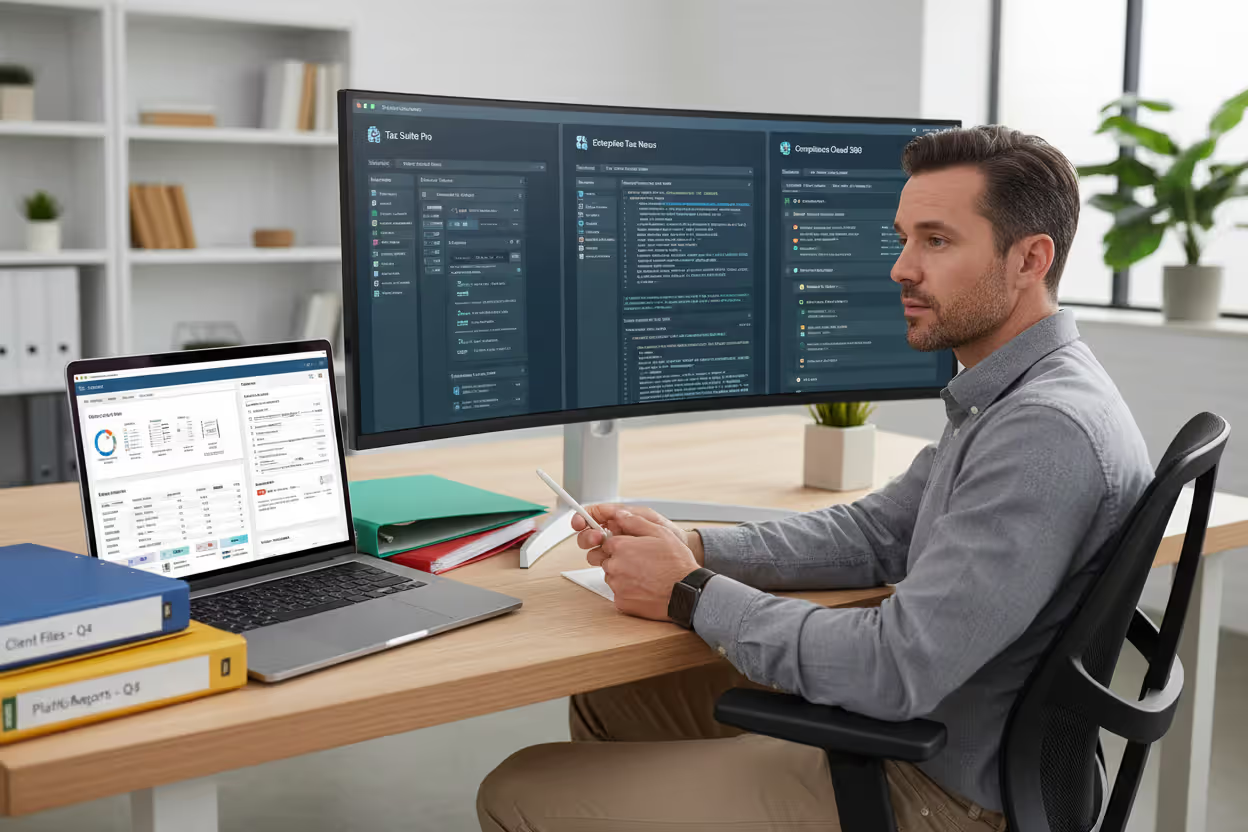
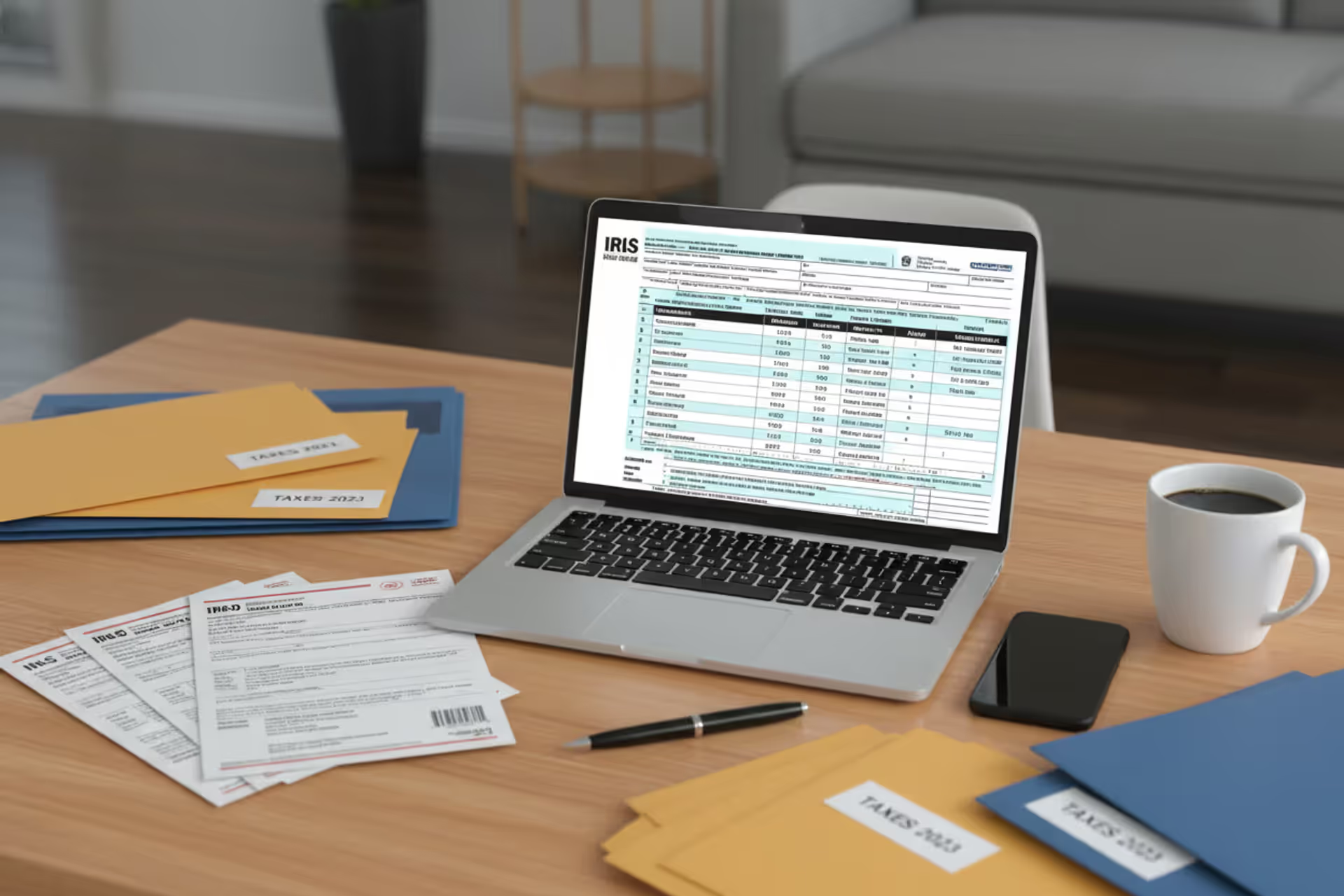
Tax professional working with tax preparation software in a modern office
Tax Software Training Guide for Professionals

Mastering tax preparation software has become non-negotiable for accounting professionals who want to stay competitive. Whether you're a newly licensed tax preparer or a CPA looking to modernize your practice, structured training on professional tax platforms determines how efficiently you serve clients and how many returns you can process during peak season.
The shift toward digital tax preparation accelerated dramatically after the pandemic, and by 2026, nearly all professional tax preparers rely on specialized software rather than manual calculations. Yet many practitioners still struggle with inefficient workflows, underutilized features, and costly errors—problems that proper training eliminates.
Why Tax Software Training Matters for Your Career
Professional tax software handles complex calculations, form generation, e-filing, and client management simultaneously. Without proper training, preparers typically use only 30-40% of their software's capabilities, spending unnecessary hours on tasks that could be automated.
Trained professionals complete individual returns 60-70% faster than those who learned through trial and error. For a practice processing 300 returns per season, this efficiency gap translates to hundreds of billable hours—or the ability to take on significantly more clients without extending work hours.
Accuracy improves dramatically with structured training. The IRS reported that professionally prepared returns using certified software have error rates below 1%, compared to 21% for paper returns. Trained preparers understand validation rules, diagnostic messages, and how to leverage built-in compliance checks that catch mistakes before submission.
Client trust hinges on competence. When you can navigate software confidently during client meetings, answer questions about return status instantly, and explain calculations clearly using software reports, you project professionalism that justifies premium fees. Clients notice when preparers fumble through interfaces or can't access basic information quickly.
The job market heavily favors candidates with documented software proficiency. Firms hiring for tax season specifically list software experience in job postings, and many require certification in their preferred platform before considering applicants. Independent practitioners who can demonstrate expertise across multiple platforms command higher contract rates.
Author: Olivia Pembroke;
Source: atiservicesoftampa.com
Types of Tax Software Training Programs
Self-Paced Online Tutorials
Most software vendors provide on-demand video libraries, written guides, and interactive simulations that users access anytime. These resources work well for experienced preparers switching platforms or those needing refreshers on specific features.
Self-paced formats typically cost $0-$300 depending on depth. Free vendor tutorials cover basic navigation and common forms, while paid courses dive into complex scenarios like multi-state returns, partnership allocations, or estate tax calculations.
The main drawback: no immediate feedback when you're stuck. Self-directed learners must troubleshoot independently, which can lead to ingrained bad habits if you misunderstand a concept early on. Budget 40-60 hours for comprehensive self-study on a new platform, spread over 4-8 weeks.
Instructor-Led Courses
Live training—whether virtual or in-person—provides real-time guidance and the ability to ask questions specific to your practice. Instructors typically walk through full return scenarios, demonstrate workflow optimization, and share field-tested shortcuts.
These courses run $400-$1,200 for 2-3 day intensives. Professional associations, software vendors, and private training companies all offer instructor-led options. Virtual sessions have become the standard format, reducing travel costs while maintaining interactivity through screen sharing and breakout exercises.
The investment pays off through faster competency development. Most attendees feel confident handling routine returns after a well-structured 2-day course, compared to weeks of self-study. The networking opportunities with other tax professionals also provide ongoing peer support.
Vendor-Specific Certification Programs
Certification programs combine structured curriculum with proficiency testing. Vendors like Intuit, Drake, and Thomson Reuters offer multi-level certification tracks that validate your expertise with their platforms.
Entry-level certifications typically require 20-30 hours of coursework plus a proctored exam covering navigation, data entry, form generation, and troubleshooting. Advanced certifications address specialized topics like business returns, multi-state taxation, or practice management features.
Costs range from $300-$800 per certification level. Many firms reimburse employees for certification expenses and offer bonuses upon completion. The credentials appear on vendor directories, generating referral opportunities from clients searching for certified preparers in their area.
How to Choose the Right Tax Prep Software to Learn
Your career trajectory should drive software selection. Solo practitioners serving individual clients need different capabilities than firm employees preparing complex business returns. If you're targeting small business owners, prioritize platforms with robust Schedule C and K-1 handling. Estate planning specialists need software with strong gift and estate tax modules.
Market prevalence matters significantly. Research which platforms dominate your geographic area or target industry. In many regions, 3-4 software solutions account for 80% of professional use. Learning a niche platform might offer less competition but severely limits your employment options and referral network.
Consider the client base you're building. High-net-worth clients often expect their preparers to use enterprise-grade software like Lacerte or UltraTax CS, associating these platforms with expertise. Budget-conscious clients care less about the specific software and more about your fees and availability.
IRS compliance features should be non-negotiable. All professional platforms must support e-filing and include current-year forms, but quality varies in diagnostic accuracy, error prevention, and audit support tools. Platforms with weaker validation might let obvious errors through, exposing you to liability and IRS inquiries.
Evaluate total cost of ownership beyond training expenses. Software licensing, annual updates, e-filing fees, and support contracts add up quickly. Some platforms charge per return, others use flat annual fees. Factor these ongoing costs into your pricing strategy and profitability calculations.
Author: Olivia Pembroke;
Source: atiservicesoftampa.com
Popular Tax Software Platforms and Their Training Options
Intuit ProConnect (formerly Lacerte and ProSeries) dominates the professional market with a 35% share. Intuit offers extensive free training through their ProConnect Training Hub, including live webinars, recorded sessions, and searchable knowledge bases. Their certification program, ProAdvisor Tax, includes 15 hours of training plus an exam. The platform's interface resembles consumer TurboTax, making it relatively intuitive for new users. Best suited for practices handling 50-500 returns annually across individual and small business clients.
Drake Tax appeals to cost-conscious professionals with unlimited return pricing and straightforward interfaces. Drake provides free training webinars year-round, comprehensive PDF manuals, and an active user forum. They don't offer formal certification but have a "Drake University" self-paced learning portal covering all major tax scenarios. The software excels at batch processing and data import, making it popular with high-volume practices. Firms processing 300+ returns often choose Drake for its predictable costs and efficiency.
Thomson Reuters UltraTax CS serves the high-end market, particularly firms handling complex business entities and high-net-worth individuals. Training comes through Thomson Reuters University, offering both self-paced modules and instructor-led courses ranging from $500-$1,500. Their certification program requires passing rigorous exams demonstrating mastery of advanced tax concepts alongside software proficiency. The platform integrates tightly with other CS Professional Suite products for practice management and document management.
TaxSlayer Pro targets newer preparers and smaller practices with competitive pricing and simplified workflows. Their free training includes video tutorials, practice mode with sample returns, and live support during tax season. TaxSlayer doesn't currently offer certification but provides completion certificates for training modules. The platform emphasizes speed and ease of use, making it popular for tax preparation franchises and seasonal preparers.
CCH Axcess Tax (formerly ProSystem fx) serves mid-to-large firms with cloud-based infrastructure and sophisticated workflow management. Wolters Kluwer, the parent company, offers extensive training through CCH Learning, with courses ranging from $300-$1,000. Their certification program focuses on both software proficiency and tax technical knowledge. The platform's learning curve is steeper but rewards users with powerful automation and scalability.
| Software | Training Format | Certification Available | Approximate Training Cost | Best For |
| Intuit ProConnect | Self-paced, instructor-led, webinars | Yes (ProAdvisor Tax) | $0-$500 | Solo practitioners, small firms, individual returns |
| Drake Tax | Self-paced, webinars, documentation | No (completion certificates only) | $0-$200 | High-volume practices, cost-conscious firms |
| UltraTax CS | Self-paced, instructor-led | Yes (multi-level) | $500-$1,500 | Large firms, complex business returns, HNW clients |
| TaxSlayer Pro | Self-paced videos, practice mode | No | $0 | New preparers, seasonal staff, franchises |
| CCH Axcess Tax | Self-paced, instructor-led | Yes | $300-$1,000 | Mid-to-large firms, cloud-focused practices |
Tax Software Certification Requirements and Benefits

Author: Olivia Pembroke;
Source: atiservicesoftampa.com
Certification programs verify that you can operate software competently under real-world conditions. Requirements typically include completing prerequisite training modules, demonstrating proficiency through practice exercises, and passing a proctored exam with scenarios mirroring actual client situations.
Entry-level certifications focus on core competencies: navigating the interface, entering client data accurately, generating common forms (1040, Schedules A-E), understanding diagnostic messages, and completing e-file transmission. Exams usually allow 2-3 hours and require 70-80% scores to pass.
Advanced certifications tackle specialized areas like corporate returns (1120, 1120S), partnership taxation (1065), multi-state allocations, or specific industries (real estate, healthcare, nonprofits). These credentials often require annual renewal through continuing education, ensuring your skills stay current with tax law changes and software updates.
The credibility boost affects multiple aspects of your practice. Certified preparers appear in vendor directories that potential clients search when looking for qualified professionals. Many clients specifically request certified preparers, viewing the credential as quality assurance similar to EA or CPA designations.
Income potential increases measurably with certification. Industry surveys show certified preparers charge 15-25% higher fees than non-certified peers for comparable services. The credential justifies premium pricing by demonstrating investment in professional development and validated expertise.
Employment opportunities expand significantly. Firms hiring for tax season often require or strongly prefer candidates with certification in their software platform, viewing it as evidence of serious commitment rather than casual interest. Certified candidates typically negotiate higher hourly rates or salary positions.
Proper tax software training isn't optional anymore—it's foundational to practice quality and efficiency. I've seen preparers cut their return completion time in half after certification, while simultaneously reducing errors and client callbacks. The software becomes a force multiplier rather than just a digital calculator
— Robert Chen
Tax Software Onboarding Best Practices for Firms
Structured onboarding prevents the chaos that typically accompanies tax season hiring. Start new staff on software training at least 6-8 weeks before peak season, not during the February rush when everyone's overwhelmed. Early training allows time for questions, practice, and confidence-building without deadline pressure.
Create a progressive competency model with clear milestones. Week one might cover navigation and simple W-2 returns. Week two adds itemized deductions and Schedule C basics. Week three introduces multi-form returns and state complications. This graduated approach prevents information overload and lets trainers identify knowledge gaps early.
Pair new users with experienced mentors for their first 10-15 returns. Mentors review completed returns before supervisor sign-off, providing immediate feedback on common mistakes and suggesting efficiency improvements. This peer learning accelerates skill development and builds team cohesion.
Measure competency objectively through timed exercises and accuracy checks. Have trainees complete sample returns independently, then compare their work against expert-prepared versions. Track metrics like time per return, diagnostic errors caught, and accuracy of complex calculations. These measurements identify who's ready for client work versus who needs additional training.
Common onboarding mistakes include rushing through training to meet staffing needs, assuming prior software experience transfers directly to your platform, and failing to document firm-specific procedures. Each firm has preferred workflows, naming conventions, and quality control steps that aren't part of vendor training. Document these internal standards and incorporate them into onboarding.
Invest in practice environments where trainees can experiment without affecting live client data. Most platforms offer training modes or demo accounts specifically for this purpose. Encourage exploration and experimentation—users who understand why features exist learn faster than those who memorize button sequences.
Schedule regular check-ins during the first season. Weekly 15-minute meetings to discuss challenges, share tips, and troubleshoot problems prevent small issues from becoming ingrained bad habits. These sessions also reveal software features that might benefit the entire team.

Author: Olivia Pembroke;
Source: atiservicesoftampa.com
Frequently Asked Questions About Tax Software Training
Tax software training represents one of the highest-return investments you'll make in your tax preparation career. The efficiency gains, error reduction, and professional credibility gained through proper training compound over every tax season throughout your career.
Start with honest assessment of your current skill level and career goals. Match your training approach to your learning style—self-paced works for disciplined self-starters, while instructor-led suits those who benefit from structure and immediate feedback. Prioritize certification if you're building a client-facing practice or seeking employment with established firms.
Don't try to master everything simultaneously. Focus first on the return types you'll handle most frequently, then expand into specialized areas as your practice grows. Most preparers develop deep expertise in 2-3 areas rather than superficial knowledge across all tax scenarios.
Treat software training as ongoing professional development, not a one-time event. Tax laws change annually, software updates add new features, and your practice will evolve into new service areas. Successful tax professionals dedicate 10-20 hours yearly to continuing software education, staying ahead of changes rather than scrambling to catch up.
The difference between adequate and excellent software skills often determines whether your practice thrives or merely survives. Clients increasingly expect fast turnaround, accurate results, and professional presentation—all outcomes that proper training delivers consistently. Your investment in mastering tax software pays dividends through every client interaction, every return prepared, and every referral earned through demonstrated competence.
Related Stories

Read more
Read more



The content on this website is provided for general informational and educational purposes only. It is intended to explain concepts related to tax filing, tax software, IRS forms, deadlines, and general tax preparation processes.
All information on this website, including articles, guides, and examples, is presented for general educational purposes. Tax filing requirements may vary depending on individual circumstances, income sources, residency status, and applicable laws.
This website does not provide tax, legal, or financial advice, and the information presented should not be used as a substitute for consultation with a qualified tax professional or advisor.
The website and its authors are not responsible for any errors or omissions, or for any outcomes resulting from decisions made based on the information provided on this website.