

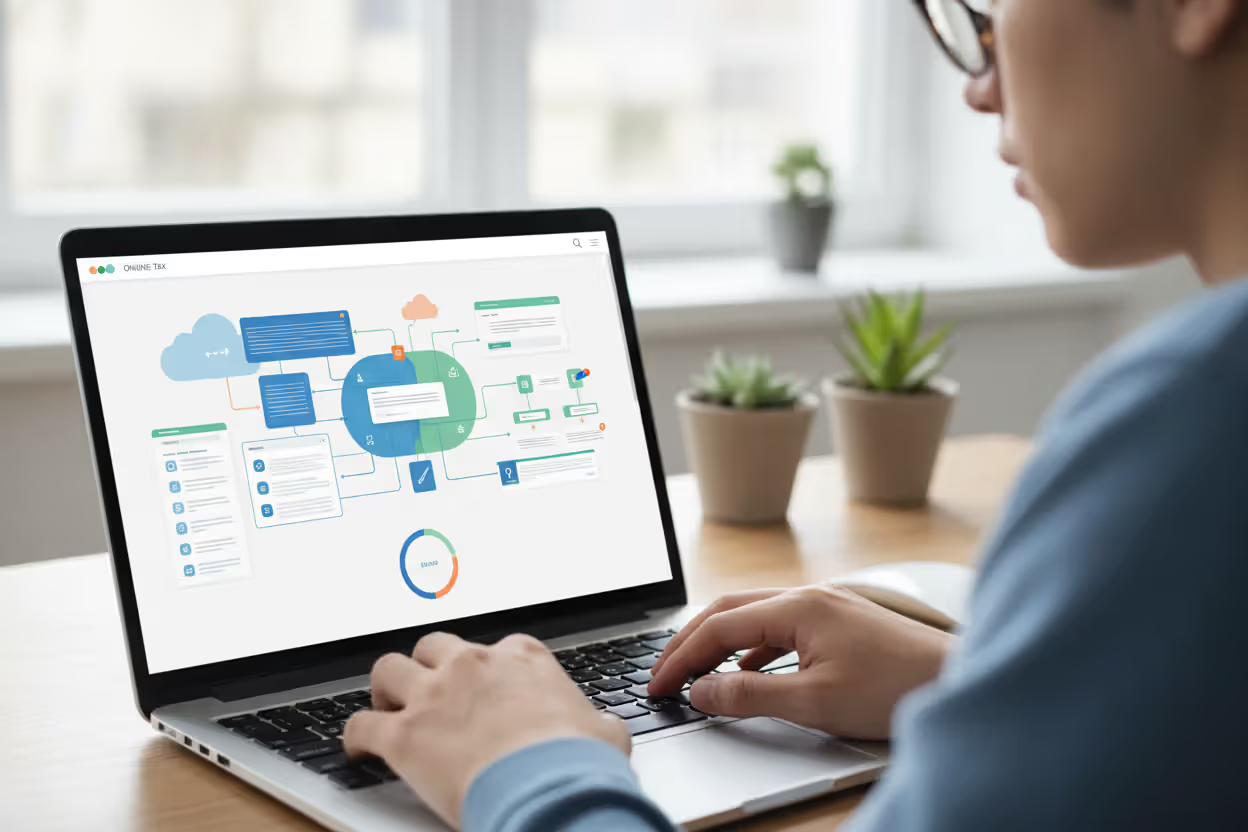
Person filing taxes online at home using a laptop
Online Tax Software Guide

Remember when tax season meant spreading paper forms across your kitchen table, armed with a calculator and correction fluid? That era's basically over. Last year alone, the IRS processed over 160 million individual returns—and roughly 90% came through electronically. Most of those filers never touched desktop software or sat in an accountant's waiting room. They logged in through Chrome or Safari, worked through their return during lunch breaks, and hit "submit" from their couch.
What's driving this shift? Sure, convenience plays a role. But there's something bigger happening: these platforms have cracked the code on translating the IRS's labyrinth of regulations into questions normal humans can actually answer. Got a side hustle selling handmade jewelry on Etsy? The software doesn't assume you know what Schedule C means—it just asks about your business income and expenses in plain English.
What Is Online Tax Software and How Does It Work
Author: Olivia Pembroke;
Source: atiservicesoftampa.com
Think of this technology as tax preparation that lives entirely on the internet. Nothing downloads to your laptop. You need a browser (Firefox, Edge, Safari—take your pick) and a decent connection. Your tax data sits on the company's servers, which means starting your return on your work computer Monday, then picking up where you left off on your iPad that weekend actually works. That's the fundamental promise of web based tax software: your progress follows you around.
Here's what happens behind the curtain. These platforms run on cloud tax software infrastructure—massive server networks that store your information and handle all the calculations. Change your W-2 income from $52,000 to $58,000? The system recalculates your tax liability in milliseconds. Every number updates across every form simultaneously. No manual math, no wondering if you carried a figure correctly.
The interview approach feels more like a conversation than form-filling. The software might ask, "Did you sell any investments this year?" Click yes, and suddenly you're answering questions about stock sales. But you never see Schedule D unless you specifically ask to view actual forms. The platform builds that form in the background, populates it with your answers, and performs all the capital gains calculations. You just answer questions; it handles the technical translation.
When you finish and review everything? Browser-based tax software transmits directly to the IRS through their e-file system. Usually within a day, the IRS computers send back an acceptance message—or a rejection if something's wrong (mismatched Social Security number, duplicate filing, that sort of thing). State returns? Same process, different destination. The platform routes your state data to whatever department handles taxes in your state—Department of Revenue, Comptroller's office, Franchise Tax Board—the names vary, but the electronic submission works identically.
One underrated advantage: updates happen automatically and invisibly. Tax law changes in March? The software provider pushes updated calculations to their servers, and you're working with current rules the next time you log in. No "please download version 2.3.4" nonsense. You're always using the current version by default.

Author: Olivia Pembroke;
Source: atiservicesoftampa.com
Types of Online Tax Software Available
The market's genuinely diverse now. You'll find options whether you're filing the simplest possible return or running a multi-state S-corporation. Knowing which category matches your situation saves time and money.
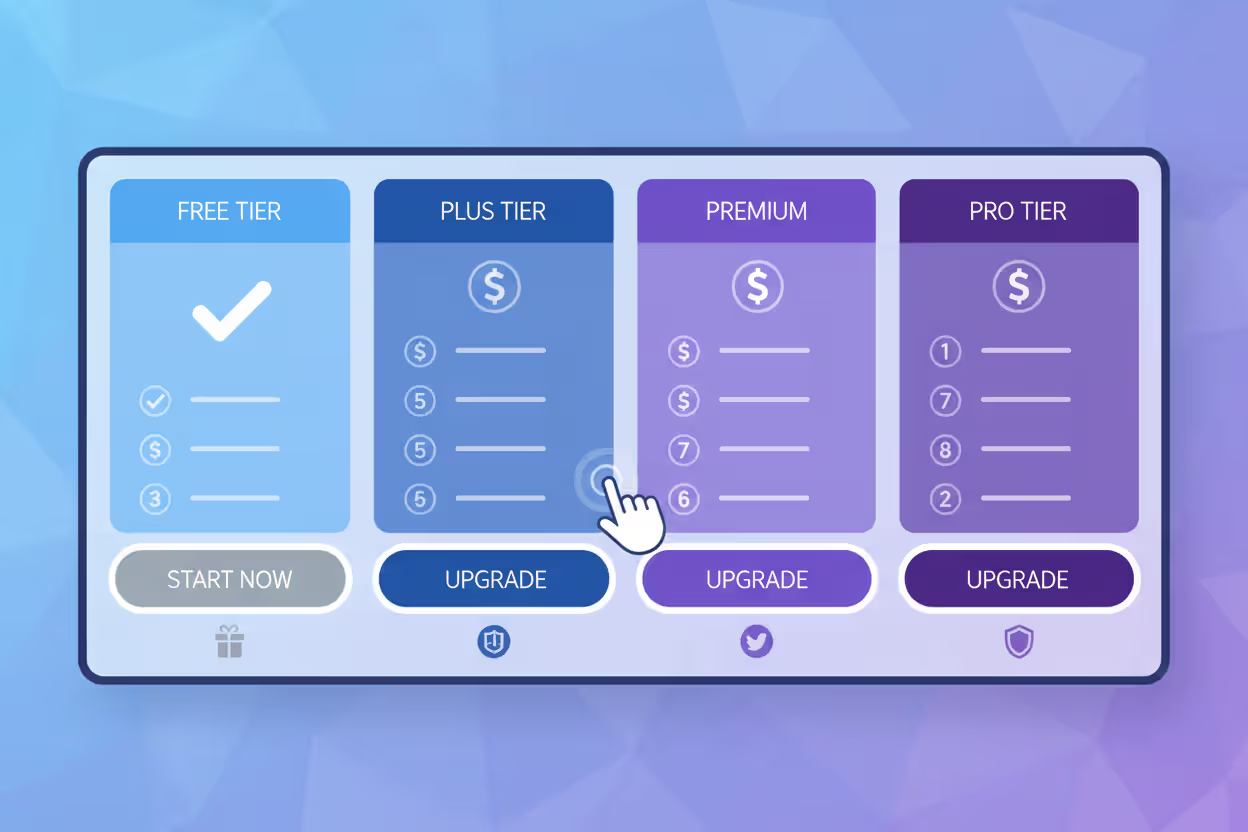
Free vs. Paid Options
Free tiers exist because companies want you in their ecosystem, hoping you'll eventually pay for upgrades or recommend them to friends. These versions handle what tax preparers call "1040-EZ situations"—single W-2, standard deduction, maybe a student loan interest deduction. Earned Income Tax Credit qualifies for many free programs too, since the IRS incentivizes providers to help lower-income filers.
But free has boundaries. Own rental property? That'll be $69, please. Sold stock? Probably need the $89 tier. Self-employed? You're looking at $119 minimum. The awkward moment comes when you're 45 minutes into a "free" return and discover your situation requires upgrading. Most platforms let you switch tiers without losing work, but now you're paying when you expected free.
The $60-90 range covers most people who itemize deductions or have investment accounts. You get mortgage interest, charitable donations, dividend income, capital gains—basically everything except business ownership. State returns tack on another $35-45 per state.
Premium tiers ($100-160) target business owners, landlords with multiple properties, people with stock options or cryptocurrency transactions, and anyone who wants phone access to actual tax professionals instead of chat bots. Whether premium features justify the cost depends entirely on how much hand-holding you want versus how much you value your time.
Self-Employed and Business Solutions
Freelance graphic designers, Uber drivers, Etsy sellers, consultants—you need online software to do taxes that includes Schedule C without making you feel like you need a degree in accounting. Self-employment editions handle things like deducting your home office (they'll walk through the square footage calculations) or tracking mileage (some even include year-round mileage apps that sync with your tax return).
The expense categorization matters more than you'd think. Did that $1,200 MacBook repair count as equipment maintenance or a capital expense requiring depreciation? Good self-employment software explains the difference and helps you make the right call. Same with that conference in Austin—was it travel, education, or marketing? The categories affect your taxes, and quality platforms guide you through the distinctions.
Business entities add complexity. Partnerships file Form 1065 and issue K-1s to partners. S-corps use Form 1120-S. C-corporations file Form 1120. Most consumer-grade platforms top out at Schedule C (sole proprietorship). If you've formally structured as an LLC taxed as a partnership or corporation, you're looking at specialized business tax software—think $300-600 annually—or you should just hire a CPA because you're beyond DIY territory.
State and Federal Filing Capabilities
Federal's universal—every platform handles it. State coverage gets weird. The major players (TurboTax, H&R Block, TaxAct, FreeTaxUSA) cover all 50 states. Smaller or newer platforms might skip states with small populations. If you live in Wyoming or Vermont, verify coverage before investing time in your return.
Multi-state scenarios get messy fast. Say you lived in New Jersey until June, then moved to North Carolina. You need part-year resident returns for both states. Now layer in that you kept your New Jersey job and worked remotely from North Carolina. New Jersey wants to tax that income (you worked for an NJ employer). North Carolina wants to tax it too (you physically worked from NC). Quality internet tax filing software understands these reciprocal agreements and tax credits that prevent double-taxation. Budget platforms might generate both state returns but leave you puzzled about why you owe both states $3,000.
City and local taxes trip people up. Work in Columbus, Ohio? That's 2.5% city income tax on top of state tax. Live in Yonkers and work in Manhattan? New York City nonresident tax plus Yonkers resident tax. Philadelphia, Detroit, Kansas City—dozens of localities impose their own income taxes. Not every platform supports local returns. Check this before committing, or you'll end up filing your local return manually anyway.

Author: Olivia Pembroke;
Source: atiservicesoftampa.com
Key Features to Look for When Choosing Tax Software
Not all platforms compete equally across all dimensions. Match capabilities to what actually matters for your return—paying for features you won't use makes no sense.
Import functionality varies wildly in execution. The best platforms connect to over 100,000 employers and financial institutions. You enter your employer's name, authenticate through their payroll system, and your W-2 data flows directly into your return. Same with 1099-DIV from Vanguard, 1099-INT from Capital One, 1099-NEC from Upwork. The alternative? Manually typing strings of numbers, praying you don't transpose digits. One typo—entering $5,428 instead of $5,248—and you've overstated income by $180. That costs you roughly $40-50 in unnecessary tax. So yeah, robust import networks matter.
Deduction finders separate good software from great software. Basic implementations show a checklist: educator expenses, job search costs, charitable donations. Better platforms interview you proactively. "You mentioned you're a teacher—did you buy classroom supplies with your own money?" Then: "How much did you spend? Do you have receipts showing the dates and amounts?" The really sophisticated ones estimate values based on typical patterns. Donated three bags of clothes to Goodwill? They'll suggest $150-200 as a reasonable value and generate a donation log you can print and keep with your records.
Audit support represents the biggest variance in value. Entry-level might be nothing beyond a PDF explaining what audits involve. Mid-tier could include phone consultation—you can call and ask questions if you get audited, but they won't actually deal with the IRS for you. Premium audit defense means a licensed professional (CPA, enrolled agent, or tax attorney) becomes your representative. That person receives IRS correspondence, communicates on your behalf, and handles the entire audit process. If you're taking aggressive positions—like claiming your fishing boat as business equipment because you're a part-time fishing guide—that representation has real value.
Accuracy guarantees sound reassuring until you read the fine print. They cover calculation errors made by the software itself. Entered your income correctly, but the software applied the wrong tax rate? Covered. Misread your W-2 and typed $60,000 instead of $50,000? Not covered—that's user error. Most guarantees cap reimbursement at $10,000 for penalties and interest. A few providers offer unlimited coverage, which matters if you've got a complex return with six-figure income.
Mobile capability ranges from "technically possible" to "actually usable." Some platforms let you enter data on your phone but force you to use a desktop for reviewing forms and filing—pretty frustrating when you're traveling. Full-featured mobile apps allow completing and filing your entire return on a 6-inch screen. The interface adapts, forms become scrollable, and you can upload photos of documents instead of scanning them. If you genuinely might finish your taxes on your phone (long flight, business trip, just hate sitting at a desk), test the mobile experience before committing.
Customer support quality determines whether you're stuck or helped when confusion hits. Email-only support with 48-hour response times? You might file an extension waiting for answers. Live chat during business hours? Better, but you're typing back and forth trying to explain your specific situation. Phone support with licensed tax professionals? Now we're talking—you can actually discuss your scenario, ask follow-up questions, and get real guidance. Premium platforms often include this; budget versions rarely do. Some charge $40-60 per phone consultation even if you bought the software.

Author: Olivia Pembroke;
Source: atiservicesoftampa.com
Online Tax Software vs. Desktop Programs vs. Tax Professionals
Three fundamentally different approaches to the same goal. Your choice hinges on complexity, confidence, and what you value more: money or peace of mind.
| Factor | Online Tax Software | Desktop Programs | Tax Professionals |
| Cost | $0-$150 annually | $40-$120 one-time (annual repurchase needed) | $250-$600+ per return |
| Convenience | Work anywhere—laptop, tablet, phone | Tied to one computer | Appointment scheduling required |
| Expert Help | Chat/email standard; phone costs extra | Documentation and user forums | Direct conversation with CPA or EA |
| Audit Support | Ranges from guidance articles to full representation | Usually just form copies and instructions | Complete IRS representation included |
| Update Frequency | Instant—tax law changes apply immediately | Manual—you download updates periodically | Professional's responsibility to stay current |
| Internet Requirement | Constant connection needed | Only when e-filing return | Only for sharing documents |
| Best For | Most employees and straightforward self-employed | Privacy-concerned users and rural areas with spotty internet | Business owners, complex investments, audit risk, low confidence |
Web based tax software wins for flexibility. Started your return in January, but life got crazy? Log back in March 15th and pick up exactly where you left off. Working from a coffee shop, your office, your bedroom—doesn't matter. The automatic updates mean you're always filing with current forms, unlike desktop software where you might forget to download the February update that fixed a calculation bug affecting people in your exact situation.
The downside? You're at the provider's mercy. When TurboTax's servers crashed on deadline day a few years back, millions of people panicked. Rare, but it happens. You're also trusting them with your data—Social Security number, income, bank accounts. They encrypt everything and follow IRS security standards, but breaches have happened.
Desktop programs appeal to control enthusiasts and people with terrible internet. You buy it once (though realistically, you buy it annually because tax laws change), install it on your computer, and your data never leaves your machine except when you transmit your completed return. If you live in rural Montana where internet's spotty, desktop software makes sense. You work offline, then drive to town with better connectivity to e-file.
The hassle? It's stuck on that one computer unless you buy multi-device licenses. Updates require checking manually and downloading patches. And you're paying $50-120 every year anyway because last year's version doesn't include this year's forms.
Tax professionals make sense when your gut says "I'm in over my head." Inherited a house that was also a rental property, sold it at a loss, but took depreciation for three years? That exceeds most people's comfort level. Got divorced, started a business, and moved to a different state—all in the same year? The $400 you pay a CPA buys not just accuracy but confidence that someone who does this daily has reviewed your situation.
Professionals also serve as insurance. Mess up on your own and get audited? You're responding to IRS letters solo, hoping you understand what they want. File through a CPA and face audit? They handle it—their professional reputation depends on defending their work. That's valuable.
Some people split the difference: complete everything in online tax software, then pay a CPA $150-200 to review it before filing. Gets you professional validation without paying for full preparation.
Here's what most people miss about these platforms: their real value isn't just making filing easier—it's making tax knowledge accessible to people who'd otherwise need professional help. When you're answering interview questions, you're actually learning what affects your taxes and why. That said, they work best when you resist the urge to blast through the questions like a quiz. Speed's the enemy. Thoughtfulness wins
— Marcus Chen
How Much Does Online Tax Software Cost
Pricing seems straightforward until you actually start filing. Then surprise charges appear. Understanding the structure helps you budget realistically.
Base prices run $0-$150 for federal filing depending on complexity. Simple returns with W-2 income only? Free on most platforms. Add investment income and itemized deductions? Now you're paying $70-85. Need Schedule C for business income? $100-130. Want phone support from tax professionals? Premium tier at $130-160. The trap: you don't always know which tier you need until you're partway through your return. Mid-return upgrades work fine technically, but psychologically it stings to discover your "free" filing now costs $89.
State returns add $30-50 per state. This applies per state, not per return. If you lived in Virginia for six months then moved to Tennessee, you're filing two state returns—that's $60-100 in state fees alone even though Tennessee has no income tax (you still need to file a part-year return showing when you moved). A few platforms include one state free with premium federal packages, but most charge separately.
Refund transfer fees apply when you choose "deduct fees from my refund" instead of paying upfront. Makes sense if you're broke before your refund arrives but will cost you $25-40 extra. Here's how it works: the software company advances your filing fees, submits your return, then intercepts your refund when it arrives from the IRS. They take their fees plus the transfer charge, then forward the remainder to your bank. Convenient, but expensive—that $35 fee on a $70 software purchase is effectively a 50% interest rate for a two-week loan.
Hidden fees lurk in the fine print. Want audit defense? Some platforms charge $40-60 extra. Need to amend last year's return? Another $40-60. Want to prepare multiple returns under one account (you and your college kid)? Sometimes that's extra. Phone support beyond basic questions? Could be $50 per consultation. Always check the complete fee schedule—the advertised price rarely includes everything you might need.
Promotional pricing matters more than you'd expect. File in January and pay $59 for software that costs $89 in March. Early-bird discounts run 20-40% typically. The providers want to spread server load across tax season instead of everyone hitting their systems April 10-15. Filing early also means getting your refund sooner and reducing deadline stress. Win-win.
Author: Olivia Pembroke;
Source: atiservicesoftampa.com
Common Mistakes People Make Using Online Tax Software
Even software that's genuinely intuitive can't save you from yourself. These errors happen constantly, and they're completely preventable.
Rushing through the interview causes more problems than anything else. The format feels like those personality quizzes—answer 50 questions and get results! But these answers have financial consequences. The software asks, "Did you make any home improvements this year?" You think "nope" because you don't remember, but actually you installed a new heat pump in October that qualifies for an energy credit worth $2,000. Taking five minutes to check your credit card statements versus clicking "no" reflexively? That's the difference between $2,000 less tax and walking past money on the ground.
Questions compound too. One wrong answer early eliminates entire sections later. Tell the software you weren't self-employed, and it never asks about business expenses. But what if you drove for DoorDash twice in November and made $180? That's technically self-employment income you're supposed to report. The software can only ask follow-up questions based on how you answered foundational ones.
Missing deductions happens when people don't explore beyond the main interview path. Most platforms include a "search forms" or "browse all topics" feature. Use it. Scan the list of available deductions and credits even if the software didn't ask about them. State-specific credits are especially easy to miss—solar panel credits, college savings contributions, film industry tax breaks—these vary by state and often hide unless you specifically look.
The software shows you what it asked about. It can't show you what it didn't ask about. That's your responsibility to verify.
Failing to save copies creates hassles later. You need prior-year returns for mortgage applications, FAFSA forms, loan applications, and preparing next year's taxes. Most cloud tax software stores returns for 3-7 years, but companies discontinue products or change policies. TurboTax Online from 2015 might not be accessible anymore. Download PDFs of your complete return—every schedule, every worksheet, every form—before April 15. Save them in three places: your computer, an external drive, and cloud storage (Google Drive, Dropbox, whatever). Future you will be grateful.
Ignoring warnings and error messages proves costly. When software flags something—"Your property tax deduction of $28,000 seems high for your reported home value of $185,000. Verify this amount."—investigate it. Don't just click "continue anyway." Maybe you fat-fingered an extra zero. Maybe you confused property tax with mortgage interest. Or maybe you actually did pay $28,000 because you paid two years at once, in which case you need to document that on your return. Error messages exist because the software detected something statistically unusual or mathematically impossible. Take them seriously.
Skipping form review is tempting but risky. The interview hides the actual IRS forms, which makes filing feel easier but creates blind spots. Before hitting submit, click "view forms" or "review PDF" and eyeball your 1040. Do the numbers look reasonable? Is your income where you expect? Are deductions on the right lines? This catches weird software bugs and situations where you answered questions correctly, but unusual circumstances made the software file information incorrectly.

Author: Olivia Pembroke;
Source: atiservicesoftampa.com
Frequently Asked Questions About Online Tax Software
Tax season doesn't have to mean stress and confusion. Online platforms have genuinely democratized tax filing—they've made accurate returns accessible to people who would've needed professional help 20 years ago. The combination of interview formats, automatic calculations, and direct electronic submission eliminates most opportunities for common errors.
Success requires self-awareness more than tax expertise. W-2 employee with standard deduction and maybe some student loan interest? You'll breeze through free software and save $300 compared to a tax office. Investment accounts, rental property, self-employment income, multi-state complications? You'll spend more time answering questions but likely still pay under $150 versus $400-600 for professional preparation.
The real decision point: does your situation exceed your confidence level? Simple returns—no question, use online software. Medium complexity—probably still fine with software if you're careful. High complexity or genuine confusion about your situation—spring for professional preparation or at least professional review of your DIY return.
Whatever route you choose, file early (better pricing, faster refunds, less deadline stress), answer questions thoughtfully rather than rapidly, and review your actual forms before submitting. The software handles math and form-filling. You're responsible for honest, complete answers. Get that part right and you'll be fine.
Related Stories
Read more

Read more



The content on this website is provided for general informational and educational purposes only. It is intended to explain concepts related to tax filing, tax software, IRS forms, deadlines, and general tax preparation processes.
All information on this website, including articles, guides, and examples, is presented for general educational purposes. Tax filing requirements may vary depending on individual circumstances, income sources, residency status, and applicable laws.
This website does not provide tax, legal, or financial advice, and the information presented should not be used as a substitute for consultation with a qualified tax professional or advisor.
The website and its authors are not responsible for any errors or omissions, or for any outcomes resulting from decisions made based on the information provided on this website.