

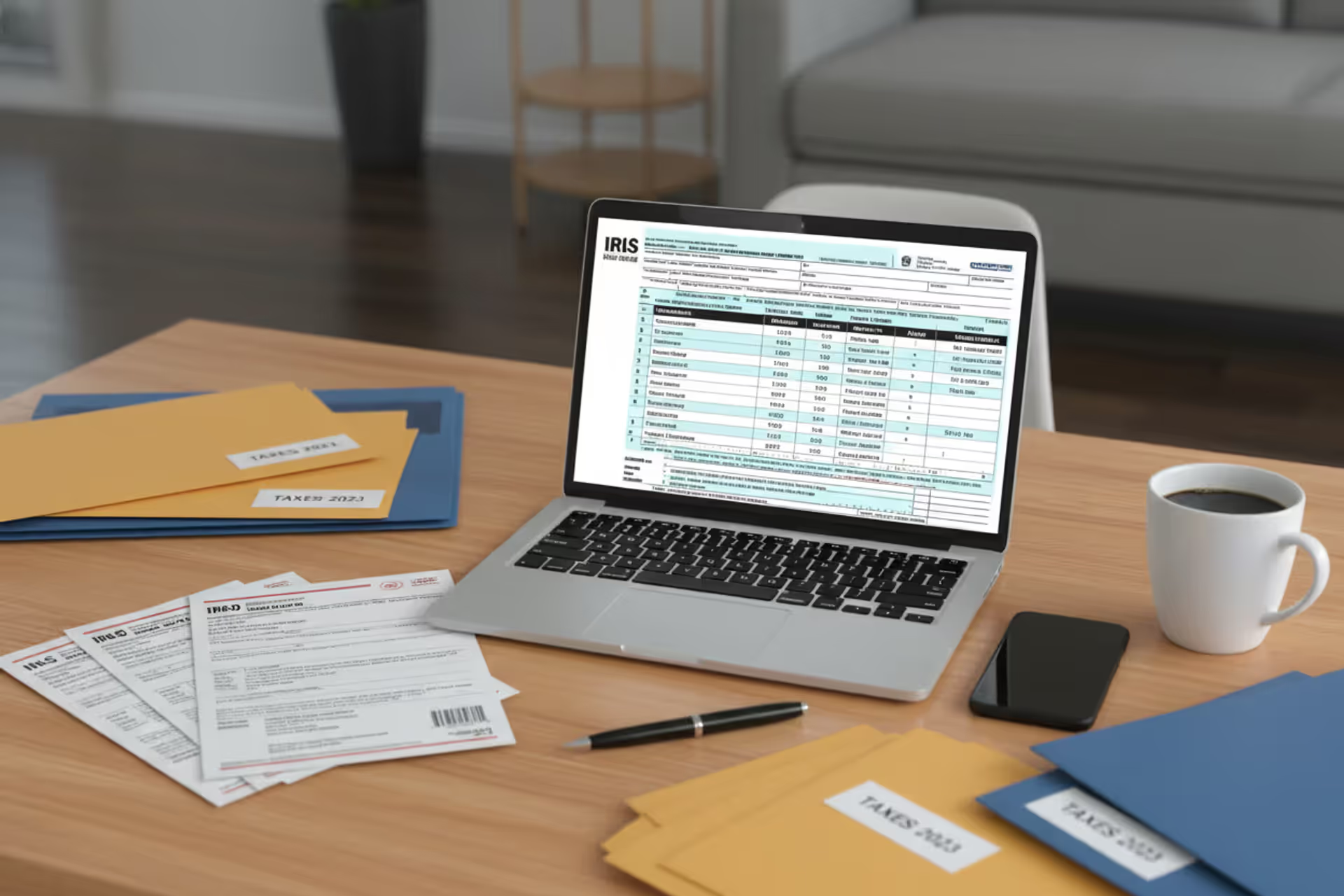
Taxpayer using online federal tax forms on a laptop
How to Use Free File Fillable Forms for Your Tax Return

The IRS makes electronic tax filing available to every American taxpayer without charging a dime. Their Free File Fillable Forms program gives you digital versions of the same paper forms you'd mail in—Form 1040 and all its schedules—that you can complete on your computer and transmit straight to the agency's systems.
Here's what makes this different from TurboTax or H&R Block: no one asks you questions about your life. No software calculates your deductions. You're looking at blank tax forms, just like the paper ones, except they're on your screen and you can submit them electronically when finished.
If you already know your way around tax forms and just want to stop paying $60–$120 for software you don't really need, this option might save you money every April. The trick is figuring out whether you're the right candidate, and how to actually use the system without making costly mistakes.
What Are Free File Fillable Forms?
The IRS developed this program as a no-cost e-filing alternative for taxpayers at any income level. Through a partnership with private contractors, they've converted standard paper forms into on-screen versions that accept typed input rather than handwriting.
You'll find Form 1040, Schedule A, Schedule C, and dozens of other common forms ready to complete. When you type a number into a field, the system handles basic math operations—adding up your income sources, subtracting your deductions, multiplying tax rates. Nothing fancy, just the calculations you'd do with a calculator if you were filling out paper forms at your kitchen table.
What you won't get is any hand-holding. The program doesn't ask "Did you pay student loan interest last year?" or suggest "You might qualify for the Saver's Credit." It won't explain what "qualified dividends" means or why capital gains get special treatment. You need to figure out which forms apply to your situation by reading the IRS instructions yourself.
Think of it this way: Guided tax software is like having a translator help you order food in a foreign restaurant. Free file fillable forms is like getting the menu in that foreign language with a dictionary sitting next to it. Both get you fed, but one requires more work from you.
The forms do include helpful features. You can save partially completed returns and come back tomorrow. The system catches some obvious errors, like forgetting to sign or entering letters where numbers should go. Some information transfers automatically—if you enter your wages on one line, that figure might populate a related calculation elsewhere.

Author: Benjamin Carte;
Source: atiservicesoftampa.com
But state taxes? Not included. After finishing your federal return, you'll visit your state's website and start from scratch. That's separate work, sometimes on clunkier systems than the IRS offers.
Who Qualifies to Use IRS Fillable Forms Online
Anyone can use them. The IRS put no income ceiling on this program, unlike the Guided Free File options (which usually cut off around $79,000 in adjusted gross income, though that threshold varies).
The better question: Should you use them?
People who benefit most:
Tax pros filing their own returns or helping family members. If you're a CPA or enrolled agent who prepares returns all day at work, you don't need software interviewing you about your own W-2. You already speak fluent IRS.
Longtime DIY filers switching from paper to electronic submission. Maybe you've filled out paper 1040s with a pen for twenty years. You know where to find each piece of information on your W-2. You understand that Schedule A is for itemizing and Schedule B tracks your interest income. You just want to stop mailing envelopes and start getting refunds deposited faster.
High earners with straightforward finances. Making $175,000 disqualifies you from most free software options, but if you've only got W-2 wages, take the standard deduction, and maybe contribute to an IRA, your return takes thirty minutes. Why pay?
Filers dealing with obscure forms. Occasionally someone needs Form 982 (Reduction of Tax Attributes) or Form 8936 (Qualified Plug-in Electric Drive Motor Vehicle Credit). Consumer software sometimes doesn't support niche forms until late in filing season. The IRS fillable version is usually available earlier.
Who should look elsewhere:
First-time filers have no frame of reference for tax forms. Taxpayers claiming the Earned Income Tax Credit face complex worksheets that are easy to mess up. Anyone who looks at IRS Publication 17 and feels confused within two paragraphs needs software that translates that jargon. Self-employed people juggling business deductions, vehicle expenses, and home office calculations might benefit from software that checks their work.
Fillable forms work beautifully for the taxpayer who's already learned how federal taxation works and just needs a free way to submit.But somebody who keeps asking 'Can I deduct this?' needs guidance, not blank forms. The money they lose by missing legitimate deductions far exceeds what decent software costs
— Michael Torres
How to Access and Complete Fillable Federal Tax Forms
Plan on spending two to three hours your first time through, even if your taxes are simple. The system requires more attention than guided software, and rushing leads to errors.
Step 1: Creating Your Account
Pull up IRS.gov in your browser and search "Free File" in their site search box. You'll land on a page listing multiple options. Look past the Guided Free File providers at the top—those are the income-restricted software options. Scroll down until you see "Free File Fillable Forms" and click that link.

Author: Benjamin Carte;
Source: atiservicesoftampa.com
The system redirects you to a partner site that hosts the actual forms. You'll need to register by providing an email address and setting up login credentials. Check your inbox for a verification message and click the confirmation link. This whole setup takes maybe five to eight minutes.
Once you're verified and logged in, tell the system what you're doing: starting a new return for tax year 2025, filing as an original return (not amended), and selecting your filing status from the dropdown menu.
Write down your username and password somewhere secure. If you don't finish in one sitting—and most people don't—you'll need these credentials to get back in.
Step 2: Selecting the Right Forms
You're now staring at a screen listing dozens of form numbers and names. Everyone needs Form 1040, so add that first.
After that, you need to determine what else applies to your situation. This is where tax knowledge matters. The system doesn't suggest anything. You're responsible for knowing which schedules your specific circumstances require.
Got a W-2 from your employer? Line 1 of Form 1040 asks for those wages—you can enter them directly. But if you also earned interest income exceeding $1,500, you need Schedule B. If you sold stock, Schedule D comes into play. Business income from freelancing means adding Schedule C. Rental property brings Schedule E into the mix.
The forms sit in your workspace alphabetically, not in logical completion order. You have to track the sequence yourself.
Here's what commonly gets added to returns:
- Schedule 1 pulls together additional income (unemployment, prize winnings, alimony) and adjustments (student loan interest, IRA contributions)
- Schedule 2 covers additional taxes like self-employment tax and net investment income tax
- Schedule 3 lists nonrefundable credits beyond the basics
- Schedule A is where itemized deductions go if you're not taking the standard deduction
- Schedule C reports profit or loss from your business
- Schedule D handles capital gains and losses from investments
- Schedule E deals with rental real estate and pass-through entity income
Each form links to official IRS instructions, but fair warning—those publications are dense. The IRS writes them for accuracy, not clarity. You might find yourself reading the same paragraph three times trying to understand whether "qualified trade or business income" applies to your consulting work.
Step 3: Filling Out and Submitting Your Return
Order matters enormously. You can't finish Form 1040 first because it pulls numbers from schedules you haven't completed yet.
Work from supporting schedules toward the main form. Let's say you freelanced this year. You'd complete Schedule C first, calculating your business profit. That profit figure goes on Schedule 1, line 3. After finishing Schedule 1, its total feeds into Form 1040, line 8. Do them backwards and you're constantly jumping between forms updating figures.
The same logic applies to any multi-step calculation. Schedule D determines your capital gain, which affects your tax calculation on Schedule 2, which feeds a number to Form 1040. Follow the trail from the most detailed supporting form up to the summary return.
Type carefully. The system performs addition and subtraction in most fields but doesn't sanity-check your inputs. Enter $500,000 instead of $50,000 for your wages? The software won't flag it as suspicious. That passes through to your final tax bill, and only months later might you realize something went terribly wrong.
Before clicking submit, run the built-in "Check Return" function. This scanner looks for obvious problems: missing signatures, blank required fields, Social Security numbers that don't match IRS records, dependents claimed by multiple people. Fix everything it identifies before proceeding.

Author: Benjamin Carte;
Source: atiservicesoftampa.com
Review your complete return top to bottom one more time. The system shows a summary listing every form included and highlighting key figures like your refund or amount owed. If something looks off, now's the time to catch it.
Print or download PDF copies before submitting. Some systems restrict access after e-filing, and you'll want these records when preparing next year's return or responding to IRS correspondence.
Ready? Hit submit. A confirmation number appears immediately—screenshot it or write it down. Within one to two days, the IRS sends an email either accepting your return (it passed their initial screening and entered processing) or rejecting it (something's wrong, fix it and resubmit).
Acceptance doesn't mean you did everything correctly, just that the return got through the door. The IRS may still review it, ask questions, or audit you later. Rejection typically involves mismatched data in their systems—a name that doesn't match your Social Security number exactly, or someone else already claimed your dependent. Log back in, correct the problem, and send it again.
Common Mistakes When Using Online Fillable Tax Forms
The lack of guidance in this system creates opportunities for errors that guided software would prevent. Watch for these pitfalls:
Arithmetic mistakes on worksheets. Many forms include worksheets embedded in the instructions where you calculate complex figures before entering them on the actual form. The system can't check math you did on scratch paper. One mistake calculating qualified business income deduction can cost you hundreds or thousands of dollars.
Leaving out necessary schedules. Form 1040 instructions reference schedules constantly, but the program won't automatically add them to your return. Miss Schedule 2 when you owe additional taxes? Your return processes with the wrong tax bill, triggering penalties and interest later.
Completing forms out of sequence. Fill out Form 1040 before Schedule 1, and you'll have blank spaces where Schedule 1's numbers should transfer. You must either remember to go back and update 1040, or start over. The system doesn't refresh dependent forms automatically when you change something earlier in the chain.
Forgetting electronic signatures. On joint returns, both spouses must e-sign using the self-select PIN method. The system prompts you during submission, but if you're rushing through, it's easy to skip one signature and get rejected.
Selecting the wrong filing status initially. Change your mind about filing status after completing multiple forms? You'll need to start fresh or manually update every single form that references it. Married Filing Jointly versus Married Filing Separately affects calculations throughout your return.
Transposing Social Security numbers. The IRS matches SSNs you enter against Social Security Administration databases. Swap two digits—even on your own number—and the return bounces back. This trips up more people than you'd expect, especially when typing quickly or working from memory.
Entering bank information incorrectly for direct deposit. Flip your routing and account numbers, or enter an account that doesn't accept electronic deposits? Your refund gets delayed by weeks while the IRS mails a paper check instead.

Author: Benjamin Carte;
Source: atiservicesoftampa.com
Ignoring the error-check tool. The "Check Return" button catches probably half of common errors before submission. Skipping it because you're confident in your work is asking for problems.
Free File Fillable Forms vs. Other IRS Free File Options
Three main approaches exist for preparing your federal return. Here's how they stack up:
| Feature | Free File Fillable Forms | Guided Free File Software | Paid Tax Software |
| Income limit | No limit—open to everyone | Usually $79,000 AGI or less (provider-dependent) | No limit |
| Tax knowledge required | Extensive—you interpret all instructions yourself | Minimal—software explains things in everyday language | Low to moderate—built-in help and suggestions |
| Form availability | Complete IRS form library | Common situations covered; complex scenarios sometimes excluded | Comprehensive federal coverage, specialized forms supported |
| State returns included | Not included—file separately | Sometimes included; sometimes extra charge | Yes, typically $15–$40 additional |
| Customer support | Technical problems only—no tax advice | Limited—varies by provider, usually email or chat | Full support—phone lines, live chat, sometimes audit defense |
| Cost | $0 | $0 federal (state varies) | $60–$200+ depending on complexity and features |
The comparison reveals fundamental tradeoffs. You're balancing cost against convenience and expertise.
Fillable forms cost nothing and accept everyone but demand you already know what you're doing. Guided free software holds your hand through the process but only serves taxpayers below income thresholds and may stumble on unusual situations. Paid software handles everything including state returns but charges fees that straightforward filers might not need.
Three variables drive your decision: how much you earn, how complicated your taxes are, and how comfortable you feel interpreting IRS instructions.
Example scenario one: You made $45,000 from one job, took the standard deduction, and paid student loan interest. Use guided free software. You qualify income-wise, and the interview format ensures you don't miss deductions.
Example scenario two: You earned $160,000 from one employer, took the standard deduction, and maxed out your 401(k). You've filed your own taxes for a decade. Use fillable forms. You don't qualify for guided free options, your return is straightforward, and you'll save $100 versus buying software.
Example scenario three: You earned $55,000 from a job plus $20,000 from rental property, sold some stocks, and freelanced on weekends. Consider paid software. Yes, you qualify for free options, but rental depreciation schedules and business expense tracking benefit from software that guides you through calculations and maximizes deductions. The $80 cost might save you $500 in taxes you'd otherwise miss.
Also factor in opportunity cost. If wrestling with fillable forms consumes six hours and your time's worth $35 per hour at your job, that "free" option effectively cost you $210. A $75 software package would've been the better economic choice. But if you find tax preparation interesting and plan to use fillable forms for years, that initial time investment pays dividends every subsequent April.

Author: Benjamin Carte;
Source: atiservicesoftampa.com
Frequently Asked Questions About Fillable Tax Forms Online
Free file fillable forms deliver exactly what they promise: no-cost electronic submission of federal tax returns for taxpayers at any income level. The system excels for people who understand tax forms already and simply want to avoid software fees while gaining the speed and convenience of e-filing.
Success requires honest evaluation of your abilities. If you've prepared your own taxes previously using paper forms and you feel comfortable reading IRS publications, fillable forms can save you $60–$150 every year. If you regularly miss deductions, struggle with tax jargon, or feel uncertain about reporting requirements, the mistakes you might make could cost more than quality software.
The system's constraints—no state returns, minimal guidance, basic error detection—make it wrong for plenty of taxpayers. But for the right person in the right situation, it delivers everything necessary: direct access to official forms, free submission to the IRS, and complete control over preparation.
Before diving in, collect all your tax documents in one place. Set aside an afternoon or evening when you won't be interrupted. Keep IRS instructions open in another browser tab as you work through each form. Run the "Check Return" function before submitting. Save your work frequently. Don't rush.
These straightforward practices prevent most errors and ensure your return reaches the IRS correctly on the first try.
Whether free file fillable forms suit your needs comes down to your specific combination of income, tax complexity, and confidence with tax preparation. Evaluate where you stand honestly, consider the alternatives, and choose the approach that balances cost, convenience, and accuracy for your particular circumstances.
Related Stories
Read more

Read more




The content on this website is provided for general informational and educational purposes only. It is intended to explain concepts related to tax filing, tax software, IRS forms, deadlines, and general tax preparation processes.
All information on this website, including articles, guides, and examples, is presented for general educational purposes. Tax filing requirements may vary depending on individual circumstances, income sources, residency status, and applicable laws.
This website does not provide tax, legal, or financial advice, and the information presented should not be used as a substitute for consultation with a qualified tax professional or advisor.
The website and its authors are not responsible for any errors or omissions, or for any outcomes resulting from decisions made based on the information provided on this website.