
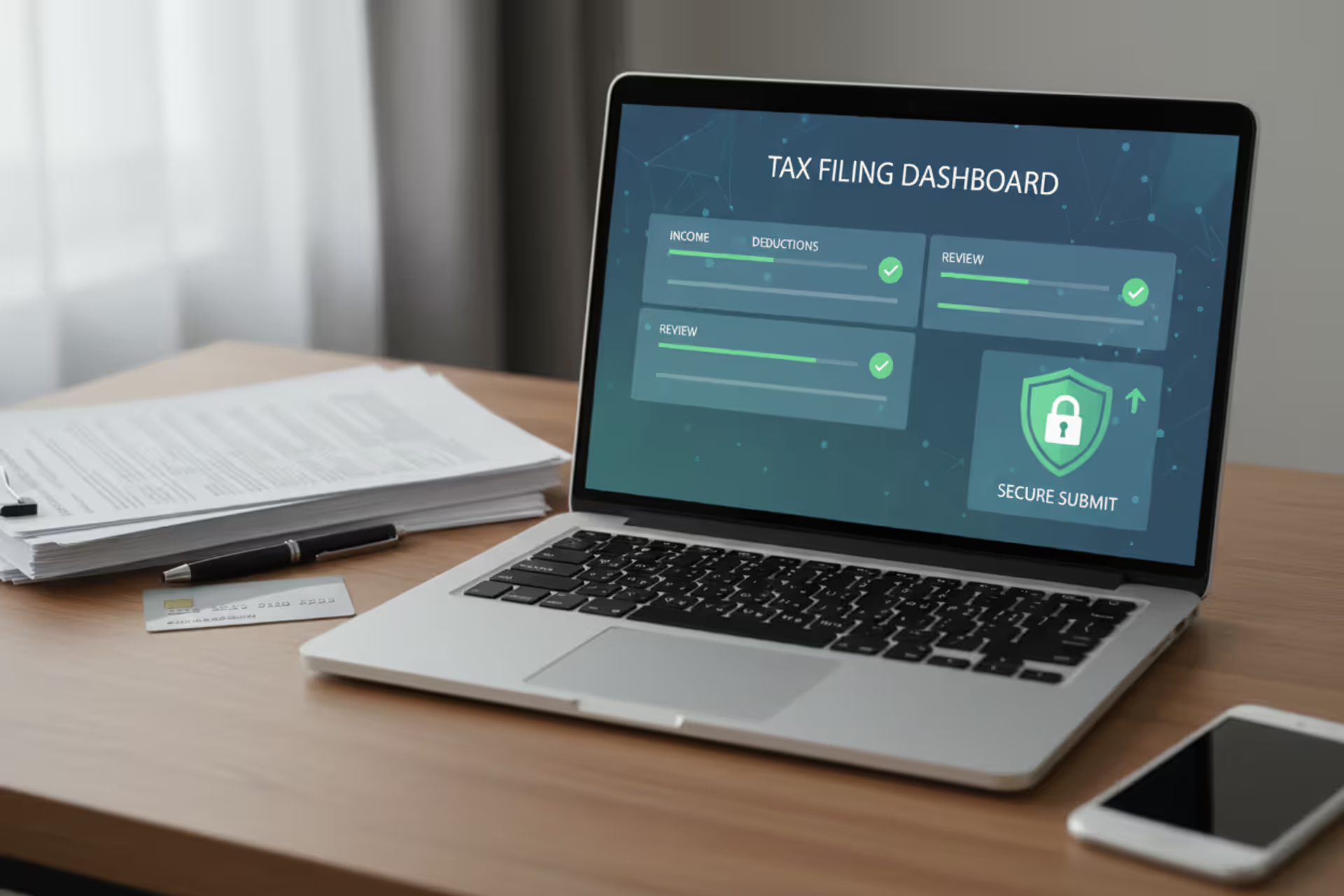
Laptop with secure tax filing interface and financial documents on desk
List of IRS Approved Tax Software for 2024 Filing Season

Content
Content
Choosing tax preparation software isn't just about convenience or price. The IRS maintains strict standards for electronic filing providers, and using unauthorized software can delay your refund, trigger compliance issues, or leave you without recourse if errors occur. Every year, millions of taxpayers rely on approved e-file software to submit returns, but not all programs meet federal requirements.
The IRS e-file program processes over 90% of all individual tax returns, and only authorized providers can transmit returns directly to the agency. Understanding which software qualifies—and why it matters—helps you avoid filing complications and ensures your return reaches the IRS securely.
What Makes Tax Software IRS Approved
The IRS doesn't endorse specific brands, but it does authorize which providers can participate in the e-file program. This authorization requires companies to pass rigorous technical and security evaluations annually.
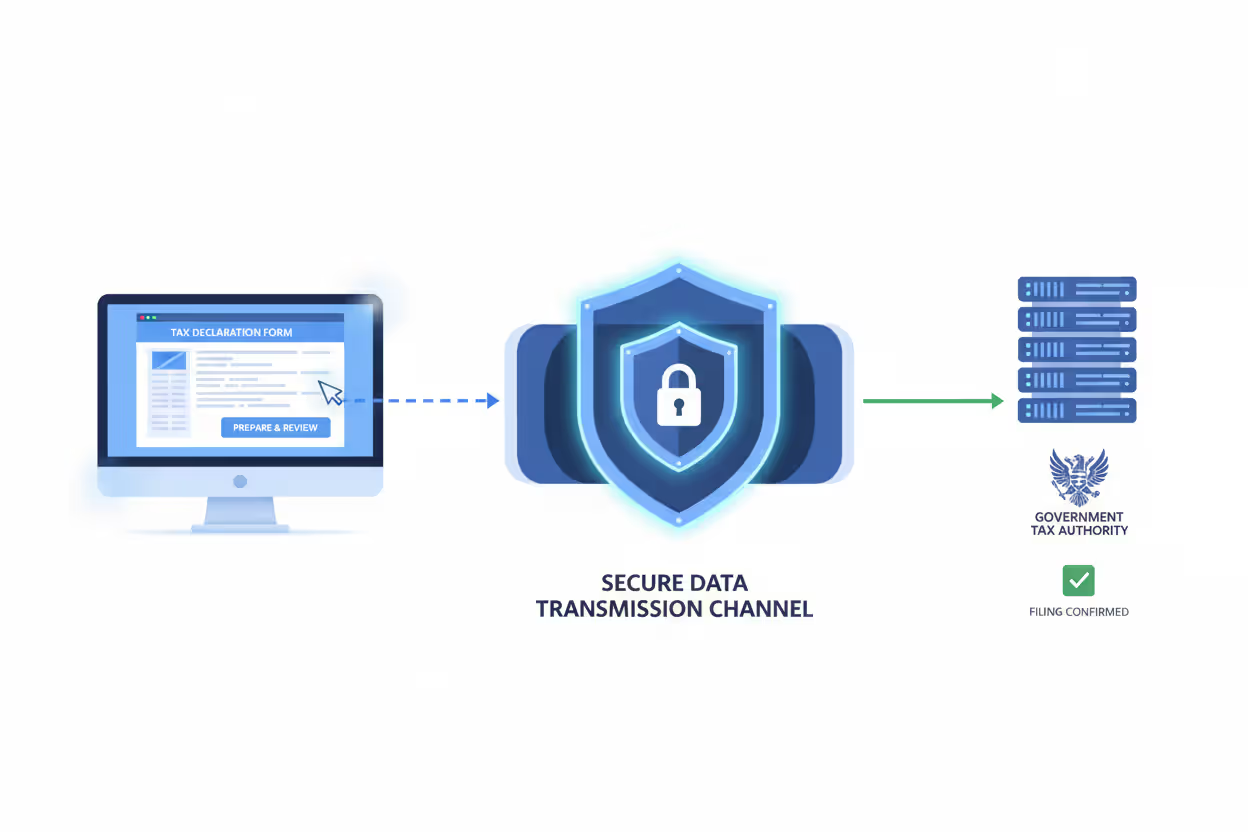
Software developers must submit applications to become IRS authorized e-file providers. The agency tests each program's ability to format returns according to IRS specifications, transmit data securely using encryption protocols, and handle acknowledgment receipts that confirm the IRS received a return. Providers must also demonstrate financial stability, maintain cybersecurity insurance, and undergo background checks for key personnel.
Approved software creates returns in a specific XML format the IRS systems can process. Non-approved programs might generate a tax return that looks correct on paper, but lacks the proper structure for electronic submission. The difference matters because paper returns take significantly longer to process—often six to eight weeks compared to three weeks or less for e-filed returns.
Author: Derek Langston;
Source: atiservicesoftampa.com
Authorization isn't permanent. The IRS reviews providers annually, and companies can lose approval if they fail security audits, experience data breaches, or violate program requirements. This annual renewal process ensures that irs approved tax software maintains current security standards and adapts to new tax law changes.
Some consumer-grade software allows you to prepare returns but doesn't include e-file capability. These programs cost less, but you'll need to print and mail your return. They're not technically "IRS approved" because they don't participate in the electronic filing system, though they may still calculate taxes accurately.
Using IRS-authorized tax software is essential for anyone filing electronically: only approved providers can securely transmit returns to the agency, meet federal e-file standards, and reduce the risk of delays, rejected submissions, or preventable compliance issues
— Editorial team
Complete List of IRS Authorized Tax Software Providers
The IRS publishes an updated list of irs e-file software list participants each filing season. For the 2026 tax year, these providers have received authorization:
Free File Alliance Members: - TaxAct (income limits apply) - TaxSlayer (income limits apply) - FreeTaxUSA (income limits apply) - OnLine Taxes (income limits apply) - FileYourTaxes.com (income limits apply) - 1040Now (income limits apply)
Commercial Software (Paid and Freemium Options): - TurboTax (Intuit) - H&R Block Tax Software - TaxAct (paid tiers) - TaxSlayer (paid tiers) - FreeTaxUSA (paid tiers) - Cash App Taxes (formerly Credit Karma Tax) - Jackson Hewitt Online - Liberty Tax - eSmart Tax - TaxHawk
Professional/Business Software: - Drake Tax - Lacerte (Intuit) - ProSeries (Intuit) - ATX Tax Software - UltraTax CS (Thomson Reuters) - TaxWise (Wolters Kluwer) - ProSystem fx (Wolters Kluwer) - CCH Axcess Tax (Wolters Kluwer) - TaxAct Professional - TaxSlayer Pro
This represents the major providers, but the complete IRS listing includes over 50 authorized participants. Some specialize in specific tax situations—self-employment, rental property, or military filers—while others target specific income ranges or state residency requirements.
The IRS separates these into two broad categories: Free File program participants who offer genuinely free federal filing to eligible taxpayers, and commercial providers who may advertise "free" versions with significant limitations. Understanding this distinction prevents surprise fees when you're ready to submit your return.

Author: Derek Langston;
Source: atiservicesoftampa.com
How to Choose the Right IRS Approved Tax Software
All authorized providers meet IRS technical standards, but they vary dramatically in features, pricing, and user experience. Your tax situation should drive your choice more than brand recognition.
Tax Complexity Assessment
If you file a straightforward W-2 return with standard deduction and no dependents, nearly any approved e-file software will work. These simple returns rarely justify paying for premium features. However, once you add Schedule C business income, rental properties, stock sales, or itemized deductions, software capabilities diverge significantly.
Some programs handle depreciation calculations poorly or limit the number of investment transactions you can import. Others charge extra for forms that should be included at your pricing tier. Before committing, verify the software explicitly supports your specific forms and schedules without upgrade fees.
Pricing Structure Transparency
Many providers advertise free filing but add charges for state returns, direct deposit, or audit assistance. Calculate your total cost including state filing before comparing options. A program with a $40 federal fee but free state filing often costs less than a "free" federal option that charges $30 per state return.
Watch for dynamic pricing that increases as your return complexity grows. Some software starts free but prompts you to upgrade when you enter certain income types. This isn't necessarily deceptive—complex returns require more sophisticated software—but it can surprise taxpayers who expect the advertised price.
State Filing Availability
Not all IRS authorized tax software supports every state. If you lived in multiple states during the year or have state-specific credits, confirm your software handles those situations. Some states have their own e-file systems separate from the federal IRS program, and not every provider participates in every state's system.
Support and Audit Assistance
The cheapest software often provides minimal human support—you'll troubleshoot issues through help articles and forums. Mid-tier options typically include email support, while premium versions offer phone access to tax professionals. Audit defense services vary widely; some provide guidance on responding to IRS notices, others offer full representation by enrolled agents or CPAs.
Consider whether you want year-round access to your prior returns. Some providers charge storage fees or delete your data after a certain period, while others maintain free access to past seven years of returns.
IRS Free File Program Explained
The Free File program represents a partnership between the IRS and tax software companies. Participating providers agree to offer free federal tax preparation and e-filing to taxpayers who meet income requirements, and the IRS agrees not to create its own competing free software.
For the 2026 filing season, Free File eligibility generally extends to taxpayers with adjusted gross income of $79,000 or less, though individual providers set their own thresholds within that range. A family earning $75,000 might qualify for free filing through several providers, while someone earning $82,000 would need commercial software.
Each Free File partner targets specific demographics. Some focus on military members, others on young taxpayers or specific age groups. The income limits and eligibility criteria vary by provider, so one company might accept your situation while another doesn't, even though both participate in the program.
Free File software includes the same IRS-approved e-file capability as paid versions. Your return receives identical processing, and refund timing doesn't differ based on whether you paid for software. The main limitations involve state returns (usually not free), customer support (often limited), and advanced features like importing prior-year data.
The IRS also offers Free File Fillable Forms—a separate option that provides electronic versions of paper forms without guidance or calculations. This works for taxpayers comfortable preparing returns manually but who want faster processing than paper filing provides. It's free regardless of income but requires significant tax knowledge.
How to Verify a Tax Software Provider Is IRS Approved

Author: Derek Langston;
Source: atiservicesoftampa.com
The official IRS website maintains the current list of authorized e-file providers at irs.gov/efile. This page updates throughout the filing season as providers gain or lose authorization. Before purchasing software or entering personal information, check this list.
Warning signs of unauthorized software include providers who can't explain their IRS authorization number, lack encryption indicators (the padlock icon in your browser), or promise unrealistically large refunds. Some fraudulent sites mimic legitimate providers with similar names or website designs.
If you discover you've used non-approved software after filing, contact the IRS immediately. You may need to file an amended return or verify your identity to prevent processing delays. The IRS won't accept returns from unauthorized transmitters, so your return likely didn't reach them despite any confirmation messages from the software.
Check whether your software provider is an "Authorized IRS e-file Provider" specifically, not just a company that sells tax software. Some legitimate financial software includes tax estimation tools but can't transmit returns. Others prepare returns you must print and mail, which doesn't require IRS authorization.
Professional tax preparers must also have Electronic Filing Identification Numbers (EFINs) to submit client returns electronically. Ask your preparer for their EFIN and verify it through the IRS directory of authorized e-file providers. Preparers who lost authorization sometimes continue operating, leaving clients with unfiled returns.
Comparison of Major IRS Approved Tax Software
| Software Name | Free Version Available | Starting Price | Best For | State Returns Included | Audit Support |
| TurboTax | Limited (simple returns) | $69 | User-friendly interface, comprehensive guidance | No ($49 each) | Premium tiers only |
| H&R Block | Limited (simple returns) | $55 | In-person office backup option | No ($37 each) | Tax Pro Review available |
| TaxAct | Yes (income limits) | $45 | Budget-conscious filers | No ($40 each) | Basic guidance included |
| TaxSlayer | Yes (income limits) | $40 | Simple to moderate returns | No ($40 each) | Email support |
| FreeTaxUSA | Yes (federal only) | Free federal | Maximum value seekers | No ($15 each) | Email support |
| Cash App Taxes | Yes (fully free) | Free | Simple W-2 filers | Yes (free) | Limited |
| Drake Tax | No (professional only) | $595+ | Tax professionals | Varies by package | Professional users |
| TaxHawk | Limited | $35 | Basic returns, low cost | No ($30 each) | Email support |
Prices reflect federal filing for moderately complex returns. Most providers offer multiple tiers with different feature sets, and promotional pricing often reduces these rates during early filing season.
Common Questions About IRS Approved Tax Software
Selecting from the list of irs approved tax software requires balancing cost, features, and your comfort level with tax preparation. The authorization itself guarantees technical compliance but doesn't determine whether a program fits your needs.
Start by honestly assessing your tax situation complexity. Simple W-2 income with standard deduction qualifies for free options that work perfectly well. Adding self-employment income, rental properties, or investment sales justifies paying for more sophisticated software with better guidance and import capabilities.
Read reviews from users with similar tax situations rather than overall ratings. A program that excels for freelancers might frustrate someone with complex investment portfolios. Most providers offer free trials or money-back guarantees—take advantage of these to test the interface before committing.
Consider the total cost including state returns, not just the advertised federal price. A program charging $50 for federal filing but including one state return may cost less than a $30 federal option that adds $40 per state.
Finally, remember that IRS authorization represents a baseline requirement, not a quality seal. All approved providers can transmit your return securely and correctly, but they differ substantially in user experience, support quality, and ability to handle complex situations. The right choice depends on your specific circumstances, budget, and how much guidance you need during preparation.
The IRS updates its authorized provider list each year, so verify current authorization status rather than assuming last year's software still qualifies. Taking a few minutes to confirm you're using approved e-file software protects you from filing delays and ensures your return reaches the IRS through secure, authorized channels.
Related Stories
Read more

Read more




The content on this website is provided for general informational and educational purposes only. It is intended to explain concepts related to tax filing, tax software, IRS forms, deadlines, and general tax preparation processes.
All information on this website, including articles, guides, and examples, is presented for general educational purposes. Tax filing requirements may vary depending on individual circumstances, income sources, residency status, and applicable laws.
This website does not provide tax, legal, or financial advice, and the information presented should not be used as a substitute for consultation with a qualified tax professional or advisor.
The website and its authors are not responsible for any errors or omissions, or for any outcomes resulting from decisions made based on the information provided on this website.