

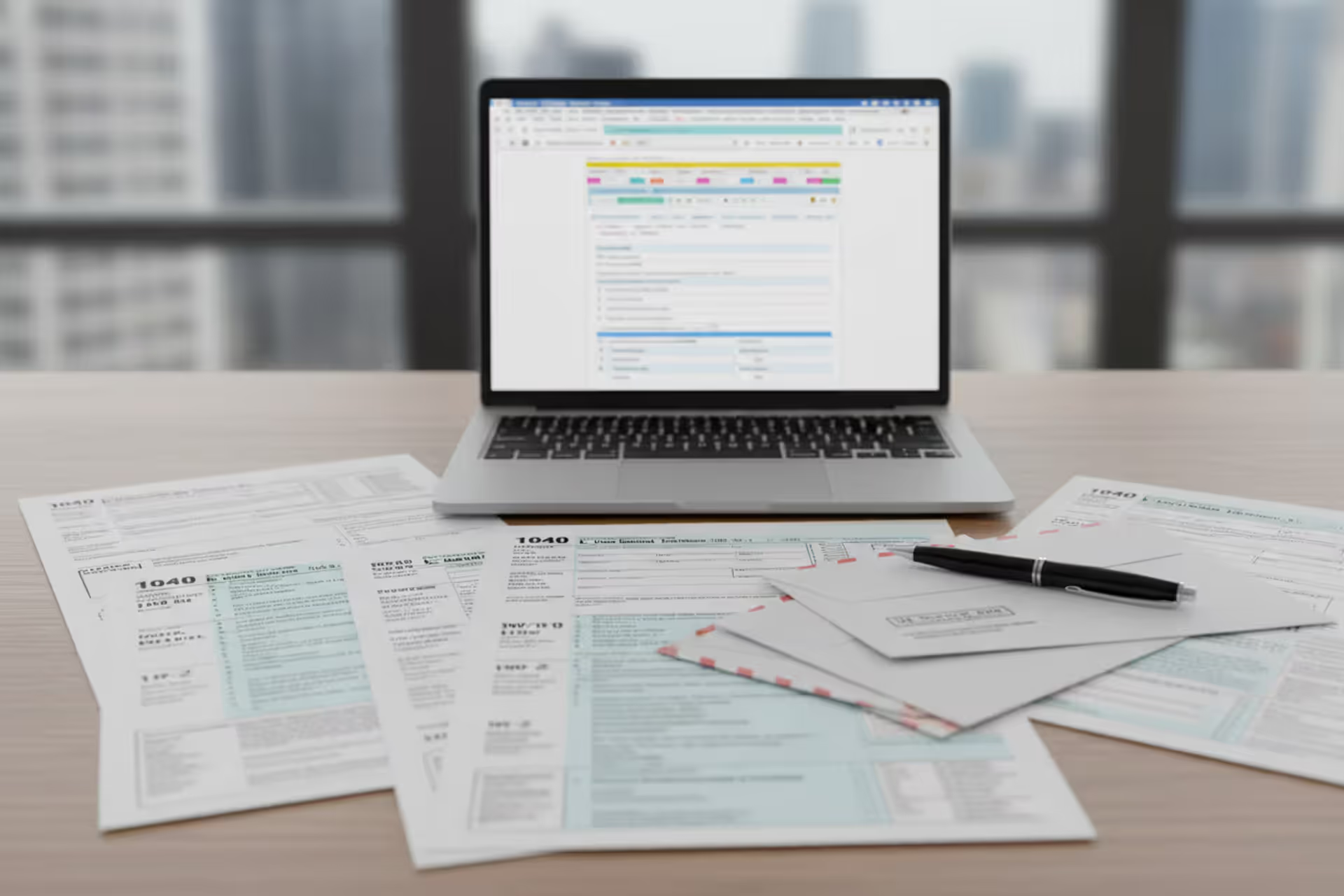
Person filing taxes online on a laptop at home desk
How to File Taxes Online

Remember when filing your taxes meant spreading paper forms across the dining room table, armed with a calculator and correction fluid? Those days are gone. The IRS electronic system has transformed tax season into something you can handle from your couch, often in less time than it would take to drive to a tax office.
Whether you're reporting a single W-2 from your employer or juggling freelance income, rental properties, and investment accounts, digital filing offers advantages that paper forms simply can't match. You'll get your refund faster, catch errors before the IRS does, and have proof your return arrived safely.
This guide walks you through everything—from picking software that fits your situation to keeping your personal information locked down during submission.
What Online Tax Filing Is and How It Works
Online tax return filing (you'll hear it called e-filing) lets you prepare and send your federal and state returns electronically through IRS-approved platforms or licensed tax professionals. Instead of filling out paper forms by hand, you answer questions on your screen. The software does the math, spots potential problems, and zips your return straight into IRS computers.
The electronic system runs through authorized providers that meet strict IRS accuracy and security standards. Once you finish your return and hit submit, the platform converts your tax data into a standardized electronic format, locks it down with encryption, and sends it through secure networks to IRS servers. You'll typically know within a few hours—sometimes minutes—that they received it.
Here's where how online filing works beats traditional paper hands down: digital returns skip through processing much faster because IRS computers can immediately read and check electronic data. With paper returns, someone has to manually type everything in. The software catches math errors instantly—something that trips up plenty of handwritten returns. Plus, you get definitive confirmation your return arrived instead of wondering if your envelope made it through the mail.
Electronic filing has become the primary method for tax return submission, with more than 94% of individual returns now filed electronically, reflecting both taxpayer preference and improved accuracy rates compared to paper filing
— According to the IRS
Before your information leaves your computer, the platform scans for missing required fields, conflicting entries, and calculation mistakes. If IRS systems catch something wrong after they receive it, they'll reject your submission with detailed explanations of what needs fixing. You correct those items and resubmit without starting over.
Electronic submission also puts money in your account faster. The IRS typically processes e-filed returns within three weeks versus six to eight weeks for mailed ones. Choose direct deposit and many taxpayers see their refund hit their bank account in two weeks or less.
Who Can File Taxes Online
Can you file taxes online? Almost certainly yes. The IRS doesn't restrict electronic filing based on income level, age, or complexity. Single employee with one W-2? You're good. Freelancer managing Schedule C business income alongside rental properties and stock sales? Still good.
The IRS Free File program specifically targets taxpayers with adjusted gross income of $84,000 or less for the 2026 tax year. This gives you free access to name-brand commercial software through IRS partnerships with major tax companies. Each provider sets slightly different eligibility rules within that income cap, so you might qualify with one company but not another.
Earning more than the Free File threshold? You can still use IRS Free File Fillable Forms—basically digital versions of standard tax forms that handle simple calculations but don't hold your hand through the process. They work fine if you're comfortable navigating tax forms on your own.
Certain tax situations translate especially well to digital platforms. Regular W-2 wages, common deductions like mortgage interest and charitable donations, basic investment income from 1099s—software handles these smoothly. The programs walk you through them with conversational questions that make sense.
Complex circumstances work too. International income, multiple state returns, partnership income, or significant self-employment revenue all go through electronic filing just fine, though you might need more sophisticated software features or professional help. Even CPAs and enrolled agents submit their clients' returns electronically—the convenience applies regardless of complexity.
Military members deployed overseas can file taxes online from anywhere in the world. The IRS grants automatic filing extensions for those in combat zones, and electronic systems recognize these special situations.

Author: Derek Langston;
Source: atiservicesoftampa.com
Step-by-Step Process for Filing Your Tax Return Online
The online tax filing steps break down into manageable chunks that transform an overwhelming task into something doable. Modern software automatically saves your progress, so you can tackle sections at your own pace—maybe knock out income information one evening and handle deductions the next.
Gather Your Tax Documents
Before you type anything, round up every document showing your income, deductions, or tax credits. Most arrive by mail or electronically during January and early February. You'll need:
- W-2 forms from each employer (showing wages, federal withholding, Social Security and Medicare taxes)
- 1099s reporting interest, dividends, freelance payments, unemployment benefits, or retirement withdrawals
- 1098 forms for mortgage interest and student loan interest
- Records of charitable contributions, especially cash donations
- Health insurance Form 1095-A if you bought coverage through the marketplace
- Last year's tax return for reference information and carryover amounts
Starting without complete documentation creates headaches later. The IRS receives copies of these forms and cross-checks them against what you report. If you show less income than their records indicate, expect a notice months after filing. Contact your employer or financial institution directly if expected paperwork hasn't shown up by mid-February.
Self-employed? You'll need additional materials: total business income, receipts for deductible expenses, home office measurements, and records of quarterly estimated payments you made during the year. Organize these before you start.
Author: Derek Langston;
Source: atiservicesoftampa.com
Choose Your Filing Method
Several approaches exist for filing taxes online, each matching different needs and comfort levels:
Commercial tax software like TurboTax, H&R Block, or TaxAct guides you through with conversational questions. You answer in plain English while the platform figures out which forms you need and where information goes. Most companies offer free versions for simple returns and charge fees for more complex situations.
IRS Free File partner programs give you the same software capabilities at no cost if you meet income requirements. Access these exclusively through the IRS.gov Free File page to make sure you're using official channels.
Virtual tax pro services let you upload documents and work with remote CPAs or enrolled agents. These professionals prepare your return and handle electronic submission for you. Costs run higher but make sense for complex situations or if you prefer expert oversight.
IRS Direct File (expanded during 2026) lets eligible taxpayers in certain states submit directly through IRS systems for free, cutting out commercial software entirely. This pilot program keeps growing though it currently serves limited scenarios.
Consider your tax complexity, budget, and comfort level with tax concepts. Simple returns—single filing status, standard deduction, W-2 income only—work perfectly with basic free platforms. Add itemized deductions, self-employment income, or rental property, and you'll probably benefit from paid software tiers or professional consultation.
Enter Your Information and Submit
After choosing your platform, create an account and start entering data. Software typically opens with basics: name, Social Security number, address, and filing status. Accuracy matters here—mistakes at this stage create significant processing delays.
Next comes income reporting. Copy each W-2 and 1099 exactly as shown on the original document. Many platforms now let you import this information directly from employers and financial institutions, reducing typing errors. Always double-check imported figures—automatic transfers sometimes grab wrong numbers.
The software then explores deductions and credits you qualify for. For most Americans, the standard deduction ($14,600 for single filers, $29,200 for married couples filing jointly in 2026) beats itemizing. Platforms calculate both approaches and automatically use whichever saves you more. If itemizing, you'll enter mortgage interest, property taxes, charitable contributions, and qualifying medical expenses above the threshold.
Tax credit questions follow. The platform asks about dependent children, education expenses, retirement contributions, and energy-efficient home improvements. Credits cut your final tax bill dollar for dollar, making these questions especially valuable. Qualifying children can generate $2,000 credits each, for example.
Review the summary showing your calculated tax, total withholding, and resulting refund or amount due. Most software highlights unusual entries or possible errors. Take your time reviewing everything—fixing mistakes now beats dealing with IRS letters later.
When everything looks right, you'll sign electronically using your prior year's adjusted gross income as verification, along with your current filing information. Married couples filing jointly both need to complete the signature process.
Submit your return. The software encrypts it and sends it to IRS systems. Within a day or two, you'll get acceptance confirmation or a rejection message explaining what needs correction.
Author: Derek Langston;
Source: atiservicesoftampa.com
Track Your Refund Status
Expecting money back? The IRS "Where's My Refund?" tool lets you monitor processing. You'll enter your Social Security number, filing status, and exact refund amount. The tool updates daily, usually overnight.
Your refund moves through three stages: return received, refund approved, and refund sent. Most e-filed returns paired with direct deposit reach "refund sent" within 21 days of IRS acceptance. Paper checks add another five to seven business days for mail delivery.
Processing slows down when the IRS needs additional verification, when you've claimed Earned Income Tax Credit or Additional Child Tax Credit (these legally can't be released before mid-February), or when your return gets flagged for manual review. The tracking tool explains specific delays when they apply.
Online Tax Filing Software and Service Options
Picking the right platform for filing taxes online depends on your tax complexity, budget, and how much support you want. Each option brings different features, help levels, and price tags.
| Service Type | Who It's For | What You'll Pay | Key Features | Sends to IRS |
| IRS Free File | People earning $84K AGI or less | $0 | Name-brand software, step-by-step help, federal filing plus sometimes state | Yes |
| DIY Software (Self-Guided) | Various tax situations, tech-comfortable users | $0 to $180+ | Question-and-answer format, error checking, document imports, audit support | Yes |
| Online CPA/EA Services | Complex returns, multiple states, business income | $200 to $600+ | Licensed professional does preparation and review, tax planning, IRS representation | Yes (pro files for you) |
| IRS Free File Fillable Forms | Higher earners comfortable with tax forms | $0 | Electronic IRS forms, basic math, minimal guidance | Yes |
| IRS Direct File | Simple W-2 income, standard deduction, participating states only | $0 | Direct IRS connection, limited scenarios, no third-party software | Yes |
Free File through the IRS program provides full software features at zero cost for qualifying taxpayers. Each participating company includes free federal filing and may throw in free state filing. The catch? You must enter through IRS.gov to get the free version. Going straight to company websites often lands you on paid products, even when you qualify for free filing.
Commercial software platforms serve the broadest range of taxpayers. The interview format asks questions in everyday language, then translates your answers into proper tax forms behind the scenes. These companies usually offer tiered packages: free for simple returns, mid-tier for itemizers and investors, premium for self-employed and rental property owners. Federal filing runs from free to about $180, with each state return adding $40-$60.
The platforms handle calculations, scan for errors, and maximize deductions through smart questioning. Premium tiers often include year-round access to tax advisors through chat or phone. Many bundle audit support—not full representation, but guidance if the IRS questions your return.
Virtual pro services connect you with licensed CPAs or enrolled agents who prepare returns remotely. You upload documents through secure portals, communicate via message or video call, and the professional handles everything else. This costs substantially more but delivers expert review and strategic advice. It's particularly useful for first-year business owners, complicated investment portfolios, or multiple state tax obligations.
The expanded IRS Direct File program serves taxpayers with straightforward W-2 income, standard deduction, and common credits in participating states. It's completely free and cuts out commercial software, though availability remains limited geographically and by tax situation. Check IRS.gov for eligibility.
Common Mistakes When Filing Taxes Online
Even with software safeguards, errors happen. These mistakes delay refunds, trigger IRS notices, or cost you money through missed tax benefits.
Data entry errors cause the most frequent problems. Flip digits in your Social Security number, type $53,000 when your W-2 shows $35,000, or misspell your legal name, and you've created conflicts with IRS databases. The IRS matching system immediately flags these discrepancies and bounces your return back. Always copy information exactly from source documents. Use import features when available to reduce manual entry.
Incomplete electronic signatures prevent submission. Both spouses must electronically sign joint returns. Software prompts you, but it's easy to skip past or enter wrong prior-year AGI for identity verification. If last year's joint return becomes this year's separate returns, you'll need your individual AGI portion from that combined return, not the full married amount.
Wrong banking information for direct deposit causes major delays. Transposed routing or account numbers send your refund to someone else's account or into IRS limbo. The IRS won't deposit into accounts where the name doesn't match. Check these numbers three times against a physical check or bank statement. You can split your refund across multiple accounts using Form 8888 if you want extra verification.
Filing status mistakes affect your standard deduction, tax rates, and credit eligibility. Married couples filing separately lose access to numerous credits and deductions. Head of household status requires meeting specific tests about paying household expenses and having qualifying dependents. Software asks questions to determine correct filing status, but rushing through without fully understanding the requirements creates problems.
Overlooked deductions and credits cost taxpayers thousands annually. Software only explores areas you mention—if you don't mention student loan interest payments, charitable contributions, or energy-efficient home upgrades, the software won't dig deeper. Review deductions and credits sections carefully. Commonly missed items include educator classroom expenses, saver's credit for retirement contributions, and taxable state tax refunds from prior years when you itemized.
Unreported income triggers IRS matching notices. That $200 in savings interest or $400 from gig work still counts as taxable income. The IRS gets copies of all 1099 forms—leaving one off your return virtually guarantees a notice arriving months later, usually with penalties and interest.
Security and Privacy When You File Online
Author: Derek Langston;
Source: atiservicesoftampa.com
Concerns about security when you file taxes online make complete sense—your return packages Social Security numbers, bank details, income information, and other private data. The IRS and authorized e-file providers use multiple protections to safeguard this sensitive material.
Every IRS-authorized e-file provider must meet IRS Publication 1345 security requirements. These mandate encryption for data transmission and storage, secure authentication systems, and regular security audits. During submission, your return travels through encrypted connections using 256-bit encryption—the same standard banks use for online transactions. This makes intercepting and decoding data essentially impossible.
The IRS uses multi-factor authentication for its online tools. Creating an IRS online account requires identity verification through knowledge-based questions, credit bureau data, and sometimes facial recognition technology. This prevents identity thieves from accessing your tax records or filing fraudulent returns in your name.
Identity verification during filing uses your prior-year AGI—information only you and the IRS possess. This serves as your electronic signature credential. When someone tries filing with your Social Security number but enters wrong previous-year information, the system automatically rejects it.
Protecting your information requires vigilance on your end too. Use strong, unique passwords for tax software accounts. Turn on two-factor authentication wherever platforms offer it. File early in tax season—identity criminals often file fraudulent returns in January using stolen information, and whichever return arrives first gets processed. If someone files before you, resolving it takes months.
Watch out for tax-related phishing scams. The IRS never initiates contact through email, text, or social media. Messages claiming surprise refunds or threatening arrest for unpaid taxes always signal scams. The IRS contacts taxpayers by postal mail first. Legitimate tax software companies won't ask you to verify your account through emailed links.
Use secure internet when filing. Public Wi-Fi at coffee shops or libraries exposes your information to interception. File from home internet or use a mobile hotspot if you're away from home.
Tax software companies store your return data on their servers, typically for several years. Review privacy policies to understand retention periods and whether companies share data with affiliated businesses. Most platforms let you permanently delete archived returns from your account if you prefer removing data from their servers.
Frequently Asked Questions About Online Tax Filing
Filing taxes online transforms what used to be one of the year's most dreaded tasks into a manageable process. The combination of guided software, instant error checking, and faster processing makes electronic filing the clear choice for most Americans. Whether you choose free software through IRS partnerships, commercial products with robust features, or professional services for complex scenarios, the electronic submission process stays consistent: faster processing, quicker refunds, and definitive confirmation the IRS received your return.
Start by gathering all tax documents, choose a filing approach matching your situation and budget, enter information carefully, and review thoroughly before submitting. The security protecting your information during online filing matches or exceeds what banks and healthcare providers use. With over 140 million taxpayers now filing electronically each year, the system has proven reliability, efficiency, and security.
Successful online filing boils down to preparation and attention to detail. Collect documents early, understand your deduction opportunities, and avoid rushing through software questions. The few hours invested in careful preparation prevent months of IRS correspondence and ensure you claim every benefit you've legitimately earned.
Related Stories

Read more
Read more



The content on this website is provided for general informational and educational purposes only. It is intended to explain concepts related to tax filing, tax software, IRS forms, deadlines, and general tax preparation processes.
All information on this website, including articles, guides, and examples, is presented for general educational purposes. Tax filing requirements may vary depending on individual circumstances, income sources, residency status, and applicable laws.
This website does not provide tax, legal, or financial advice, and the information presented should not be used as a substitute for consultation with a qualified tax professional or advisor.
The website and its authors are not responsible for any errors or omissions, or for any outcomes resulting from decisions made based on the information provided on this website.