

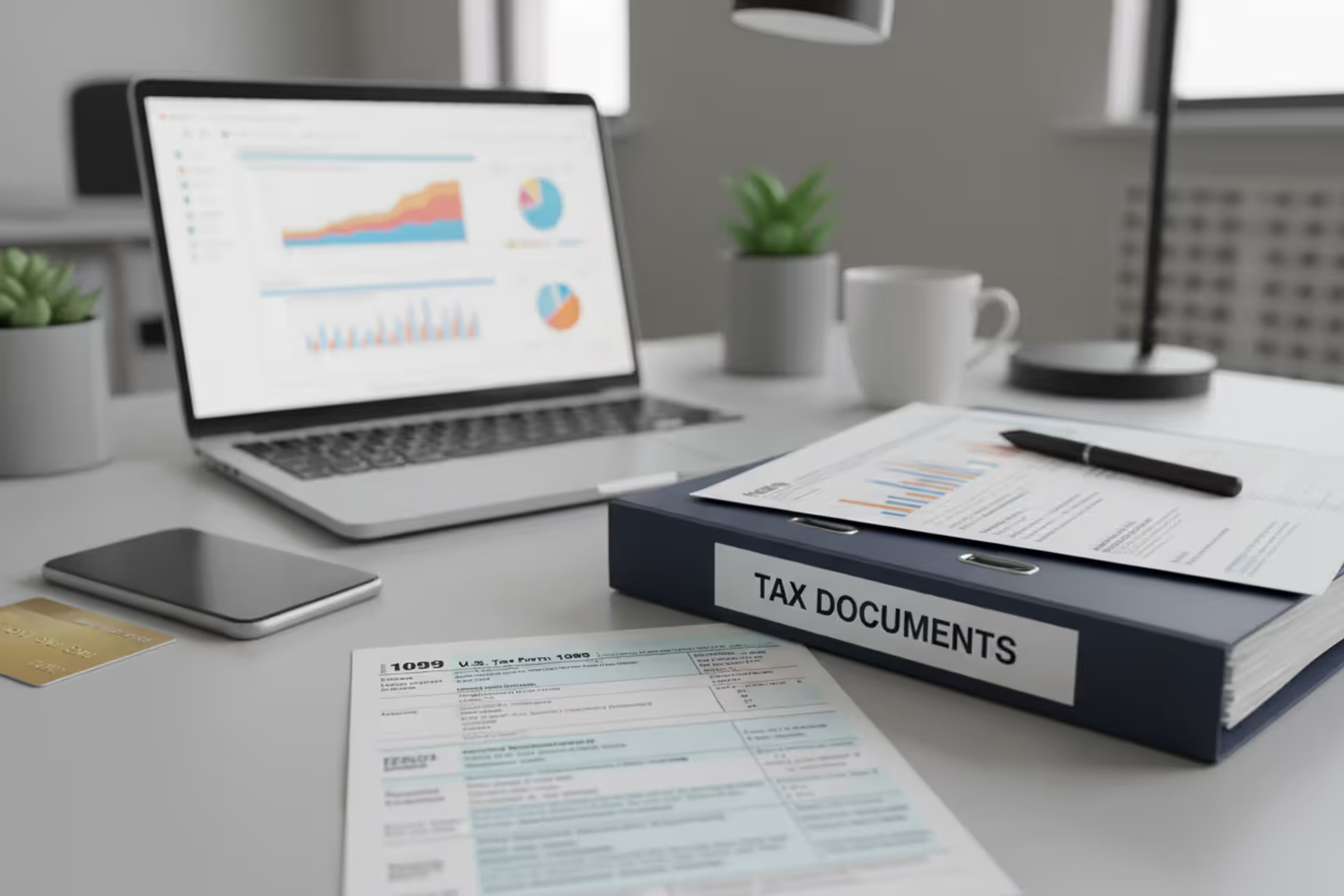
Person preparing taxes online on a laptop at home
How to E-File Taxes With the IRS

Content
Content
Last year, over 131 million Americans filed their 1040s electronically—that's roughly 19 out of every 20 returns the IRS processed. Paper filing isn't dead, but it's getting pretty close. Why? Because taxpayers discovered something the IRS has been saying for years: electronic filing cuts through red tape faster than a hot knife through butter.
Here's what you need to know about filing digitally, from choosing software to tracking your refund.
What Is Electronic Tax Filing?
E-filing means sending your completed tax return straight to the IRS through their approved digital network instead of stuffing envelopes and hunting for stamps. Think of it as the difference between emailing a document and sending it via courier—same destination, wildly different arrival times.
The program started back in 1986 when the IRS let a small group of tax preparers test electronic transmission. By 1990, they'd opened it up more widely, though you still needed to work through a professional. Fast-forward to today, and you can file from your kitchen table in your pajamas if that's your style.
Who gets to use it? Pretty much everyone. Got a Social Security number or an ITIN? You're in. The system accepts most common forms—your basic 1040, Schedule C if you freelance, Schedule A when you itemize, Schedule E for rental properties. Multiple W-2s from job hopping? No problem. Stack of 1099s from your side hustles? The software handles it.
The IRS doesn't build tax prep software themselves. Instead, they've partnered with companies like Intuit, H&R Block, and TaxAct. These companies create programs that meet security standards, then act as middlemen—they transmit your encrypted return through secure channels directly into IRS computers. Automated systems check your math and scan for issues before any human examiner opens your file.

Author: Benjamin Carte;
Source: atiservicesoftampa.com
How the IRS E-File Process Works
Filing electronically follows a specific sequence, and understanding each step helps you avoid the hiccups that delay refunds.
You'll start by picking your software. Maybe you qualify for a free version, or maybe you're paying for premium features. Either way, you'll create an account and start entering information—your name, SSN, address, whether you're single or married. Then comes income: wages from W-2s, freelance earnings from 1099-NECs, interest and dividends, retirement account distributions. The software walks you through each section, asking questions and filling in forms based on your answers.
Here's where it gets interesting. The program calculates everything automatically. You enter your mortgage interest, and it figures out whether itemizing beats the standard deduction. You mention your college-age daughter, and it checks if you qualify for education credits. This guided approach catches deductions you might miss filing on paper.
Before submitting, you'll sign digitally. The IRS offers two methods: create a five-digit PIN, or enter your adjusted gross income from last year's return. Both work as legal signatures—no need to print, sign, and scan anything.
Hit submit, and your return gets encrypted and transmitted. Within 24 to 48 hours (usually faster), you'll get confirmation. The IRS either accepts your return and starts processing, or rejects it with an explanation. Rejections aren't penalties—they're just "fix this and try again" messages. Common culprits include typos in Social Security numbers, using the wrong prior-year AGI, or someone else already claiming your dependent.

Author: Benjamin Carte;
Source: atiservicesoftampa.com
Free vs. Paid E-Filing Options
The IRS Free File Alliance lets you file at no cost if your adjusted gross income stays under $79,000 (for 2025 returns filed in 2026). That threshold covers about 70% of taxpayers. You'll get the same brand-name software that paying customers use, just with income restrictions.
| Feature | Free E-File Software | Paid E-File Software |
| Who qualifies | AGI under $79,000 annually | Anyone, regardless of income |
| Which forms work | Standard W-2 wages, common deductions, basic investments | Everything—rental properties, K-1s, foreign accounts, complex investments |
| State return cost | Sometimes free; provider decides | Usually $20–$50 per state |
| Getting help | Email support, help articles, maybe chatbot | Phone support, live chat, CPA review on premium plans |
| Audit protection | None | Available if you pay extra ($50–$100) |
Paid versions run $60 to $120 for federal filing. Complexity drives the price. Self-employed? You'll need a tier that supports Schedule C. Landlord? That's Schedule E territory. Sold stocks? Form 8949 for capital gains usually requires mid-tier or premium packages.
There's also Free File Fillable Forms—electronic versions of paper forms with basic math help but zero hand-holding. It's free regardless of income, but you'd better know your way around Form 1040.
What Happens After You Submit
Acceptance kicks off processing. IRS computers check your arithmetic, match reported income against W-2s and 1099s that employers and banks submitted, and flag anything unusual. Most returns sail through in three weeks or less.
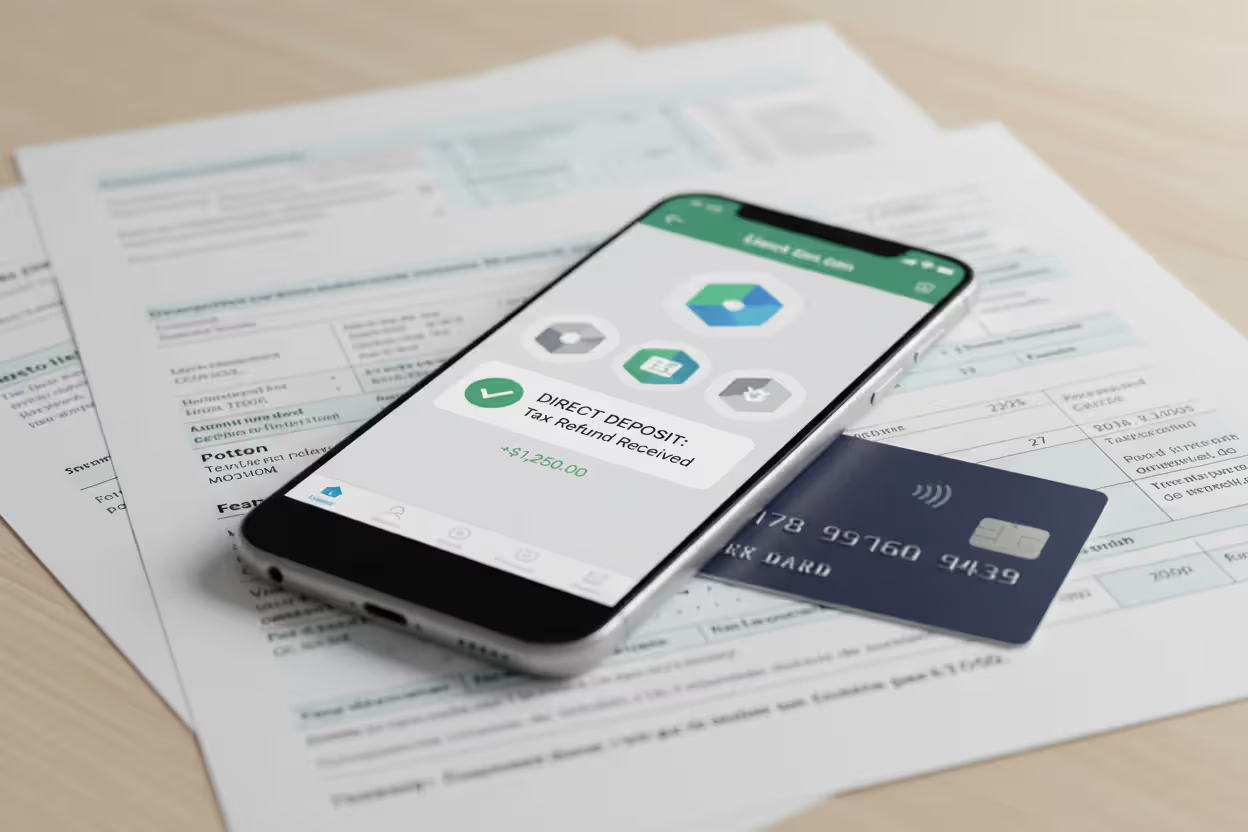
Choose direct deposit and your refund typically hits your account 15 to 21 days after acceptance. Paper checks add another week for printing and mailing.
Author: Benjamin Carte;
Source: atiservicesoftampa.com
Monitor progress through the IRS refund tracker. It refreshes daily and displays where you are: return received, refund approved, refund sent. These three stages tell you whether you're still in the queue, cleared for payment, or waiting for your bank to post the deposit.
Sometimes the IRS needs more information or selects your return for additional review. Processing stretches to eight weeks or longer, and you'll get a letter asking for documentation or explaining the delay.
Benefits of E-Filing Your Tax Return
Your math improves dramatically: Software calculates totals, applies tax rates, and figures credits automatically. No more punching numbers into a calculator at midnight. IRS statistics show electronic returns contain errors just 1% of the time, while paper returns hit 21%. That's a twenty-fold difference.
Refunds arrive faster: Three weeks versus two months. If you're counting on that money for car repairs, catching up on bills, or funding a vacation, the speed matters. Combine e-filing with direct deposit and you've optimized for maximum velocity.
You get proof immediately: Paper filers who want confirmation pay extra for certified mail with return receipt. E-filers get automatic acknowledgment within 48 hours. That confirmation email becomes your proof of filing if questions arise later.
Your money stays safer: Direct deposit eliminates lost checks, porch pirates stealing mail, and check-cashing stores skimming fees. The IRS deposits your refund, your bank posts it, done.
File whenever you want: Three in the morning? Go for it. Sunday afternoon? Sure. Traveling for work? File from your hotel. The software saves progress automatically, so interruptions don't mean starting over. Many programs import last year's data, saving you from retyping unchanged information.
Trees remain standing: Less paper, fewer envelopes, no trucks hauling millions of returns to processing centers. It's not why most people choose e-filing, but reducing your carbon footprint doesn't hurt.
Requirements and Eligibility to Efile Taxes Online
You'll need several pieces of information assembled before you start:
Last year's AGI: Find line 11 on your 2024 Form 1040. That adjusted gross income number verifies your identity when you sign electronically. First-time filer? You'll enter zero or use an alternative verification method. Amended your return after filing? Use the AGI from your original return, not the amended amount.
Social Security numbers that match government records: Every person on your return needs a valid SSN or ITIN. Your own, your spouse's if filing jointly, and every dependent you claim. One transposed digit tanks your whole submission. Keep the actual Social Security cards handy and double-check as you type.
Internet connection and a device: Computer, tablet, or smartphone—any of them work. Most software runs in web browsers now, though some providers still offer downloadable programs if you prefer working offline.
Forms the IRS accepts digitally: The system handles most common situations, but some forms require paper filing. If you're amending a previous return (Form 1040-X), claiming a refund for a deceased taxpayer, or filing certain international forms, you'll be mailing instead of transmitting.
Bank details for direct deposit: You'll need your routing number (nine digits at the bottom left of your checks) and account number. Verify these carefully—one wrong number sends your refund into a black hole while the IRS sorts out the mess.
Common E-Filing Mistakes to Avoid
Software catches most errors, but certain mistakes still slip through:
Scrambled Social Security numbers: Type 123-45-6789 when the card says 123-45-6798, and rejection happens instantly. Pull out the physical cards and verify every digit.
Using the wrong AGI from last year: Did you round $43,847 to $44,000? The IRS didn't. Changed your filing status in an amendment? Use the original AGI, not the revised one. This trips up more people than you'd expect.
Forgetting the second signature: Joint returns need both spouses to sign electronically. One spouse enters their PIN, the other forgets, return bounces.
Mangling bank account numbers: That routing number you thought you knew by heart? You were off by one digit. Now your refund's going to paper check limbo, adding four to six weeks to your wait.
Filing the same return twice: Maybe you mailed a paper return then panicked and e-filed thinking the paper one got lost. Maybe you filed through TurboTax, then forgot and filed through FreeTaxUSA. Either way, the IRS rejects duplicates. Check your acknowledgments before resubmitting anything.
Skipping your state return: Federal e-file doesn't automatically submit your state return. The software usually bundles them, but you complete and transmit separately. Some states require filing through their own portals instead of the federal system.
Modern e-file encryption exceeds what most banks use for online transactions. We're talking multi-factor authentication, real-time fraud monitoring, the works. If you're worried about security, electronic filing beats paper by miles
— Michael Devine
When to Choose Paper Filing Instead
Electronic filing dominates, but paper still wins in specific situations:
Amending previous returns: Form 1040-X goes in an envelope. The IRS has tested e-filing for amendments in limited pilot programs, but most taxpayers still mail corrections for previously filed returns.
Filing for deceased taxpayers: A final return for someone who died during the tax year, or claiming their refund as an executor, usually requires paper filing with attached documentation—death certificate, proof you're authorized to act on their behalf.
Using unsupported forms: Most forms work electronically, but some specialized schedules—particularly those involving foreign income, complex trusts, or international reporting—aren't available through standard software. Form 8938 (foreign financial assets) and Form 3520 (foreign trusts and gifts) sometimes require paper filing. Check your software's form list before committing.
Resolving identity theft flags: If the IRS previously flagged your account for suspicious activity, they may lock you into paper filing until the situation clears. You'll receive explicit instructions if this applies to you.
Lacking reliable internet: Public libraries offer free computer access, but some people aren't comfortable entering financial information on public machines. If you don't have internet at home and distrust public networks, paper filing remains an option.
Author: Benjamin Carte;
Source: atiservicesoftampa.com
Frequently Asked Questions About E-Filing Taxes
Electronic filing evolved from experimental technology to the default method for good reasons. Speed, accuracy, and convenience matter when you're dealing with the IRS. If your income qualifies for free software, use it. For complex returns with rental properties, business income, or investments, paid software saves time and catches errors that cost money.
Start gathering documents in January—W-2s arrive by January 31st, most 1099s by mid-February. Grab last year's return for your AGI. Many software providers let you build your return as documents arrive, even if you're not ready to file. Spreading the work across multiple sessions beats cramming everything into one marathon session in mid-April.
Hit a snag? The IRS website offers detailed guidance for specific situations. Paid software typically includes access to tax professionals who answer questions as you prepare your return. The key is starting early enough that problems don't become crises.
E-filing removes friction from tax preparation, but accuracy still depends on you. The software handles calculations and checks for mathematical errors, but you're responsible for honest reporting and correct information. Take time verifying Social Security numbers and bank account details. Review your completed return before submitting. Those extra few minutes prevent processing delays and refund complications.
The April 15th deadline approaches faster than you expect. Electronic filing gives you the tools to meet it efficiently.
Related Stories
Read more
Read more


The content on this website is provided for general informational and educational purposes only. It is intended to explain concepts related to tax filing, tax software, IRS forms, deadlines, and general tax preparation processes.
All information on this website, including articles, guides, and examples, is presented for general educational purposes. Tax filing requirements may vary depending on individual circumstances, income sources, residency status, and applicable laws.
This website does not provide tax, legal, or financial advice, and the information presented should not be used as a substitute for consultation with a qualified tax professional or advisor.
The website and its authors are not responsible for any errors or omissions, or for any outcomes resulting from decisions made based on the information provided on this website.