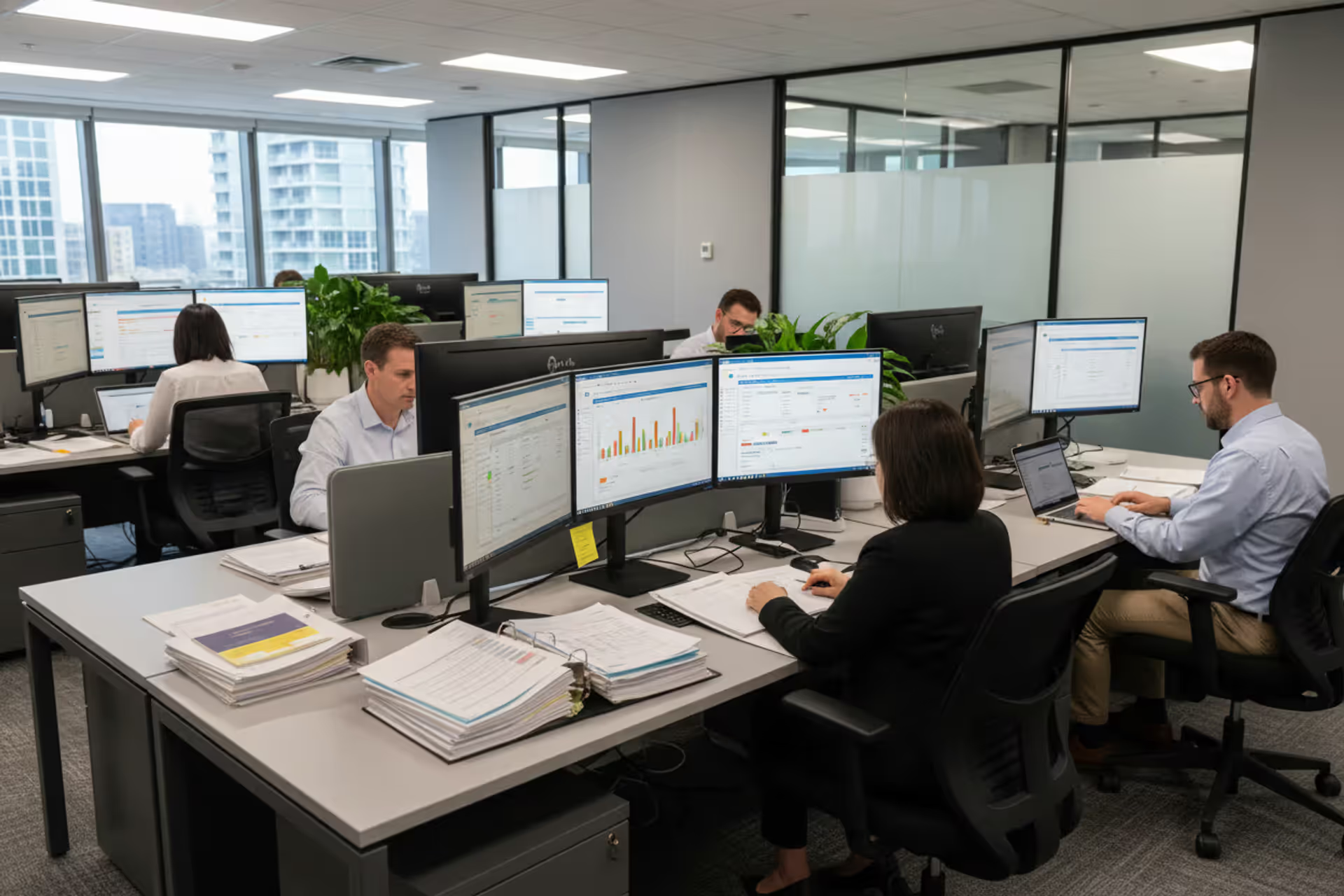
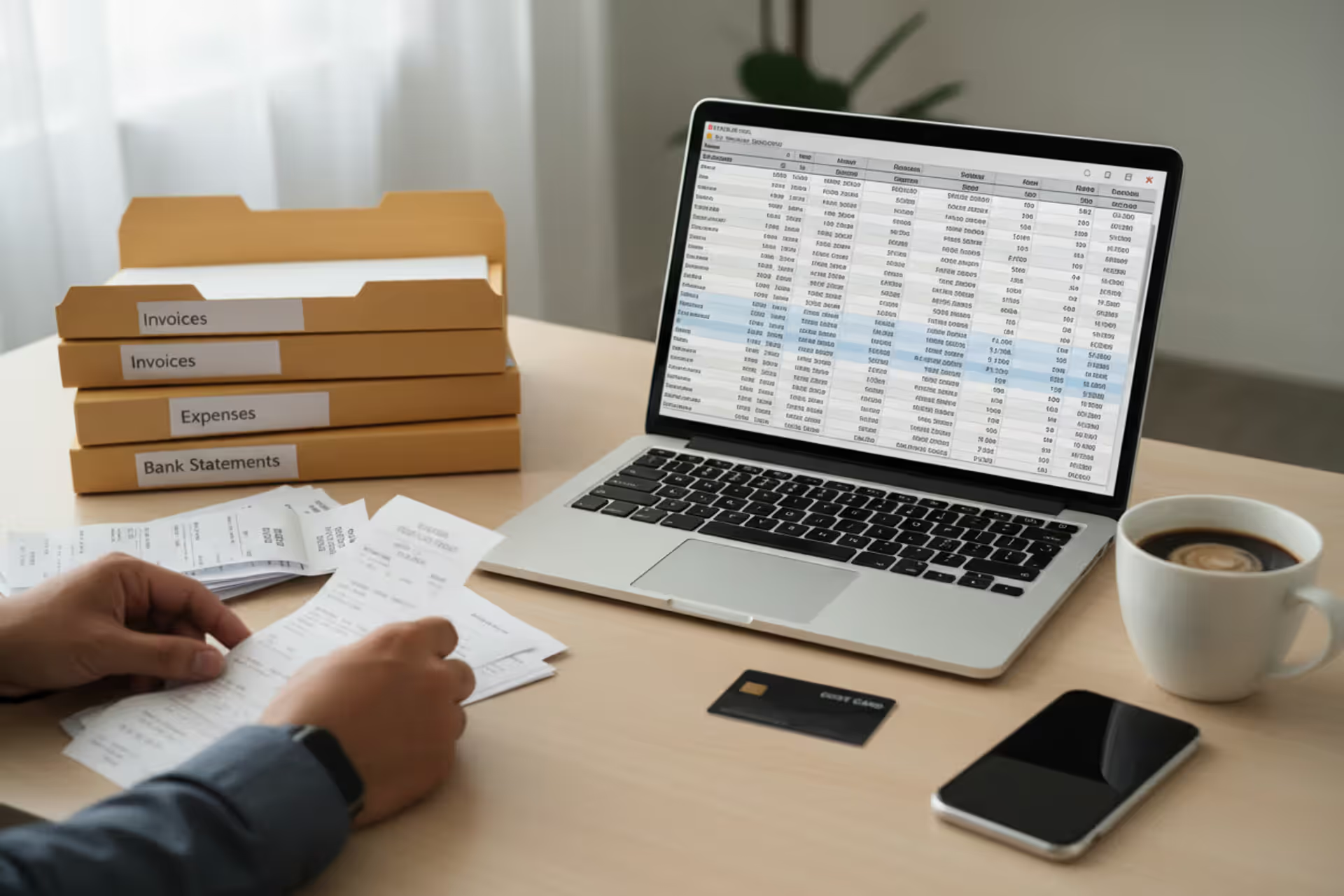
Tax preparers working in an office with professional tax software on computer screens
What Software Do Tax Preparers Use for Client Returns

Walk into any tax preparation office during filing season and you'll spot monitors displaying software that looks nothing like TurboTax. Professional preparers work with specialized platforms built for volume, complexity, and business management—not the friendly interview format you'd use at home.
These industrial-strength tools calculate returns for hundreds of clients, transmit files directly to IRS servers, and track every document from initial upload through final signature. If you're considering tax preparation as a career, or you're just curious what happens after you drop off your shoebox of receipts, the software landscape tells an interesting story.
Here's something most people don't realize: the gap between consumer products and professional systems runs deeper than just price tags. We're talking fundamentally different approaches to the same tax code.
Professional Tax Software vs Consumer Tax Software
Think about the last time you filed your own return. TurboTax or H&R Block probably asked whether you got married, had kids, or sold investments. You answered questions. The software figured out which forms you needed.
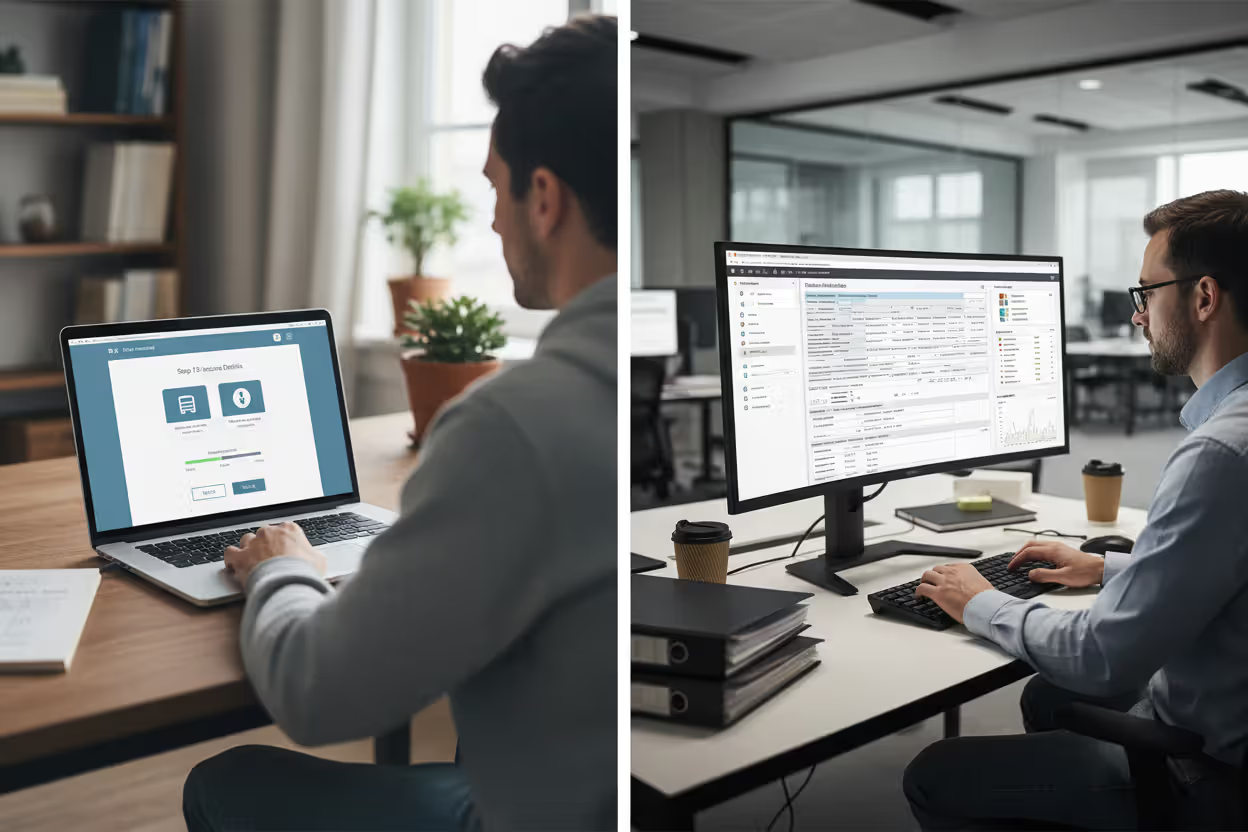
Professional platforms flip that model completely. They assume you already know tax law and want direct access to every form and schedule. There's no hand-holding, no "Let's talk about your job" prompts. A preparer opens Form 1040, Schedule C, or an 1120S corporate return based on what the client needs—no interview required.
The pricing tells you everything. Consumer software runs $50-$120 annually and covers your household. Professional licenses start around $500 and climb past $5,000 depending on features. But here's the trade: that professional license handles unlimited clients (or charges per return at $15-$50 each). You can't prepare 200 tax returns with a TurboTax Home & Business license—the terms prohibit it, and the software wasn't designed for it anyway.
Client databases make a huge difference once you're managing dozens or hundreds of people. Professional software stores every client's contact details, previous returns going back years, and notes about their specific situations. When someone calls asking about last April's filing, you pull up their history in three seconds instead of digging through cabinets. Consumer software has no equivalent because you're only tracking yourself.
Then there's the security and audit trail requirements. Professional systems log who accessed which return and when any changes happened. If you hire seasonal staff, you set permissions so they can prepare returns but only managers approve final filings. For a solo filer at home? None of that matters, so consumer software skips those features entirely.
Author: Lauren Whitma;
Source: atiservicesoftampa.com
Most Popular Software Used by Tax Preparers
Six names dominate conversations whenever preparers compare tools. Each carved out specific niches over decades of development.
Drake Tax wins loyalty from smaller practices through straightforward design and fair pricing. The company doesn't bundle features most preparers never touch, keeping the interface cleaner than competitors. You can buy per-return packages or unlimited annual licenses, which helps when you're building a client base from scratch. Drake handles individuals, businesses, nonprofits, and trusts without drama. It won't dazzle you, but it gets the job done reliably.
ProSeries comes from Intuit, so it shares some DNA with TurboTax while adding professional muscle. The diagnostics catch errors before you file—helpful when you're rushing through March deadlines. If your practice does bookkeeping in QuickBooks, ProSeries connects smoothly to import financial data. It supports partnerships and S-corps across multiple states without choking on complexity. Pricing sits in the middle of the pack.
Lacerte (also Intuit) targets the high end. CPAs dealing with complicated estates, multi-tier partnerships, or consolidated corporate returns gravitate toward Lacerte. The interface expects you to know advanced tax concepts—it's not forgiving for beginners. If your typical client has a W-2 and mortgage interest, Lacerte is overkill. If they have trust distributions, foreign accounts, and passive activity losses spanning five states, Lacerte handles it better than alternatives.
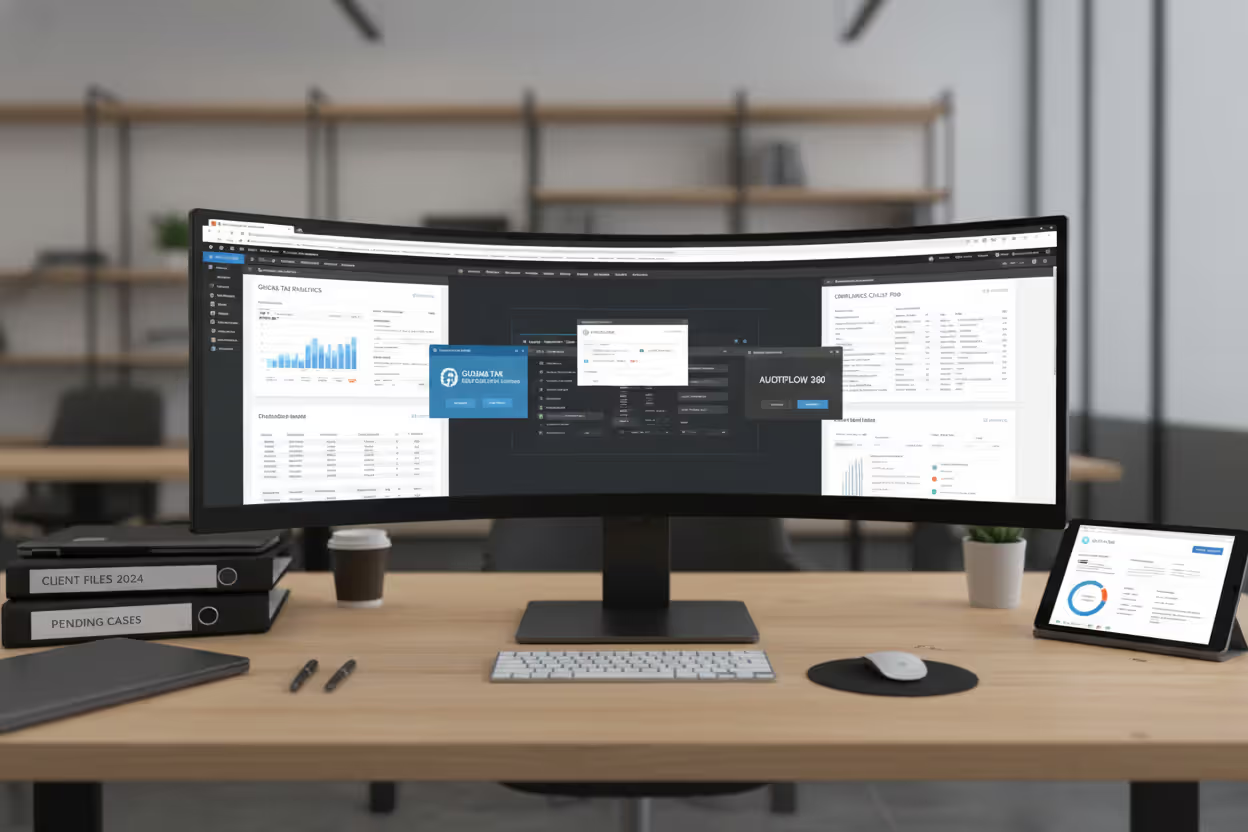
UltraTax CS from Thomson Reuters serves accounting firms needing enterprise coordination. The CS Professional Suite connects tax prep with trial balance software, fixed asset tracking, and document management. Multi-office firms appreciate centralized administration where IT can manage updates and security for everyone simultaneously. You'll pay for this sophistication—UltraTax CS pricing reflects its positioning toward established practices with deep pockets.
TaxAct Professional offers budget-friendly entry for newer preparers. If you're focused on straightforward individual returns and basic Schedule C businesses, TaxAct covers the essentials at lower cost than ProSeries or Lacerte. The feature set thins out when you hit complex scenarios, but not everyone needs those bells and whistles right away.
ATX blends desktop reliability with optional cloud access. The platform includes calendaring and task management alongside tax preparation, appealing to practices that want everything integrated. Pricing lands between entry-level and premium options—accessible without being cheap, capable without being overwhelming.
Author: Lauren Whitma;
Source: atiservicesoftampa.com
Cloud-Based vs Desktop Tax Preparation Software
The cloud versus desktop debate creates real headaches for practice owners. Each approach has legitimate advantages rather than one being obviously superior.
Desktop installations live on your office computers. You own your data completely, control physical access, and keep working when internet service fails (which it will, probably in early April). Complex returns with multiple K-1 schedules and state apportionments calculate faster locally than waiting for cloud servers to respond. Updates require manual installation, but you decide when to apply them instead of vendors pushing changes mid-season.
Cloud platforms let you work from anywhere—home, client offices, or beach vacations if you're ambitious. Updates happen automatically without IT involvement. Your vendor handles backups, server maintenance, and disaster recovery instead of you figuring out how to protect against ransomware. The catch? You're paying monthly subscriptions year-round, even during quiet summer months. A practice doing 150 returns might spend $2,000 for desktop software versus $3,600 for cloud ($300 monthly).
Security arguments exist on both sides. Desktop keeps sensitive data behind your physical walls and firewalls, but you're responsible if something goes wrong. Cloud vendors employ dedicated security teams with bigger budgets than small practices can match, yet you're trusting strangers with your clients' Social Security numbers.
Network speed matters more than vendors admit. Desktop software responds instantly when you click between forms. Cloud platforms introduce lag, especially when servers handle thousands of preparers during March and April. That half-second delay adds up when you're clicking through 50 returns in a day.

Author: Lauren Whitma;
Source: atiservicesoftampa.com
Software for Small vs Large Tax Practices
A solo preparer handling 75 returns has completely different needs than a 10-person firm processing 2,000. The software that's perfect for one wastes money or lacks capabilities for the other.
Working alone? You need accurate calculations and efficient workflows, period. Multi-user permissions, enterprise integrations, and centralized administration just create complexity you'll never use. Drake Tax or TaxAct Professional deliver what matters without charging for features you don't need. When you're dividing software costs across 75 clients instead of 500, every dollar counts more.
Mid-sized practices with three to five preparers face coordination challenges. Multiple people need simultaneous access to different returns without stepping on each other. Who prepared each return? Who reviewed it? When was it filed? ProSeries or ATX answer these questions with production reports and workflow tracking. You're still price-sensitive, but costs spread across several hundred returns make premium features more justifiable.
Large firms demand enterprise capabilities. IT staff need centralized control over user permissions, software versions, and security policies across all locations. Standardized workflows maintain quality regardless of which preparer touches a return. UltraTax CS and Lacerte serve this market with firm-wide billing, shared research libraries, and integration with other professional software suites.
Specialization drives choices too. Individual return specialists need strong support for itemized deductions, retirement distributions, and rental properties. Business-focused practices require robust corporate and partnership modules. Nonprofit specialists need Form 990 expertise. All professional software covers basics, but depth varies wildly in specialized areas.
Key Features Tax Preparers Need in Their Software
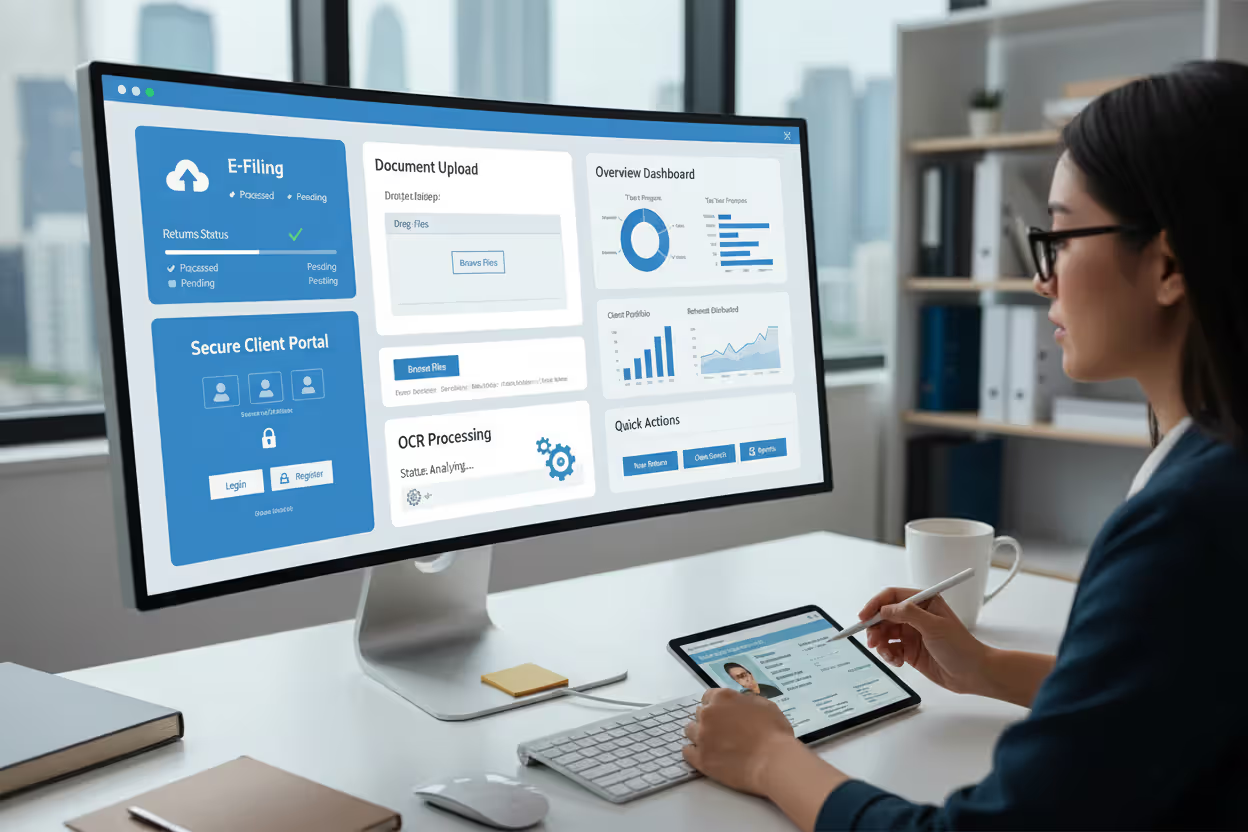
Electronic filing isn't optional anymore—it's federal law if you prepare more than 10 returns annually. Your software must generate IRS-compliant files, transmit them securely, and receive acknowledgments confirming acceptance. The best platforms show filing status for all returns in one dashboard instead of making you check each client individually.
Multi-state capabilities determine whether you can grow beyond your home state. Software should split income between states automatically based on business activity, apply the right credits and deductions for each jurisdiction, and handle reciprocal agreements. A Pennsylvania resident who works in New Jersey and owns Florida rental property creates three state returns from one federal filing. Your software needs to coordinate everything correctly without manual intervention.
Client portals evolved from luxury features to basic infrastructure. Clients upload W-2s and 1099s securely instead of emailing unencrypted attachments. You send engagement letters and organizers through the portal, tracking who responded and who needs reminders. Completed returns post for electronic signature. This eliminates paper entirely while documenting every interaction.
Document management prevents chaos. Software should attach source documents directly to tax returns, making verification easy during review or when responding to IRS notices three years later. Good OCR technology extracts data from uploaded PDFs, reducing manual typing. When you need to verify whether a charitable contribution included the required acknowledgment letter, proper document management finds it in seconds.
Integration with QuickBooks or other accounting software saves enormous time for practices handling both bookkeeping and tax prep. Trial balances flow directly into returns. You verify and adjust the numbers instead of retyping every income and expense line. This prevents transcription errors and cuts hours from business return preparation.
Audit support features help you respond efficiently when the IRS sends notices. Software should generate detailed worksheets explaining every calculation. When they question a home office deduction, you pull up square footage calculations, expense allocations, and supporting documents immediately. Some vendors include audit defense services or specialist referrals.
Built-in tax research saves the hassle of switching between programs. Access IRS publications, tax code sections, and revenue rulings without leaving the return you're preparing. Contextual links connect form lines to relevant guidance. Researching qualified business income deductions with specified service limitations? The answer should appear alongside the form where you need it.
Author: Lauren Whitma;
Source: atiservicesoftampa.com
How Much Does Tax Preparer Software Cost
Pricing models vary enough that identical practices might pay different amounts depending on which structure they choose.
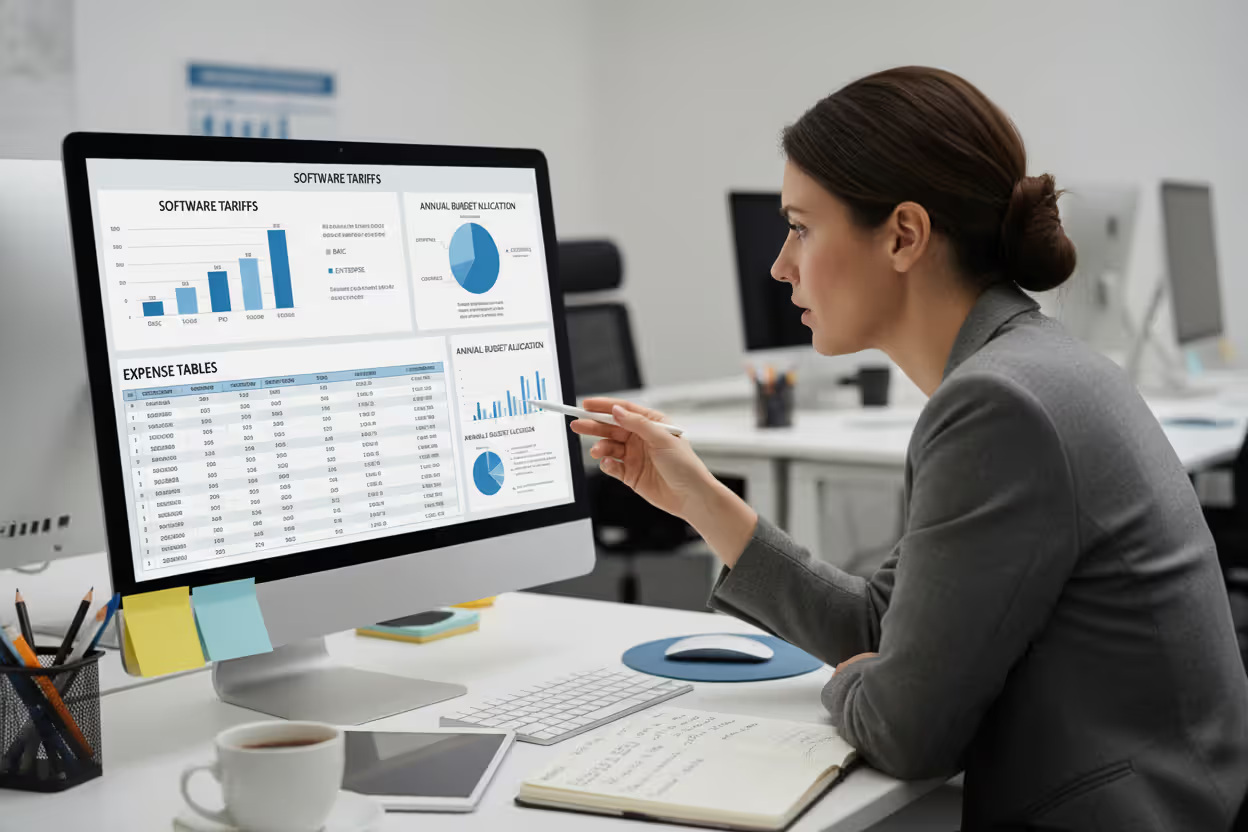
Per-return pricing charges separately for each filed return—typically $15-$50 federal, $10-$30 per state. This works beautifully for newer preparers with uncertain volume. File 75 returns at $30 average each and you'll pay $2,250. No huge upfront commitment, though you're paying more per return than high-volume practices.
Unlimited annual packages charge flat fees from $1,500 to $5,000 regardless of how many returns you file. Economics shift dramatically with volume. That $3,000 unlimited package costs $20 per return at 150 filings but drops to $10 per return at 300. Breakeven typically hits between 80-120 returns depending on the vendor.
Many vendors offer tiered plans where feature sets expand with price. Basic tiers ($800-$1,200 annually) might cover individual returns only. Premium tiers ($2,500-$4,000) add business entities, unlimited states, and advanced features. You choose the tier matching your client mix and upgrade as your practice grows.
Cloud subscriptions often charge monthly—$100 to $400 per month translates to $1,200-$4,800 annually. Seems expensive compared to desktop until you factor in included hosting, automatic backups, and instant updates. Some vendors offer seasonal pricing with higher rates January through April and reduced fees afterward.
Hidden costs add up fast. E-filing fees might run $1-$3 per return even with unlimited software. Bank products for refund transfers involve integration fees. Additional user licenses cost $300-$800 each. Premium technical support runs $200-$500 annually beyond basic email assistance.
Realistic budgets for professional tax software run $2,000-$6,000 annually for solo practitioners and $5,000-$15,000+ for multi-preparer firms. These numbers include software licenses, e-filing fees, support contracts, and related technology. Calculate your cost per return based on actual volume to determine whether the economics work.
Author: Lauren Whitma;
Source: atiservicesoftampa.com
Additional Tools Tax Preparers Use Beyond Core Software
Tax software handles calculations and filing, but you'll need several other tools to run an actual practice.
Practice management platforms like TaxDome, Canopy, or Liscio coordinate everything happening outside the tax return itself. Track which clients haven't sent documents yet. See upcoming deadlines. Review all communications with a client in one thread instead of searching email. These systems typically cost $30-$100 per user monthly, but they prevent the chaos of managing 100+ client relationships in spreadsheets.
CRM systems help practices grow by tracking prospects, referral sources, and marketing campaigns. You might use accounting-specific options or adapt general platforms like HubSpot. When a prospect calls asking about business returns, your CRM logs the conversation so you can follow up appropriately in February before they hire someone else.
E-signature software became essential when COVID made in-person meetings rare. DocuSign, Adobe Sign, or tax-specific options like SmartVault let clients sign engagement letters, Form 8879 authorization, and completed returns electronically. No more scheduling appointments just for signatures. Costs run $10-$40 monthly per user.
Secure file sharing protects documents when client portals don't fit. Services like Sharefile, Box, or Dropbox Business let you send upload links instead of accepting unencrypted email attachments. Enterprise file sharing costs $15-$35 per user monthly.
Tax research databases provide deeper analysis than built-in software resources. Thomson Reuters Checkpoint, Bloomberg Tax, or CCH AnswerConnect offer comprehensive libraries, expert analysis, and current awareness updates. Essential for complex situations where you need to verify positions and support recommendations. Subscriptions run $1,500-$5,000+ annually.
Time tracking and billing software ensures you get paid appropriately. Tools like TSheets, Harvest, or QuickBooks Time track hours spent on each client's return. Data feeds billing systems that generate invoices based on hourly rates or compare actual time against flat fees. Understanding true time costs helps you price services profitably.
How to Choose the Right Tax Preparation Software

Author: Lauren Whitma;
Source: atiservicesoftampa.com
Picking software requires matching capabilities to your specific practice rather than buying whatever gets advertised most heavily.
Consider your current situation and where you're headed. A solo preparer launching this year needs affordable, learnable software without enterprise features. Drake Tax or TaxAct Professional fit perfectly. But if you plan to hire two preparers within 24 months, choose software with strong multi-user support now to avoid painful migrations later.
Study your actual client mix. Pull last year's returns and categorize them. If 60% need Schedule C and returns in three states, make sure your software handles those efficiently. Don't get distracted by features you'll rarely touch. Software that's powerful for complex trusts but clunky for Schedule C doesn't help a practice that's 80% small businesses.
Budget matters, but don't be penny-wise and pound-foolish. Saving $1,000 on software that wastes 20 hours during tax season actually costs money. If you bill $150 hourly and better software saves 30 hours annually, spending $4,500 more makes perfect sense. Calculate total cost including learning time, support, and efficiency impacts.
Technical support quality varies wildly between vendors. Research whether they offer phone support during tax season or just email with 48-hour response times. Read user reviews focusing on support experiences. When software crashes at 10 PM finishing a return due tomorrow morning, responsive support becomes worth any price difference.
Learning curves affect productivity for months. Preparers switching between professional platforms need 20-40 hours to regain previous efficiency. New preparers learning their first professional software require 60-100 hours to become proficient. Plan implementation carefully—maybe start with new software in June rather than January.
IRS compliance is mandatory but straightforward. All major professional software meets IRS requirements for electronic filing and recordkeeping. Verify your choice appears on the IRS authorized e-file provider list, but don't overthink this factor since reputable vendors maintain compliance automatically.
Take advantage of trial periods. Most vendors offer 30-day trials or demo accounts. Prepare several returns representing typical clients using trial software. The return taking 45 minutes in one platform but 90 minutes in another reveals practical differences that specification sheets never capture.
Vendor stability matters when entrusting your practice to software. Established vendors like Intuit, Thomson Reuters, and Drake have operated for decades. Newer entrants may offer innovative features but carry risks if they exit the market or get acquired. Maintain return data in exportable formats regardless of vendor to avoid getting locked in.
Professional tax software is not just a more expensive version of consumer filing tools. It is built for handling large volumes of returns, managing client records, supporting compliance workflows, and giving preparers direct control over forms, filings, and firm operations
— Daniel Harper
Frequently Asked Questions About Tax Preparer Software
The software you select shapes your practice efficiency, client service quality, and growth potential for years. Professional platforms operate in a completely different league from consumer tax software—not just more expensive, but fundamentally different in design, capabilities, and intended use.
Drake Tax, ProSeries, Lacerte, UltraTax CS, and other professional options each serve specific practice sizes and client types effectively. No single "best" choice exists because different practices have different needs. A solo preparer handling 75 individual returns requires different tools than a five-person firm processing 400 returns across multiple entity types and states.
Successful software selection starts with honest assessment of your current situation and realistic growth projections. Cloud versus desktop deployment, pricing models, and feature depth all matter differently depending on your circumstances. Beyond core tax software, you'll need practice management systems, e-signature tools, secure file sharing, and possibly tax research databases to operate efficiently.
The right software becomes nearly invisible during use. Calculations happen accurately, workflows feel natural, and you focus on tax strategy rather than fighting your tools. Wrong software creates daily frustration, wastes time, and limits practice growth. Investing time in thorough evaluation pays dividends for years.
Start by pulling your three most complex client returns from last season. Evaluate how different software options handle those situations during trial periods. The platform that makes difficult returns manageable while efficiently processing straightforward W-2 clients deserves serious consideration—regardless of which vendor spends the most on marketing.
Related Stories

Read more
Read more


The content on this website is provided for general informational and educational purposes only. It is intended to explain concepts related to tax filing, tax software, IRS forms, deadlines, and general tax preparation processes.
All information on this website, including articles, guides, and examples, is presented for general educational purposes. Tax filing requirements may vary depending on individual circumstances, income sources, residency status, and applicable laws.
This website does not provide tax, legal, or financial advice, and the information presented should not be used as a substitute for consultation with a qualified tax professional or advisor.
The website and its authors are not responsible for any errors or omissions, or for any outcomes resulting from decisions made based on the information provided on this website.