
Self-employed professional reviewing taxes and expenses at a home office desk
Self Employed Tax Software Guide

Running your own business means wearing multiple hats—and tax preparer is one of the most challenging. Unlike traditional employees who receive a single W-2 and file a straightforward return, self-employed workers face quarterly deadlines, complex deduction rules, and multiple forms that can turn tax season into a year-round headache.
The right software for self employed taxes transforms this burden into a manageable process. But with dozens of options claiming to serve freelancers and solo entrepreneurs, choosing the wrong tool can cost you money in missed deductions or penalties for miscalculated quarterly payments.
This guide breaks down what self-employed workers actually need from tax software, which features matter most, and how to avoid the common traps that lead to overpaying or underpreparing.
Why Self-Employed Workers Need Specialized Tax Software
Author: Benjamin Carte;
Source: atiservicesoftampa.com
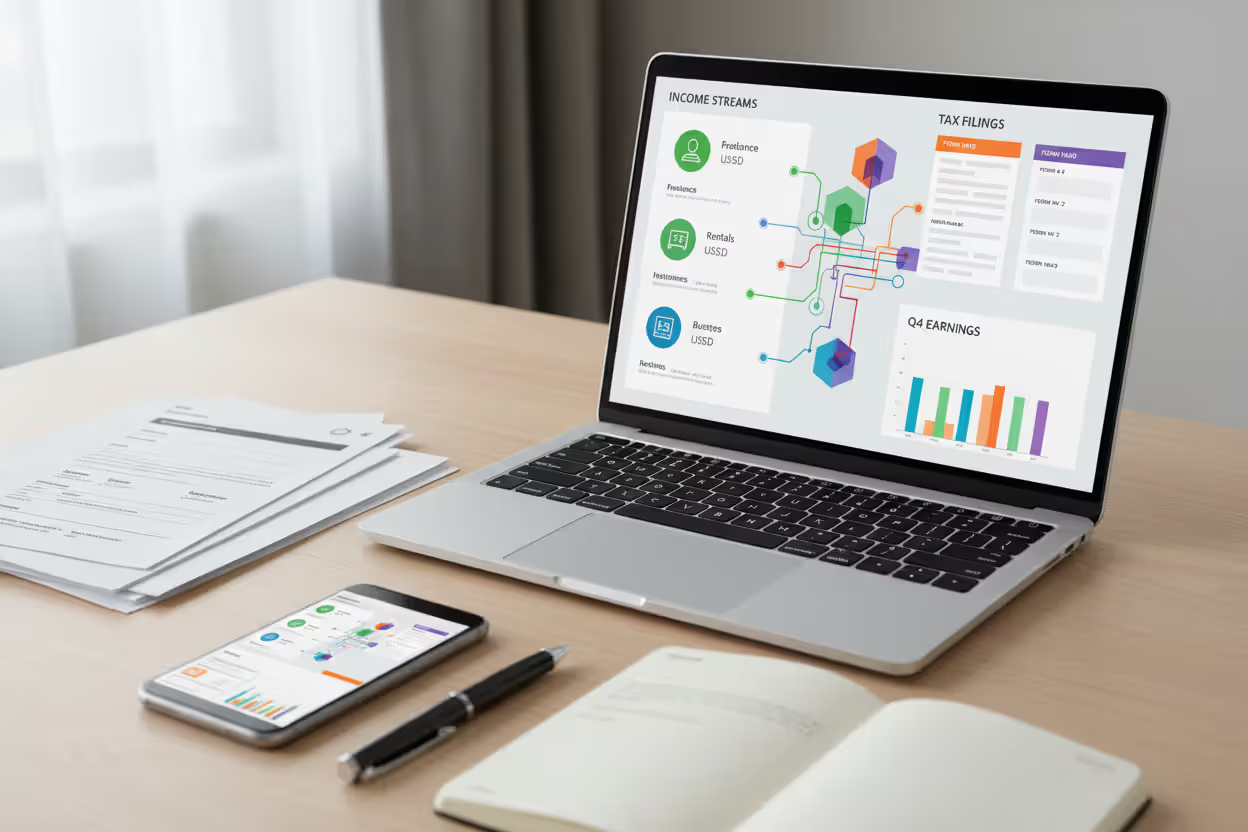
Self-employment creates tax obligations that catch many new freelancers off guard. The IRS expects quarterly estimated payments throughout the year, not just an annual filing. Miss a quarterly deadline, and you'll face penalties even if you ultimately owe nothing.
Schedule C—the form for reporting business profit or loss—requires detailed categorization of income and expenses. A standard consumer tax program might include Schedule C, but it won't guide you through industry-specific deductions or flag questionable entries that could trigger audits.
Self-employment tax adds another layer of complexity. You're paying both the employer and employee portions of Social Security and Medicare taxes, totaling 15.3% of your net earnings. A self-employed tax app designed for your situation calculates this automatically and factors it into quarterly estimates, preventing the shock of a massive tax bill in April.
Form 1099 management becomes critical when you're juggling multiple clients. You'll receive 1099-NEC forms for services performed, 1099-K forms if you use payment platforms, and potentially 1099-MISC for other income types. Specialized software imports these forms, cross-references them with your recorded income, and alerts you to discrepancies before the IRS does.
Deduction tracking separates adequate software from excellent software. Home office calculations, vehicle mileage, equipment depreciation, health insurance premiums—these deductions can save thousands, but only if you track them correctly throughout the year. Generic tax programs ask for these numbers at filing time; specialized tools help you capture them when they occur.
The biggest mistake I see is treating taxes as an annual event rather than an ongoing business function. Self-employed individuals who use software that integrates expense tracking with tax planning throughout the year typically save 20-30% more in legitimate deductions compared to those who scramble to reconstruct their finances each April
— Jennifer Martinez
Key Features to Look for in Tax Filing Software
Not all tax software for self-employed workers includes the same capabilities. Prioritize these features based on your business structure and complexity.
Expense Tracking and Mileage Logging
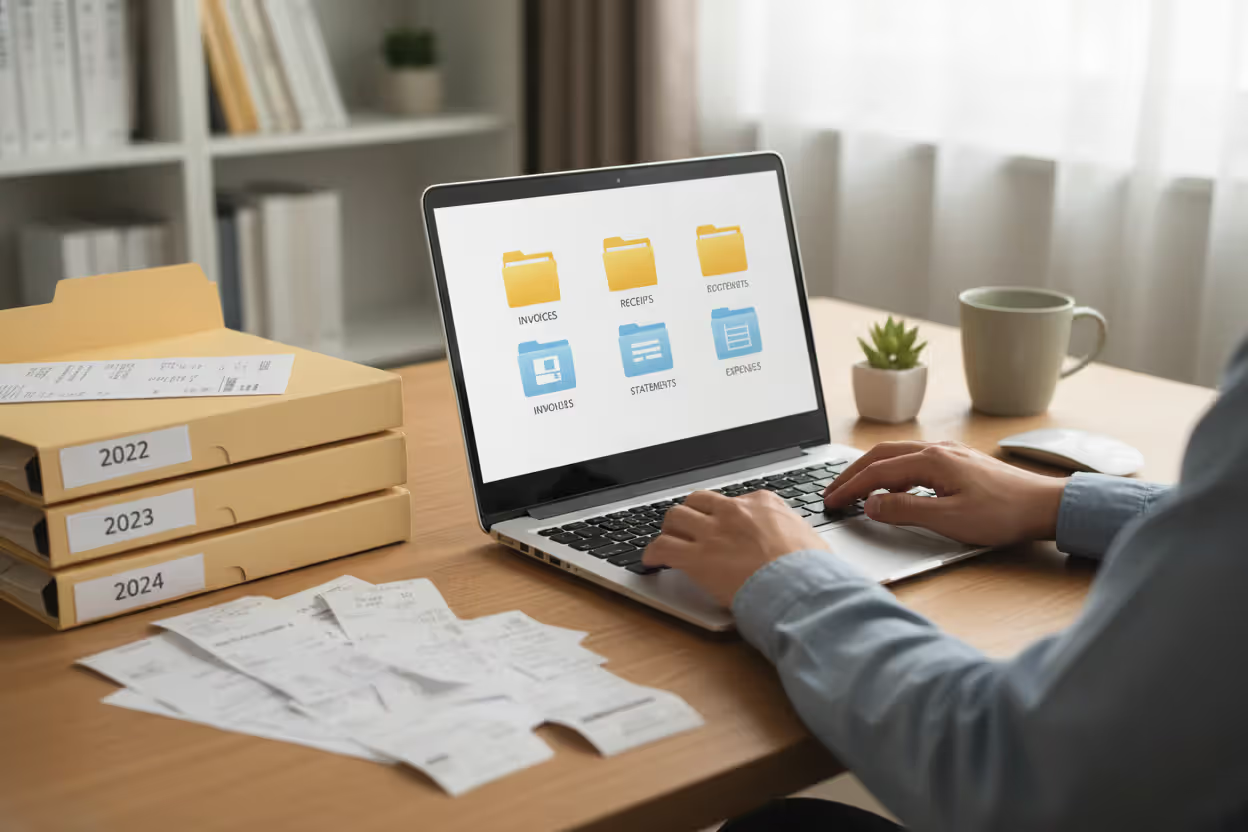
Real-time expense capture prevents the end-of-year shoebox scramble. Look for software that connects to your bank accounts and credit cards, automatically categorizing transactions based on vendor and purchase type. Manual entry should be simple for cash purchases, with receipt photo capture through a mobile app.
Mileage tracking matters more than most freelancers realize. At the current IRS standard mileage rate, a freelance photographer driving 12,000 business miles annually can deduct over $7,000. Automatic GPS tracking logs trips without manual input, while manual entry options let you add forgotten trips. The software should distinguish between business, personal, and commuting miles, since only business miles qualify for deductions.
Quarterly Tax Estimator
Accurate quarterly estimates prevent underpayment penalties and cash flow surprises. The estimator should update automatically as you record income and expenses throughout each quarter, showing your current tax liability and recommended payment amount.
Advanced estimators account for variable income patterns. If you earned $15,000 in Q1 but expect only $8,000 in Q2, the software should adjust estimates accordingly rather than assuming even quarterly income. Some self-employed filing software includes safe harbor calculations, showing the minimum payment needed to avoid penalties even if your final tax bill is higher.

Author: Benjamin Carte;
Source: atiservicesoftampa.com
Schedule C Automation
Schedule C preparation should feel guided, not intimidating. The software walks you through income sources, then presents expense categories relevant to your industry. A freelance writer sees categories for research materials and professional development; a rideshare driver sees vehicle expenses and commercial insurance.
Depreciation calculations for equipment and vehicles require specialized knowledge. Quality software asks simple questions about purchase date and cost, then applies the correct depreciation method (Section 179, bonus depreciation, or standard MACRS) based on current tax law.
Multi-State Filing Support
Freelancers working with clients in multiple states may owe taxes beyond their home state. Some states tax non-residents on income earned within their borders, while others have reciprocal agreements. The software should identify which states require filing based on your income sources and prepare the necessary returns.
Multi-state support becomes critical for remote workers who moved mid-year or digital nomads who worked from different states. The software allocates income and deductions appropriately between states, preventing double taxation while ensuring compliance with each jurisdiction's rules.
How Self-Employed Tax Software Differs from Standard Programs
The gap between W-2 employee tax software and self-employed solutions centers on timing and complexity. Standard programs assume you're reconstructing a year's worth of financial activity in February or March. They ask for your W-2, maybe some investment income, and common deductions like mortgage interest or student loan payments.
Software for self employed taxes operates year-round. It's tracking business income and expenses in real-time, alerting you to quarterly payment deadlines, and projecting your annual tax liability so you can adjust estimated payments before penalties accrue.
Business expense categories differ dramatically. A W-2 employee might deduct unreimbursed work expenses (though this deduction was eliminated for most employees in recent tax law changes). A self-employed worker can deduct ordinary and necessary business expenses across dozens of categories—but must prove they're legitimate business expenses, not personal spending disguised as deductions.
Estimated tax support is absent from most consumer tax software because W-2 employees have taxes withheld from each paycheck. Self-employed workers make quarterly estimated payments covering both income tax and self-employment tax. Specialized software calculates these amounts, generates payment vouchers, and often allows direct payment to the IRS through the program.
Year-round access matters for self-employed individuals facing audits or needing documentation for loans. Consumer tax software typically expires after you file, requiring you to repurchase access to view your return. Business-focused platforms maintain your records indefinitely, with searchable expense histories and report generation for lenders or auditors.
Author: Benjamin Carte;
Source: atiservicesoftampa.com
Top Software Categories for Solo Business Owners
Self-employed workers can choose from several software types, each with distinct advantages and limitations.
Full-service tax platforms designed for self-employment include comprehensive features for filing federal and state returns, with enhanced support for Schedule C, quarterly estimates, and business deductions. These platforms often integrate with accounting software or include basic bookkeeping features. They're ideal for freelancers whose primary need is accurate tax filing with some year-round expense tracking. Expect guided interview-style preparation with industry-specific questions and audit support.
Accounting software with tax filing flips the priority—bookkeeping comes first, with tax preparation as an added feature. These platforms excel at invoicing, expense management, and financial reporting throughout the year, then use that data to generate tax returns. Solo business tax software in this category suits freelancers who need robust financial management, not just tax compliance. The trade-off is complexity; you're learning accounting software, not just tax software.
Mobile-first apps target gig workers and side hustlers who want simple expense tracking and basic tax filing without desktop software. A self-employed tax app in this category emphasizes convenience—snap photos of receipts, log mileage with GPS, and file taxes from your phone. These work well for straightforward freelance income with standard deductions but may lack features for complex situations like home office calculations or equipment depreciation.
Industry-specific solutions cater to particular professions with unique tax considerations. Real estate agents need tools for tracking property-specific expenses and 1099-S reporting. Rideshare drivers need mileage tracking that distinguishes between driving to passengers, driving with passengers, and personal use. Creative professionals need project-based expense allocation. These specialized platforms cost more but save time by eliminating irrelevant features and emphasizing what matters for your industry.
Common Mistakes When Choosing Tax Filing Software
Freelancers often select tax software for self-employed workers based on brand recognition or price alone, overlooking critical features that matter more than the sticker cost.
Ignoring quarterly payment features leads to underpayment penalties. Some tax software calculates your annual tax liability accurately but provides no help with quarterly estimates. You file correctly in April but face penalties because you underpaid throughout the year. Verify that the software not only calculates quarterly estimates but also tracks what you've already paid and adjusts future estimates based on actual income.
Overlooking expense tracking creates a February panic when you're trying to reconstruct a year's worth of business spending from bank statements and faded receipts. Software that only handles tax filing forces you to track expenses separately, then manually enter totals at tax time. This separation increases errors and missed deductions. Choose self-employed filing software that integrates expense tracking with tax preparation, or pair dedicated accounting software with compatible tax filing tools.
Choosing consumer versions costs money in missed deductions. The basic version of popular tax software might handle Schedule C, but it won't ask industry-specific questions that uncover lesser-known deductions. The $30 you save on the cheaper version could cost hundreds in overlooked write-offs. Compare feature lists carefully—the self-employed or business tier usually justifies its higher price.
Missing industry-specific deductions happens when you use generic software that treats all self-employment the same. A freelance consultant has different deductible expenses than a wedding photographer, who differs from a delivery driver. Software that asks generic questions about "business expenses" without context for your industry leaves money on the table. Look for programs that customize questions based on your business type or offer industry-specific versions.
Not considering scalability becomes problematic as your business grows. Today you're a solo freelancer filing Schedule C. In two years, you might hire contractors, requiring 1099 issuance. In five years, you could incorporate. Software that only handles simple self-employment income forces you to switch providers as you grow, losing historical data and learning new systems. Choose platforms that can scale with you, even if you're not using advanced features yet.

Author: Benjamin Carte;
Source: atiservicesoftampa.com
Cost Considerations and Pricing Models
Solo business tax software pricing varies dramatically based on features, support levels, and whether you're paying for tax filing alone or year-round financial management.
One-time purchase models charge per tax year, typically ranging from $60 to $200 for federal filing with self-employment features. State returns add $30-$60 each. You pay once, file your return, and repurchase next year. This works well if you only need tax filing without year-round expense tracking, but you'll lose access to your return after filing unless you pay extra for extended access.
Subscription models charge monthly or annually for continuous access to bookkeeping, expense tracking, and tax filing. Prices range from $10-$50 monthly depending on features. The annual cost exceeds one-time purchase software, but you get year-round support and automatic updates. For freelancers who need ongoing expense tracking and quarterly estimate updates, subscriptions often provide better value.
Tiered pricing within platforms offers basic, deluxe, and premium versions. Basic tiers handle simple self-employment income with standard deductions. Deluxe adds features like rental property reporting or investment income. Premium includes audit support, priority customer service, and review by tax professionals. Most freelancers need the middle tier—basic versions lack essential features while premium versions include services you won't use.
State filing fees add up if you work across multiple states. Some software includes one state return free; others charge for each state. If you need to file in three states, that's an extra $90-$180 on top of the federal filing fee. Factor this into your total cost calculation.
Support costs vary by provider. Email support is standard; phone support often requires premium tiers. Some software for self employed taxes includes free consultations with tax professionals, while others charge $50-$100 per session. If you have complex questions, built-in professional support saves money compared to hiring a CPA for one-off consultations.
Free options exist but come with significant limitations. Free tax software typically handles only simple returns—adding Schedule C or self-employment income often triggers an upgrade requirement. Free tiers rarely include expense tracking, quarterly estimates, or state filing. They work for side hustlers with minimal income and standard deductions but fall short for serious freelance businesses.
Comparison of Software Requirements by Business Type
| Business Type | Expense Tracking Needs | Form Support | Quarterly Payment Tools | Audit Support | Typical Price Range |
| Freelancer (single client) | Basic categorization, home office | 1099-NEC, Schedule C | Essential | Standard | $80-$150/year |
| Independent Contractor (multiple clients) | Multi-client tracking, project-based expenses | 1099-NEC, 1099-MISC, Schedule C | Essential with income smoothing | Enhanced | $120-$200/year |
| Gig Worker (platform-based) | Mileage tracking, vehicle expenses | 1099-K, 1099-NEC, Schedule C | Essential | Standard | $80-$150/year |
| Small Business Owner (LLC/sole proprietor) | Advanced categorization, inventory, payroll | All 1099 forms, Schedule C, possible 1120-S | Essential with multi-quarter planning | Premium | $200-$600/year |
FAQ
Selecting tax software shouldn't feel like gambling on whether you'll face an audit or miss a quarterly deadline. The right choice depends on your business complexity, income variability, and whether you need year-round financial management or just annual filing support.
Start by assessing your actual needs, not the features that sound impressive in marketing materials. A freelance writer working from home with three regular clients has different requirements than a rideshare driver with variable income and heavy vehicle expenses. Match software features to your specific situation rather than choosing based on brand name or price alone.
Consider the total cost of tax compliance, not just software price. Cheap software that misses $2,000 in legitimate deductions costs you $400-$500 in unnecessary taxes. Expensive software with features you'll never use wastes money on the other end. The sweet spot is software that captures all your deductions, handles your specific forms, and supports quarterly estimates without paying for audit insurance or professional review you don't need.
Test the interface before committing. Most providers offer free trials or money-back guarantees. Spend an hour entering sample transactions and generating a test return. If the process feels confusing or you're constantly searching help documentation for basic tasks, that software isn't right for you regardless of its feature list.
Remember that tax software is a tool, not a substitute for understanding basic self-employment tax obligations. The best software guides you through the process and catches common errors, but you're still responsible for accurate reporting. If your situation involves multiple business entities, significant equipment purchases, or complex state tax issues, consider using software to organize your information, then having a CPA review your return before filing.
The self-employment tax landscape changes regularly—new deductions, updated forms, revised quarterly payment requirements. Choose software that updates automatically for tax law changes and provides resources to help you understand how those changes affect your specific situation. The few hours you invest in selecting appropriate software and learning to use it effectively will save dozens of hours and potentially thousands of dollars over the course of your self-employment career.
Related Stories

Read more

Read more


The content on this website is provided for general informational and educational purposes only. It is intended to explain concepts related to tax filing, tax software, IRS forms, deadlines, and general tax preparation processes.
All information on this website, including articles, guides, and examples, is presented for general educational purposes. Tax filing requirements may vary depending on individual circumstances, income sources, residency status, and applicable laws.
This website does not provide tax, legal, or financial advice, and the information presented should not be used as a substitute for consultation with a qualified tax professional or advisor.
The website and its authors are not responsible for any errors or omissions, or for any outcomes resulting from decisions made based on the information provided on this website.