

Person filing a tax return online with documents on a desk
How to File Your 1040 for Free Online

Think you need to shell out $89 for TurboTax? You probably don't. Last year, over 2.5 million Americans filed their federal returns without spending a dime, using IRS-backed programs most taxpayers don't know exist. The catch? You'll need to meet certain income requirements and navigate a system deliberately kept quiet by commercial tax companies.
Here's what nobody tells you upfront: free doesn't always mean completely free. State returns often cost extra. Some providers show you the "free" door, then try selling you upgrades you don't need. And if you earn $79,001 instead of $79,000, you're suddenly looking at paid software.
Who Qualifies for Free 1040 Filing
Your adjusted gross income needs to land at $79,000 or below for the 2025 tax year—that's what you're filing in early 2026. About seven in ten Americans fall under this bar, whether they're filing single, married jointly, or as head of household. But here's where it gets messy: each tax software company inside the Free File Alliance creates its own additional rules on top of that income limit.
Age restrictions pop up with certain providers. Take TaxAct—they'll turn you away if you're 57 or older, even when your income qualifies. Other companies don't care if you're 25 or 75. You won't know these restrictions exist until you click through to a specific provider's site.
Active military members get a free pass regardless of income with most providers. Earn $150,000 while deployed? Many Free File companies still cover you at no cost. Some extend this to veterans, though not all.
Your state doesn't disqualify you from filing a federal 1040 at no charge, but it definitely affects whether your state return comes free. One provider includes free state filing. Another charges $39.95 for the same service. A third doesn't handle your state at all.
Complexity matters more than income sometimes. You've got W-2 wages, maybe some bank interest, claiming the standard deduction? Smooth sailing. Add rental properties, freelance income over $30,000, stock option exercises, or foreign financial accounts, and you'll bump into limitations. Most free options handle Schedule C self-employment income fine—it's the specialized schedules that cause trouble.

Author: Benjamin Carte;
Source: atiservicesoftampa.com
IRS Free File vs Free Fillable Forms
These programs sound similar but work completely differently. Think of IRS Free File as having a helpful guide walk you through a museum, while Free Fillable Forms hand you a map and say "good luck."
Free File partners you with actual tax software brands—the same ones charging $60-$120 on their main websites. You answer questions in plain English: "Did you pay student loan interest last year?" The software translates your answers into proper tax forms, does all calculations, and flags obvious mistakes. Eligibility stops at $79,000 AGI, period.
Free Fillable Forms look like digital versions of paper IRS forms. You're clicking into blank boxes labeled "Line 1: Wages, salaries, tips" and entering numbers yourself. The system adds things up and catches if you skipped a required field, but it won't remind you about that education credit you forgot. Income doesn't matter here—earn $500,000 and you're still welcome. The trade-off? You need to know what you're doing.

Author: Benjamin Carte;
Source: atiservicesoftampa.com
First-time filer with a straightforward W-2 job and $45,000 income? Free File guides you through without requiring tax knowledge. Tax preparer filing their own complicated return with six-figure income? Free Fillable Forms let them skip the hand-holding they don't need.
Both methods e-file your return through official IRS channels. Both get processed at the same speed. Neither includes audit defense or access to tax professionals—those features live exclusively in paid tiers across the board.
Step-by-Step Process to File Form 1040 at No Cost
Expect to invest two to four hours your first time through, assuming your taxes aren't complicated. More if you're claiming education credits, mortgage interest, and multiple state residencies.
Choosing a Free Filing Provider
Start at IRS.gov/freefile—type it directly into your browser. Don't Google "free tax filing" unless you enjoy wading through ads disguised as helpful links. Those paid search results dump you on commercial pages where "free" quickly becomes $49.99 once you're halfway through.
The official IRS page lists every current Free File Alliance member, plus a matching tool that asks your age, income, and state. You answer three questions and it shows which providers accept your situation.
Differences between providers matter more than you'd think. Provider A includes free state filing but only accepts filers under 56. Provider B covers all ages but wants $29.99 for your state return. Provider C specializes in military returns with extra resources for deployment situations. You need to know about state return costs before committing—switching providers after entering 45 minutes of W-2 data means starting completely over.
Set up your account before collecting documents. Most companies let you save partial returns, so you can click around, see what information they're asking for, and understand the layout. This preview keeps you from discovering on page 18 that they don't support Form 8949 for your stock sales after you've already typed in three W-2s.
Gathering Your Tax Documents
Pull together last year's return for reference, every W-2 from employers (including that two-week temp job), 1099s for interest, dividends, retirement money, and contract work, receipts if you're itemizing instead of taking the standard deduction, and Form 1095-A when you had marketplace health insurance. Don't start filling in boxes until you're confident everything's arrived—employers and banks legally must send forms by early February.
A missing W-2 creates headaches later. You remember working at that restaurant last March but no form shows up by February 20th? Contact the employer directly. Still nothing by March? Call the IRS at 800-829-1040. Filing without reporting all income triggers automated matching letters when the IRS compares your return against employer reports.
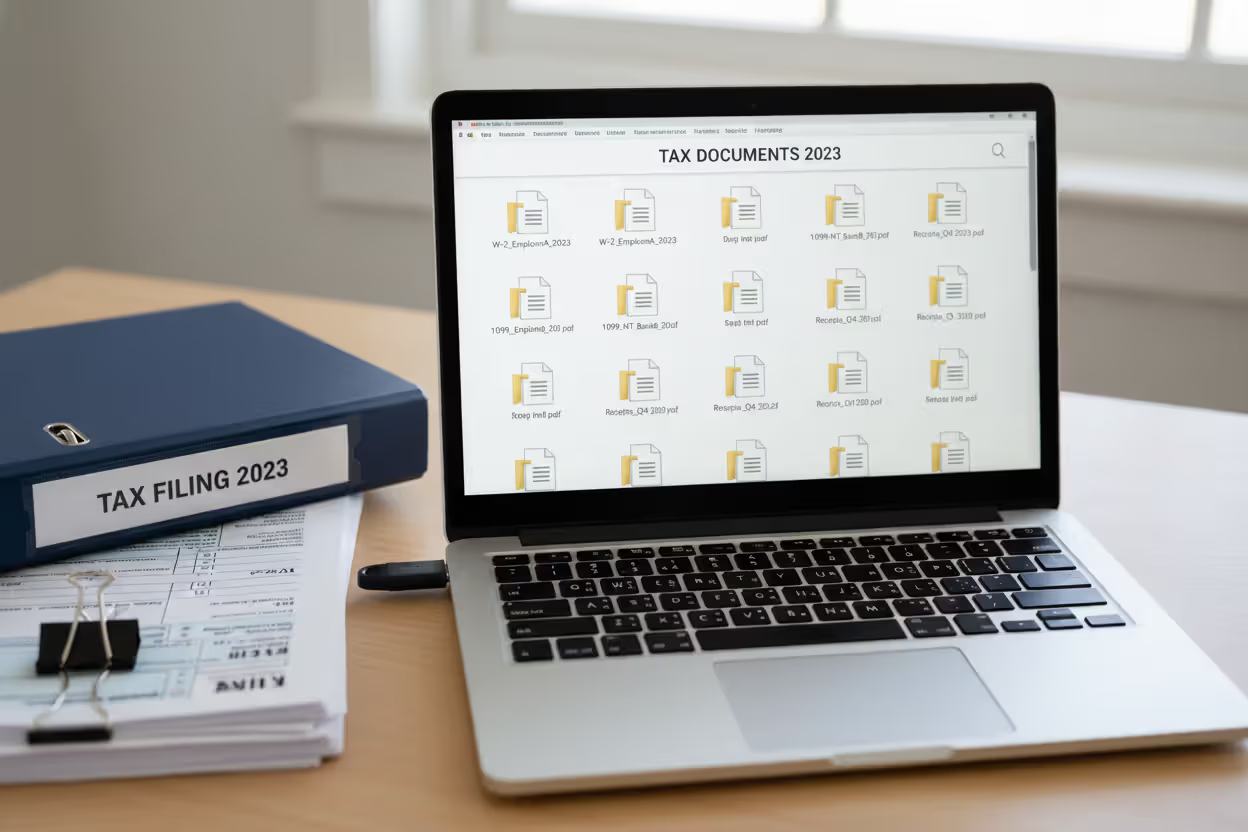
Create a folder on your computer labeled "2025 Taxes" and drop in PDFs of everything. You'll need to reference these documents while answering software questions. Having them scattered across email, your downloads folder, and a shoebox wastes an hour hunting for that 1099-INT from your savings account.
Author: Benjamin Carte;
Source: atiservicesoftampa.com
Completing and Submitting Your Return
Software walks you through predictable chunks: personal details, where your money came from, deductions and credits, what you already paid, then refund or payment. Answer everything instead of skipping sections that seem irrelevant—the interview logic sometimes uncovers credits worth hundreds that you didn't know existed.
Watch for upgrade traps disguised as helpful advice. "Add MAX Refund Guarantee for only $29!" or "Protect yourself with Audit Defense!" These pop-ups appear six or seven times during filing. Your free tier already calculates your legal maximum refund—paid versions mostly add conveniences like phone support and amended return help, not bigger refunds. Click "No thanks" unless you specifically want the feature they're selling.
Before hitting submit, triple-check your bank routing and account numbers for direct deposit. Verify your address matches what the IRS has on file from last year. Confirm dependent Social Security numbers didn't get transposed. The software catches technical form errors but won't notice if you typed 123456789 instead of 123465789 for your account number.
You'll get a confirmation number immediately after submission. Screenshot it or print the confirmation email. The IRS sends acknowledgment within 24 hours—no acknowledgment means something bounced. Most refunds land in bank accounts within 21 days. Track status using the "Where's My Refund" tool on the IRS website by entering your Social Security number, filing status, and exact refund dollar amount.
Top Providers Offering No-Cost 1040 E-File Services
About a dozen companies participate in Free File Alliance for 2026 filing season. The roster shifts slightly each year as companies join or drop out.
| Provider Name | Income Limit | Age Restrictions | State Returns Included | Special Features |
| TaxSlayer | $79,000 | None | Yes (one state) | Military-focused, supports rental income |
| FreeTaxUSA | $79,000 | None | No (costs $14.99) | Clean interface, handles most schedules |
| OnLine Taxes | $79,000 | None | Yes | Prior-year return access included |
| TaxAct | $79,000 | Must be under 57 | No (costs $39.95) | Strong investment income support |
| 1040Now | $79,000 | None | Yes | Limited to simple returns only |
| ezTaxReturn | $79,000 | Under 65 only | Depends on state | Spanish language available |
TaxSlayer consistently wins praise from military families and handles trickier situations like rental income and stock transactions inside their free tier. FreeTaxUSA charges for state returns but offers the cleanest interface—no constant upgrade nagging—and supports self-employment income without forcing you to paid plans. OnLine Taxes throws in free state filing plus lets you pull up returns from previous years, helpful when amending or when you need reference information.
Some companies call themselves "free" but operate outside the Free File Alliance with harsh limitations. Free only for the absolute simplest returns. Free federal but $49 for state. Free until you need to report anything beyond basic W-2 wages. Stick with official Free File Alliance members accessed through the IRS portal to sidestep these bait-and-switch tactics.
Every provider uses identical IRS e-file infrastructure on the backend. Your return doesn't get processed faster or more accurately based on which company's logo appears at the top of the screen. Pick based on what you need—state filing included or not, which forms they support, whether the interface makes sense to you. They all deliver your completed return to the IRS with the same security and timing.
Common Mistakes When Using Free 1040 Filing Options
Crossing the income threshold by tiny amounts causes expensive surprises. You calculate total income and hit $79,150, fifteen minutes into data entry. Some providers lock you out immediately. Others let you finish the entire return, then demand payment right before submission. Check your anticipated AGI before starting—if you're within $2,000 of the cutoff, consider whether maxing out your IRA contribution or other adjustments might drop you below the line.
State return assumptions create sticker shock. You cruise through federal filing, feeling great about saving $89. Click "Continue to State Return" and suddenly face a $25 charge. This isn't deceptive—it's stated in the provider's terms—but catches people off guard when they're 90% done. Need state filing and want everything at zero cost? Confirm state coverage before typing a single number.

Author: Benjamin Carte;
Source: atiservicesoftampa.com
Unnecessary upgrade acceptance happens constantly. The software asks "Want faster processing?" and you click yes, accidentally buying a $39 Speed File upgrade. Your free tier processes at exactly the same speed—paid versions just add marginal features like live chat or printed mailing. Read what you're actually agreeing to whenever you click "yes" during the process.
Provider switching creates confusion. You start with Company A, realize they don't support Form 2441 for dependent care credit, switch to Company B, but forget to delete your partial return at Company A. Later you can't remember which version you actually submitted, or both providers show you as having filed. When switching providers, formally delete or cancel the first attempt and note which service you ultimately used.
Missing the deadline sneaks up on people. The program theoretically runs from mid-January through mid-October, but individual providers shut down their free offerings earlier. Some close access in late March despite the April deadline. Wait until April 10th to start and your chosen provider might have already ended free filing for the year, forcing you to pick someone else and re-enter everything or pay for commercial software.
What to Do If You Don't Qualify for Free Filing
Earning $80,000 doesn't automatically mean spending $100 on tax software. Free Fillable Forms accept any income level—you're just working without the interview-style guidance. If you can read IRS instructions and know you need Form 1040 plus Schedule A and Schedule D, this no-cost route works fine for straightforward high-income returns.
VITA sites and TCE programs provide free face-to-face preparation help through trained volunteers. You need to earn $64,000 or less, have disabilities, or be 60+. Volunteers prepare everything at libraries, community centers, churches, and senior centers from late January through mid-April. Search IRS.gov for VITA locations or call 800-906-9887. Bring every document, expect possible wait times, but walk away with federal and state returns completed at zero charge.
Low-cost commercial software runs $40 to $70 for federal and one state when you earn above free program limits. January brings steep discounts—providers slash prices by 40% early in tax season. Simple high-income returns (just W-2s and standard deduction) work fine even on basic paid tiers.
Extensions push your filing deadline to October 15th but don't extend payment deadlines. Owe $2,000? That's still due April 15th or interest and penalties start accumulating. Extensions buy time to organize paperwork or wait for corrected forms, and you file the extension request itself free through IRS.gov. This doesn't solve the free filing question but removes pressure to rush through a return with software that doesn't quite fit your needs.
Consider paying for software when your return involves business income, rental properties, exercising stock options, foreign bank accounts, or complex investment activity. That $60 investment might save $400 by catching deductions you'd miss with fillable forms, plus dramatically reduces math errors that generate IRS notices.
Programs like Free File have gotten remarkably sophisticated—they handle most common tax situations with accuracy matching paid alternatives.Success requires honest self-assessment. Straightforward return and qualifying income? Free e-filing delivers identical quality to what you'd pay for. But forcing a complicated return through free programs that don't support all necessary forms creates more problems than the money saved is worth
— Benjamin Carte
Frequently Asked Questions About Free 1040 Filing
Getting your Form 1040 filed without fees is manageable once you understand qualification rules and pick the right program for your situation. Most taxpayers earning under $79,000 can finish their complete federal return using guided software matching or exceeding paid alternatives in quality. Start at IRS.gov/freefile, compare providers carefully for state return costs and supported forms, and decline unnecessary upgrades throughout the filing process.
Free doesn't signal inferior quality—these programs leverage the same e-file system, provide identical security, and process refunds on the same timeline as $100 commercial software. Limitations exist but remain predictable: income caps, occasional age restrictions, varying state filing costs. Match your specific tax situation to the appropriate free provider, and you'll file accurately, submit securely, and keep that $50 to $200 software fee for something you actually need.
Related Stories
Read more

Read more




The content on this website is provided for general informational and educational purposes only. It is intended to explain concepts related to tax filing, tax software, IRS forms, deadlines, and general tax preparation processes.
All information on this website, including articles, guides, and examples, is presented for general educational purposes. Tax filing requirements may vary depending on individual circumstances, income sources, residency status, and applicable laws.
This website does not provide tax, legal, or financial advice, and the information presented should not be used as a substitute for consultation with a qualified tax professional or advisor.
The website and its authors are not responsible for any errors or omissions, or for any outcomes resulting from decisions made based on the information provided on this website.