

Person filing taxes online at home with tax documents on desk
How to File State Taxes Free in 2024

Content
Content
You shouldn't have to pay $40, $60, or $80 just to submit your state tax return. That's real money—enough for a week of groceries or a tank of gas. Here's what most people miss: legitimate free options exist that don't compromise accuracy or speed. The IRS Free File program partners with commercial software companies, individual states run their own filing portals, and a few platforms offer zero-cost filing regardless of your income bracket.
The tricky part? Every option comes with different income caps, state coverage, and feature sets. Some advertise "free" but upsell state returns as paid add-ons. Others work beautifully for W-2 employees but fail the moment you add freelance income or rental property. This guide cuts through the confusion to show you exactly which free path works for your specific tax situation.
Who Qualifies for Free State Tax Filing
Your income determines most free filing eligibility, but it's not the only factor. Let's start with numbers, then look at exceptions.
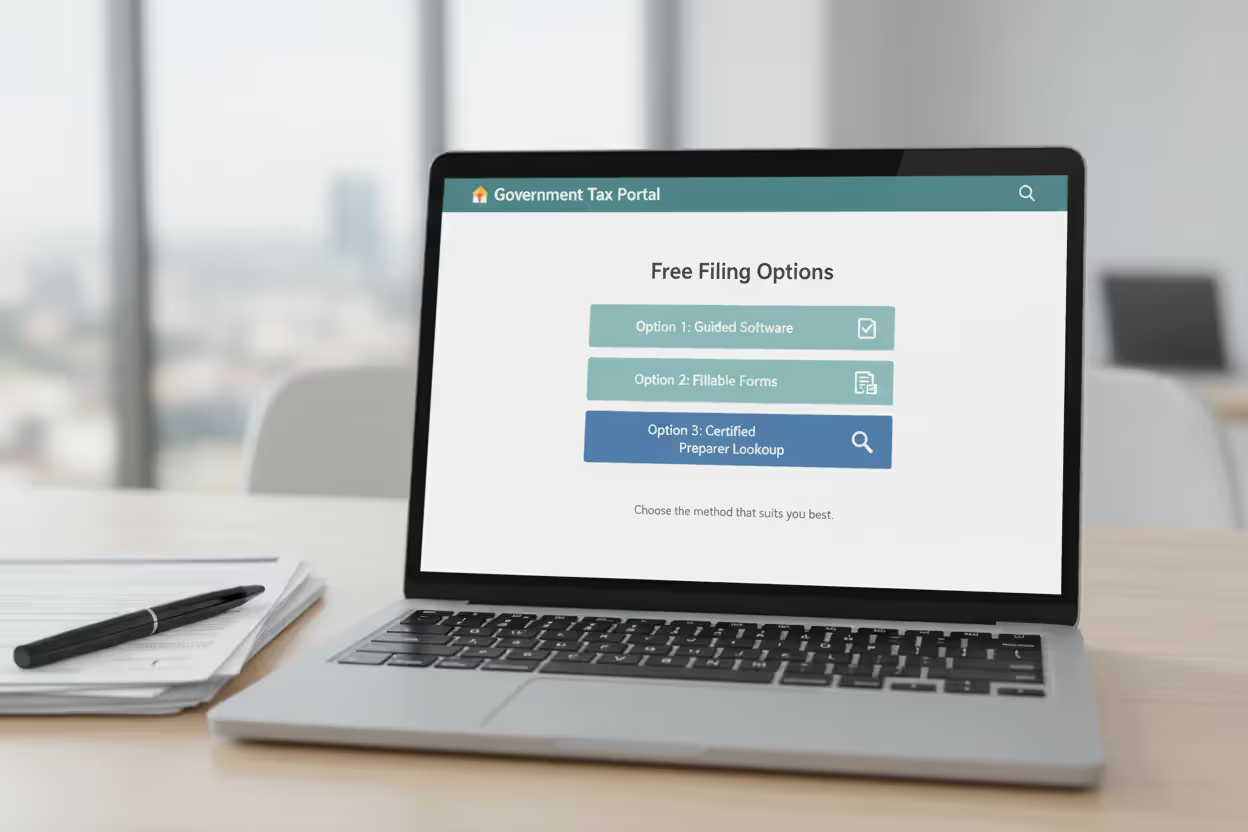
For 2025 tax year returns (what you'll file in 2026), the IRS Free File program accepts taxpayers earning $84,000 or less in adjusted gross income. That AGI figure appears on line 11 of your 1040. About 70% of Americans fall under this threshold and can access guided software that handles federal and state returns together. Earn $84,001? You're technically over the limit, though we'll cover workarounds in a minute.
Individual states run their own programs with wildly different rules. Pennsylvania's myPATH system accepts anyone—$50,000 income or $500,000 income, doesn't matter. CalFile in California works for many residents earning well into six figures, particularly if you're taking the standard deduction. Massachusetts offers free e-filing through MassTaxConnect without income restrictions. Meanwhile, smaller states often piggyback on the federal $84,000 cap without deviation.
Author: Derek Langston;
Source: atiservicesoftampa.com
Age creates exemptions too. Turn 60 or older, and several Free File partners waive their income limits completely. Active military personnel get similar treatment—thank you for your service translates into free filing regardless of pay grade or total household income. College students claimed as dependents often qualify even when their parents exceed income thresholds, as long as the student is filing independently.
Here's a real scenario: You're a married couple in Ohio pulling in $82,000 with two kids and straightforward W-2s from your employers. You qualify for free filing through multiple IRS partners. Bump that income to $86,000, and suddenly most Free File options disappear. But Ohio's own portal still works, and Cash App Taxes (which has zero income restrictions) remains available.
One more wrinkle. People think no state income tax means no state filing, but Alaska and Nevada sometimes require business-related informational returns. You're not paying income tax, but you might still need to submit paperwork for certain business activities or revenue streams.
Free State Tax Filing Options and Platforms
Three distinct ecosystems offer free state filing. They overlap in coverage but differ dramatically in user experience and feature depth.
IRS Free File partnerships connect you with commercial software at no charge. Companies like FreeTaxUSA, TaxSlayer, and 1040Now participate. Each sets eligibility rules within the federal AGI ceiling. The beauty of this system? One platform handles both federal and state with the same interview questions and data transfer. The frustration? Not every partner supports every state. FreeTaxUSA covers all 41 states that collect income tax. Smaller partners might only support 15 states. You must verify your state before investing time in data entry.
Direct state portals cut out the middleman entirely. Pennsylvania's myPATH, Georgia's GTC, and Massachusetts' MassTaxConnect let you file straight to the state tax agency. These work brilliantly for simple returns—a W-2, standard deduction, maybe a child tax credit. They fall apart when complexity enters: rental properties, stock sales, business income from Schedule C, or apportioning income across multiple states. California's CalFile breaks this pattern by handling Schedule C and most standard deductions, making it unusually capable for a state-run system.
Commercial free tiers require skepticism. TurboTax advertises free filing, then charges for state returns. H&R Block follows the same playbook. Their genuinely free versions cover only the simplest possible return—one W-2, standard deduction, no dependents, no additional income. Add student loan interest deduction? That'll be $40 for state filing. Report freelance income? Now you need the $80 tier. Cash App Taxes stands alone by offering truly free federal and state filing for any complexity level—Schedule C, investment income, itemized deductions, all included. The tradeoff is no phone support, only email and chat.
Here's how major platforms compare:
| Platform | Income Ceiling | State Coverage | What's Included | Mobile Filing |
| FreeTaxUSA (via Free File) | $84,000 AGI | All 41 states with income tax | W-2s, 1099s, standard/itemized deductions, tax credits | Available |
| TaxSlayer (via Free File) | $84,000 AGI | All 41 states with income tax | Basic forms, military-specific support | Available |
| Cash App Taxes | None | All 41 states with income tax | Unlimited forms including investor schedules | Available |
| CalFile (CA residents) | Varies by situation | California only | Schedule C business income, most deductions | Not available |
| myPATH (PA residents) | None | Pennsylvania only | W-2 and 1099 income, standard deduction | Not available |
| MassTaxConnect (MA) | None | Massachusetts only | W-2, 1099-INT/DIV, standard deduction | Not available |
Let's say you're a freelance photographer in Colorado earning $55,000. You qualify for IRS Free File income-wise and need Schedule C support for your business expenses. FreeTaxUSA through Free File handles this at zero cost. TurboTax's free version doesn't—you'll hit upsell screens immediately. Cash App Taxes also works without triggering upgrade requirements.
How to File Your State Return for Free Step-by-Step
Free filing fails when people rush in without preparation. Documents assembled beforehand prevent the errors that cost money to fix.
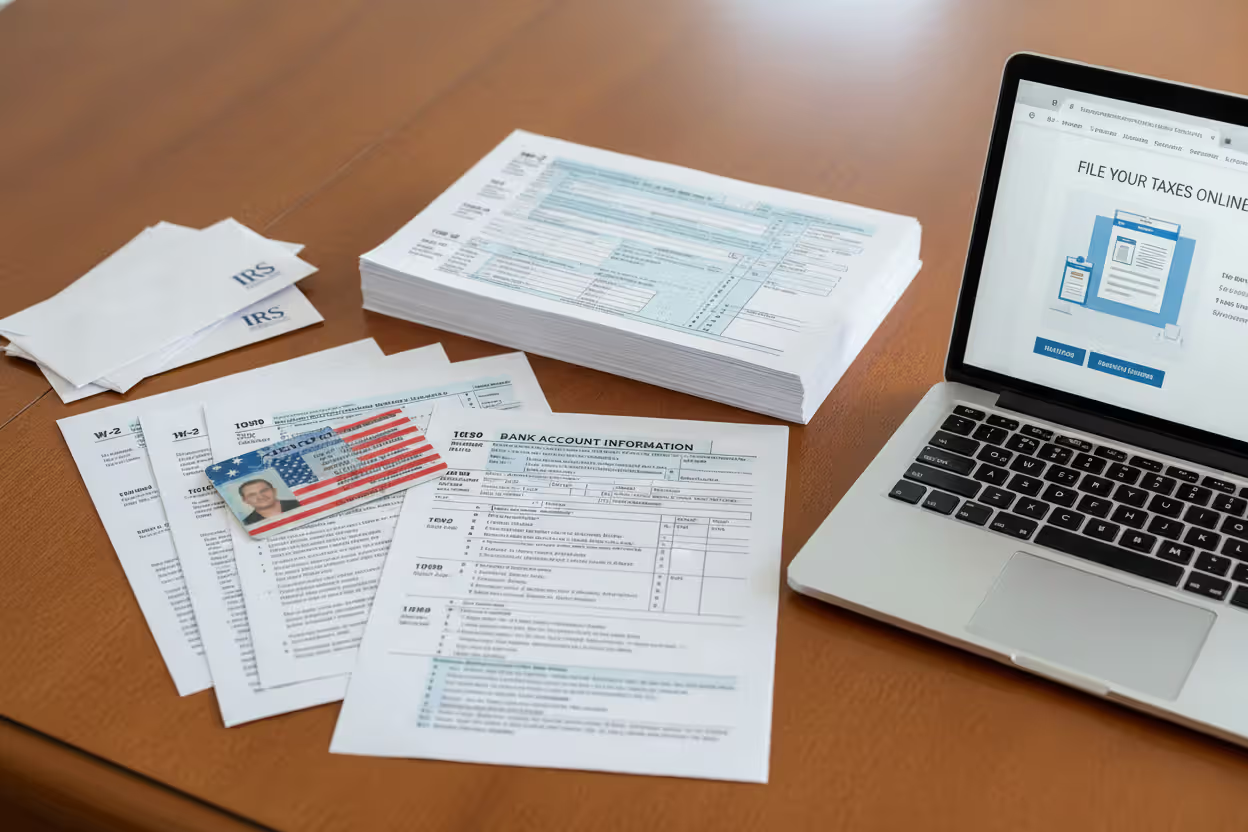
Gather paperwork first. You need your Social Security card or number memorized, every W-2 from 2024 (employers must mail by January 31), all 1099 forms showing contract payments or investment income, your 2023 tax return for reference, and receipts for deductible expenses like mortgage interest statements or student loan interest totals. Changed addresses? Get documentation showing when you moved. Worked in multiple states? You'll need pay stubs showing income earned in each location.
Author: Derek Langston;
Source: atiservicesoftampa.com
Pick your platform carefully. Go directly to IRS.gov/freefile and use their lookup tool. Enter your AGI, state, and age to see which partners accept your situation. Don't search "free tax software" on Google—those results lead to commercial sites that bury truly free options deep in their pricing pages. If exploring state portals, search "[your state name] department of revenue" and look for the free file or e-file section.
Federal comes before state, always. State forms pull data from your federal 1040—your AGI, filing status, dependent information, and income breakdowns all transfer automatically. Starting with state creates duplicate data entry and introduces errors. Most software won't even let you access state forms until you've completed federal. Watch the data transfer carefully. Software occasionally drops information during the handoff, especially dependent Social Security numbers or education credits.
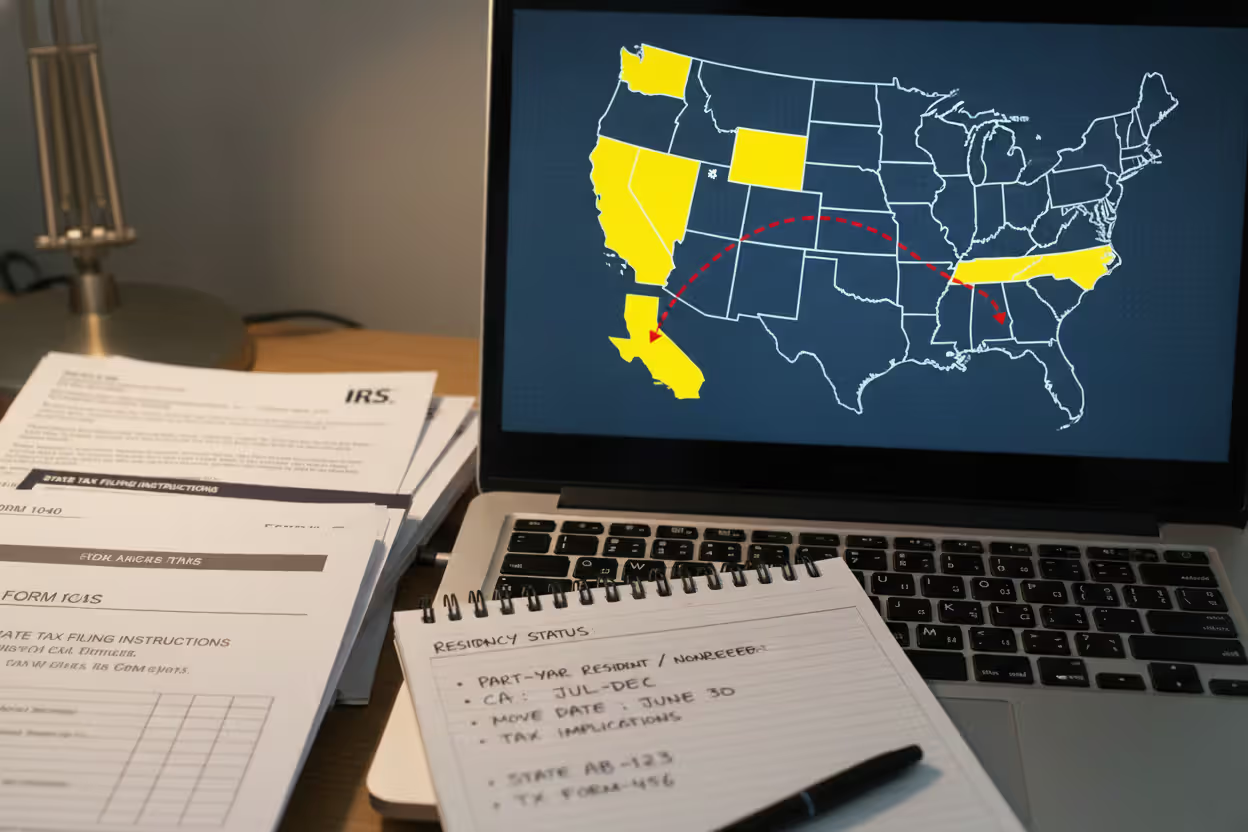
Work through state-specific questions carefully. The interview mirrors federal filing but adds state quirks: local wage taxes withheld by cities, state-only tax credits like renter's credits or college savings deductions, and income apportionment if you earned money in multiple states. Residency questions trip people up constantly. "Part-year resident" applies only if you moved into or out of the state mid-year. Choose wrong, and you'll either face an automatic audit flag or leave deductions unclaimed.
Review obsessively before hitting submit. Look at your bank routing and account numbers three times. One transposed digit sends your refund into someone else's account or processing limbo. Most platforms run error checks flagging mismatched names (did you type "Bob" but your W-2 says "Robert"?) or incorrect Social Security numbers. E-filing generates confirmation within 48 hours. Paper filing remains free but takes 8-12 weeks for refunds versus 2-3 weeks electronically. Mail paper returns to your state's specific processing address—it differs from the IRS mailing address.
Track your refund afterward. Every state with income tax operates a "Where's My Refund?" online tool. E-filed returns process in 2-3 weeks typically. Set a calendar reminder for three weeks out to check status if nothing arrives. Paper returns take forever—8 to 12 weeks routinely.
One mistake I see repeatedly: people assume free filing means they won't owe taxes. Free refers to the service cost, not your tax liability. Owe $500 to your state? You'll still owe $500. The difference is you didn't pay $60 to find out. Most states let you pay online through their portals or mail a check with your return voucher.
States That Don't Require Income Tax Returns
Eight states currently levy zero income tax on wages and salaries: Alaska, Florida, Nevada, South Dakota, Texas, Washington, and Wyoming skip it entirely. Tennessee eliminated its Hall Tax (on investment income) completely in 2021. New Hampshire still taxes interest and dividends above $2,400 annually, but that's being phased out—it drops to $1,200 for 2025 and disappears entirely in 2027.
Living in Florida doesn't guarantee you'll never file a state return, though. Work remotely for a New York company while living in Tampa? New York might still claim you owe taxes there, especially if you physically traveled to New York for work meetings or training. The opposite matters too: New York residents working remotely for Texas employers still owe New York tax on those wages. Your state of residence taxes your worldwide income regardless of where the employer operates.
Some zero-income-tax states still require paperwork for specific activities. Texas charges franchise tax on certain businesses. Washington introduced a capital gains tax on high-value investment sales. Nevada requires business license filings and associated fees. These aren't income taxes technically, but they're mandatory filings that catch people off guard.
You might need to file even when no tax is owed. Say you worked a part-time job that withheld state income tax, but your total income was low enough that you actually owed nothing. The only way to get that withholding refunded is filing a return. Same logic applies to refundable credits like the Earned Income Tax Credit—leave money on the table by not filing.
Military personnel stationed in tax-free states face special rules. Maintain legal residency in California but get stationed in Texas? You still file California returns. The Servicemembers Civil Relief Act prevents double taxation, but you must file to invoke that protection.
Common Mistakes That Cost You When Filing State Taxes
Tax errors range from annoying to expensive. These six drain bank accounts most often.
Residency status confusion causes the most damage. Part-year resident, full-year resident, and nonresident are distinct categories with different tax calculations. Move from Michigan to Arizona in July? You're a part-year resident in both states for 2024. Select "full-year resident" in Arizona without filing part-year status in Michigan, and you're inviting correspondence audits from both states. Some people underpay, others overpay. Both require amended returns to fix.
Author: Derek Langston;
Source: atiservicesoftampa.com
Remote work geography mistakes exploded during COVID and haven't stopped. Your physical location while working determines taxation, not your employer's office location. Work from home in Georgia for a California company? You owe Georgia, not California (with limited exceptions). But if you spent two weeks physically in California for company meetings, that income proportion becomes California-source income subject to California tax. Some states like New York have "convenience of employer" rules that tax nonresidents on remote work income—these are controversial but currently enforceable.
Overlooked state-specific deductions give away free money. States offer deductions that don't exist federally: contributions to 529 college savings plans, commuter benefit expenses, pension income exclusions for retirees over a certain age. Free software sometimes buries these in optional question screens. Colorado taxpayers who skip the state pension deduction lose hundreds in tax savings. Maryland offers a tax credit for income taxes paid to other states, but you must actively claim it—it doesn't auto-populate.
Bank account typos seem trivial but wreak havoc. Transpose two numbers in your account number, and your refund gets rejected by your bank. The state won't retry direct deposit—they'll mail a paper check 6-8 weeks later. Triple-check account and routing numbers against a physical check or bank statement, not memory.
Premature filing before all tax documents arrive creates cascading problems. File in early February with one W-2, then discover a second W-2 from that short-term job you forgot about? You'll need to file an amended return. Some free platforms charge for amendments—TurboTax wants $40. That wipes out your savings from free filing. Wait until mid-February at minimum before filing. Most tax documents must be mailed by January 31, giving you a two-week buffer for postal delays.
Local tax amnesia hits residents of cities that piggyback on state returns. New York City, Yonkers, Philadelphia, and dozens of others collect local income taxes filed alongside state returns. Free state filing usually includes local tax calculations, but you must complete those sections—they don't auto-fill from your state information. Skip them, and you'll get a local tax bill months later with interest and penalties attached.
I watched someone file his Maryland return using his federal AGI without adjustments. Maryland requires adding back certain federal deductions. He underpaid $400, triggering a CP2000 notice, plus penalties and interest. The whole mess cost him $480 to resolve—more than professional preparation would have cost. The error? Rushing through state-specific questions without reading carefully.
Free vs. Paid State Tax Filing: When to Upgrade
Free state filing handles most situations competently, but complexity eventually justifies paying for software or professional help.
Stay with free options when you have: - W-2 wages exclusively, or W-2 plus basic 1099-INT/DIV under $1,500 - Standard deduction (you're not itemizing) - Common credits only: Child Tax Credit, Earned Income Tax Credit, Child and Dependent Care Credit - One state of residency with all income earned there - No carryforwards from prior years (capital losses, charitable contribution carryovers, etc.)
Consider paid software or a CPA when facing: - Rental property requiring Schedule E with depreciation calculations - Stock sales involving complicated cost basis adjustments or wash sales - Self-employment income with substantial expenses and home office deduction - Income from multiple states requiring apportionment formulas - Prior-year amended returns or multi-year carryforward items - Audit risk from aggressive deductions (high charitable giving, large home office, etc.)
Paid software's value centers on access and complexity management. Free platforms offer email support—submit a question, wait 24-48 hours for response. Paid versions include phone support and live chat. Stuck on an apportionment question at 11 PM on April 14? That phone number suddenly seems worth $60.
Audit protection packages add another layer. TurboTax and H&R Block sell "audit defense"—if you get audited, they provide representation or connect you with enrolled agents. Free filing offers no such safety net. Most taxpayers face minimal audit risk (IRS audit rates hover around 0.4% for individuals), so this rarely justifies the cost. Claiming $15,000 in business expenses on $40,000 of freelance income? That audit defense starts looking appealing.
The biggest myth is that free filing is somehow inferior or raises red flags with tax agencies. The software is identical—IRS Free File versions use the exact same calculation engines as the $80 paid versions. What you're really buying with paid software is hand-holding and advanced features like multi-year tax planning. If your return fits on a 1040 plus a Schedule A for itemized deductions or Schedule B for interest income, free filing is perfectly adequate. Save your money for situations where you genuinely need strategic tax advice, not software upgrades
— Jennifer Martinez
Use this rough guideline: comfortable preparing your own return but want software handling math and e-filing? Free works perfectly. Need someone explaining tax strategy or interpreting complex rules? You're looking for a CPA, not software—paid or free.
State-specific complexity matters too. California's unique treatment of stock options and nonresident income apportionment might justify paid software with California-focused guidance built in. Texas residents pay zero state income tax and need zero tax software.
Frequently Asked Questions About Free State Tax Filing
Free state tax filing isn't a myth or a bait-and-switch scheme—it's a legitimate option for most Americans when you know where to look. IRS Free File partners, state-run portals, and platforms like Cash App Taxes provide the tools to complete and submit returns without spending a dollar. Success comes from matching your tax situation to the right platform based on income thresholds, state coverage, and return complexity.
Start by checking your AGI against the $84,000 Free File threshold and confirming which programs support your state. Collect all tax documents before starting—W-2s, 1099s, last year's return, and deduction receipts. Select a platform that handles your specific needs: multi-state filing, self-employment income, or straightforward wages. Complete federal before state, letting data transfer automatically. Review twice, especially bank account details and residency status, before e-filing.
Simple returns—W-2 income, standard deduction, basic credits—process through free filing with identical accuracy and speed compared to paid alternatives. Complex situations involving rental income, extensive stock trading, or multi-state apportionment might justify paid software or professional help, but explore free options first. Many taxpayers waste money on features they never touch.
State filing deadlines typically match the federal April 15 deadline, though a few states differ. Filing early with free tools means faster refunds and more money staying in your pocket instead of going toward unnecessary tax prep fees.
Related Stories
Read more

Read more




The content on this website is provided for general informational and educational purposes only. It is intended to explain concepts related to tax filing, tax software, IRS forms, deadlines, and general tax preparation processes.
All information on this website, including articles, guides, and examples, is presented for general educational purposes. Tax filing requirements may vary depending on individual circumstances, income sources, residency status, and applicable laws.
This website does not provide tax, legal, or financial advice, and the information presented should not be used as a substitute for consultation with a qualified tax professional or advisor.
The website and its authors are not responsible for any errors or omissions, or for any outcomes resulting from decisions made based on the information provided on this website.